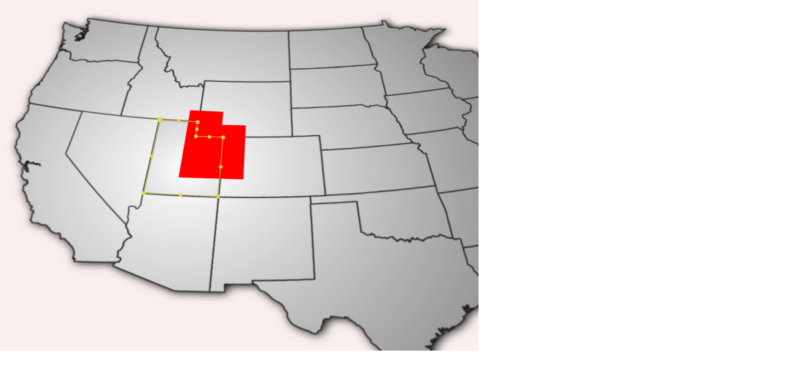
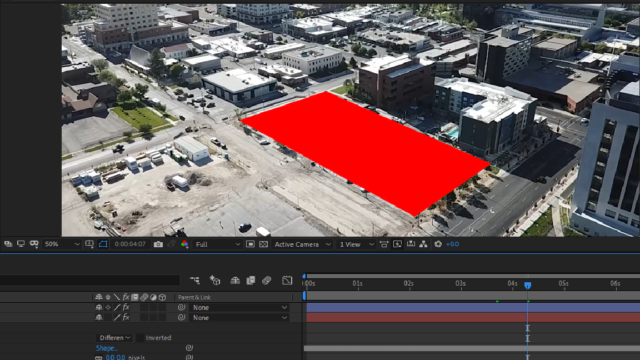
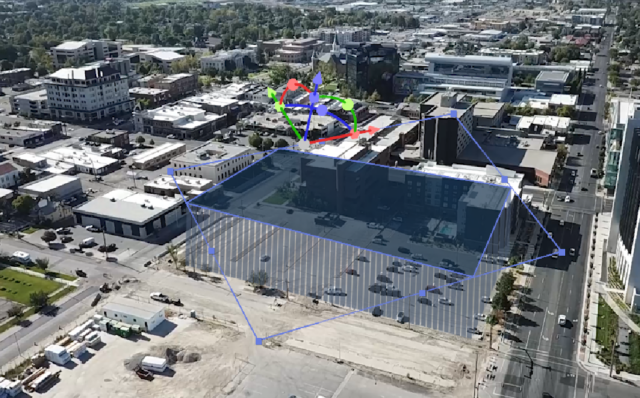
It’s still not clear what your use case is–are you trying to do the map thing, or the building thing?
Either way, this is entirely possible using After Effects.
If you’re doing the building thing, you just need to make sure you’re getting a good 3D Camera Track. Mocha AE isn’t the right tool for this–forget about using it, and focus on getting the 3D Camera Tracker to work. Make sure you enter values that match the FOV of the camera, turn the contrast up, whatever you need to do. If the track is good, all you have to do is drop the mask in, extrude it as Brendon stated above, and you’re good to go. It doesn’t matter if the scenery comes in and out of frame if the overall track is good–once you place it, it should stick.
If you’re doing the map thing, then you’ll need to make the extrusion happen in the pre-comp where that state lives–again, as Brendon stated above. Then, in the main comp, select “Collapse Transformations” so that the rotational properties you apply to the flat plane will propagate down to the extruded pre-comp. No need to use Mocha for this, either, I think.