Creative Communities of the World Forums

The peer to peer support community for media production professionals.

Activity Forums JVC Cameras JVC GY-HC500U Freezed up while filming live event

  • JVC GY-HC500U Freezed up while filming live event

    Posted by Anthony Popolo on December 13, 2025 at 5:18 am

    While filming a one-time live event in 4k with my 4-month old GY-HC500U, about 30 minutes in, the image on the viewfinder froze. A few seconds later a error message appeared on the screen, something like “Turn off camera and turn on later”. The camera did not respond to power off, or any other controls. I had to unplug from power adapter and remove battery to turn it off. When I restored the power and turned it back on and hit record, it began to record again normally to the other card I had in slot B (thankfully, I always keep 2 cards loaded). There was an onscreen message saying I need to RESTORE SLOT A (which is where I was recording to previously). After I finished recording the rest of the event, I was able to restore card in slot A (128GB) and all the footage was there (up until the time the image froze). I only really lost about 4 minutes of the live event during my power off and on, but it ruined the recording of the event. It has me very concerned about using the camera again. I need to be able to rely on uninterrupted recording since my entire business is recording live events.

    This is my first 4k camera. I own and have been using multiple JVC cameras for about 15 years (GY-HM700, GY-HM600, GY-HM850) and this is the first time I’ve ever had any recording issues (other than me forgetting to hit the record button!). The only thing I can think of is that it may be 4k related, either with the camera or the SDXC card (Sandisk Extreme Pro, 200 MB/s, 128GB). I ALWAYS format the card in camera before recording. I’ve been using the same card type since I’ve had the camera with no issues, and used that type for a year on my 850 (Full HD cam).

    Any clues? If it was a corrupt card, is there any precautions I can take to minimize the possibility of any future issues? For the meantime I’m dropping back down to 1080, since I’m now afraid of 4k.

    Thanks

    Mads Nybo jørgensen
    replied 5 months ago
    2 Members · 3 Replies
  • 3 Replies
  • Mads Nybo jørgensen

    December 14, 2025 at 12:50 am

    Hey Anthony,

    What a nightmare, sorry to hear that you had to go through what is a total nightmare.
    Luckily, you only lost 4 minutes, but still 4 less minutes than you would have expected to have had.

    Initially, I thought that there might be a broken “fan” and the camera overheating.

    Then you mentioned the SD, as you are SanDisk. [edited this line as I clearly speed read your post, sorry]

    You should read this article:
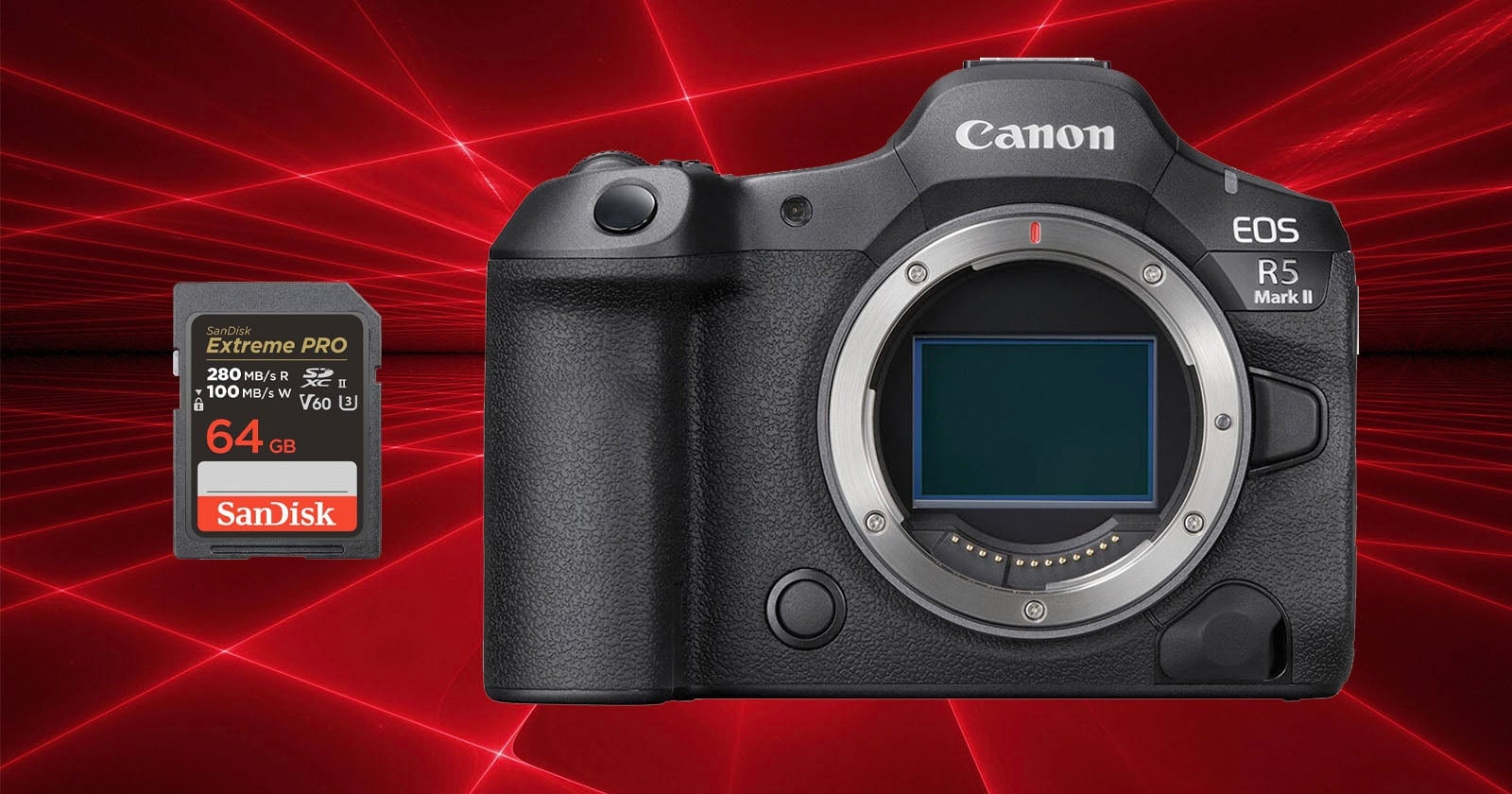
    https://petapixel.com/2025/01/09/sandisk-sd-cards-corrupt-when-paired-with-the-r5-mark-ii-canon-warns

    Just checked, and your camera is capable of recording to an external SSD drive. Don’t know if it can do both card and SSD simultaneously, but worth investigating.

    My preference would be a Samsung T9 external SSD, although there are other brands that can do a great job.

    Only issue with extrenal SSDs, is that the cables have a habit of easily falling out, or pulled out (I still have fond memories of using BNC cables, as they do not fall out 🤩).

    Hope this helps?

    Atb
    Mads

  • Anthony Popolo

    December 14, 2025 at 8:28 pm

    Wow. Thanks Mads. I always (falsely) assumed SD cards were all the same, but seeing that SanDisk has be specifically identified as having issues makes me rethink that. Thanks for that link.

    I like the idea of recording to a backup at the same time like to an SSD and I will definitely look into doing that. In the interim, I will set my camera to record DUAL to both card slots. Hopefully, if something like this happens, it would only affect one card. Thanks.

  • Mads Nybo jørgensen

    December 15, 2025 at 10:27 am

    Hey Anthony,

    You are very welcome.
    Always happy to help.

    Do come back and let us know if you find out more on why the camera shut down.
    I would encourage you to look at diagnostics and firmware too – you may need an upgrade on the software (BIOS), something as camera owner we often forget to check.

    And if there is a fan, clean that too, as if you have been working in dusty night club environment that might stick too.

    But overall, those cameras are built to withstand anything.

    Atb
    Mads

We use anonymous cookies to give you the best experience we can.
Our Privacy policy | GDPR Policy