-
Infinite Scroll with a Dynamic Layer Size
Hi guys, first post here:
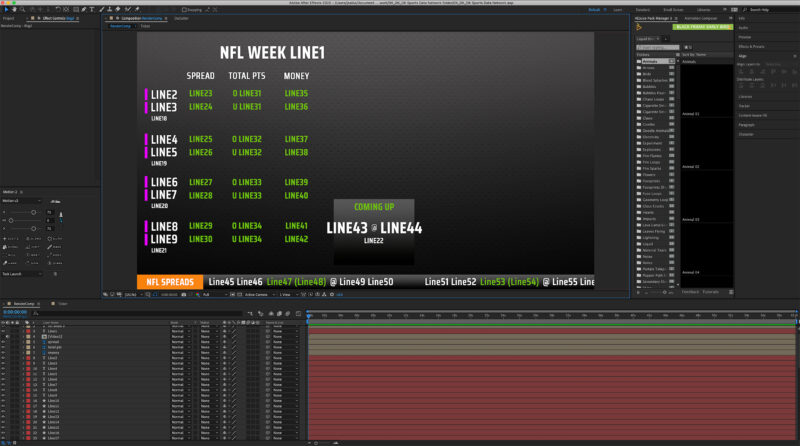
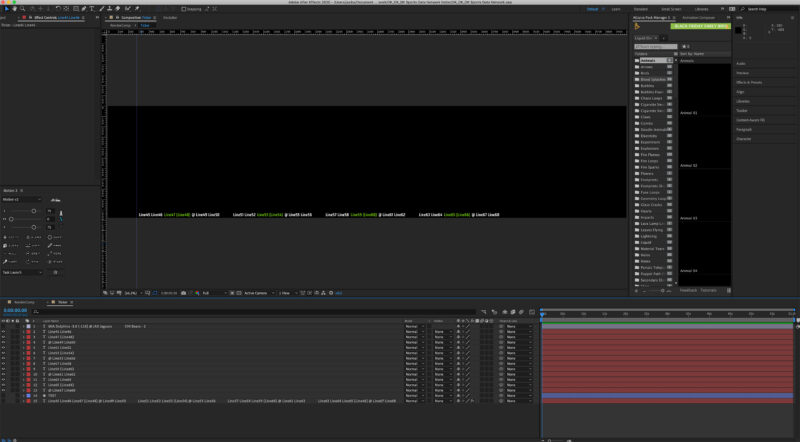
So I have a problem that I’m hoping has a realistic solution. I have a project set up that is receiving info from a spreadsheet, each text layer labeled with a “Line#” will be dynamically filled and rendered later. The issue I have is with the ticker at the bottom.I can make a ticker scroll infinitely with cc motion tile, but that would require precomping and making that comp the size of my text so there’s no weird gap at the end before it repeats. Because the variables are being replaced with strings of text that vary in length, there’s no way for me to know how long the full line will be. The second picture is the Ticker precomp, showing how there’s extra space on the right.
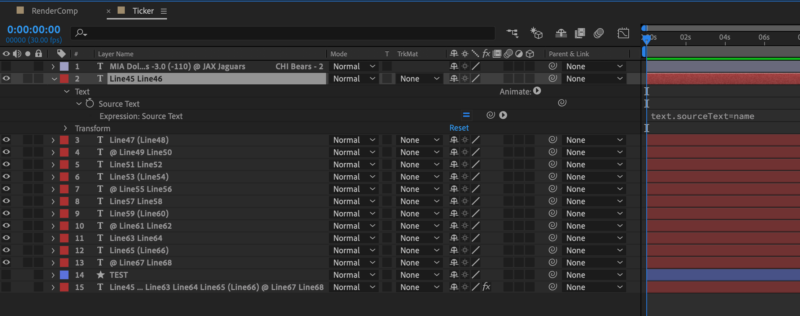
So this is where it gets sticky; I can’t just apply motion tile to one giant text layer because due to the variables being white or green, they have to be on separate layers. The variable names are pulled from the layer name, not the text string, and the sourcetext expression is pulling from the layer name. THIS PART IS OUT OF MY CONTROL UNFORTUNATELY. It’s how the 3rd party is asking for the template.
Under the hood, the sequential text layers will always line up correctly from left to right thanks to the “sourceRectAtTime” function. I figured I could use this function to draw a box under the full length of the line, then grab it’s width and use that somehow, but I’m not savvy enough on my own unfortunately. Although impossible, I think the solution would be along the lines of a dynamically sized composition, so motion tile behaves properly.
Hopefully I’m just over-complicating this, thanks for the help!