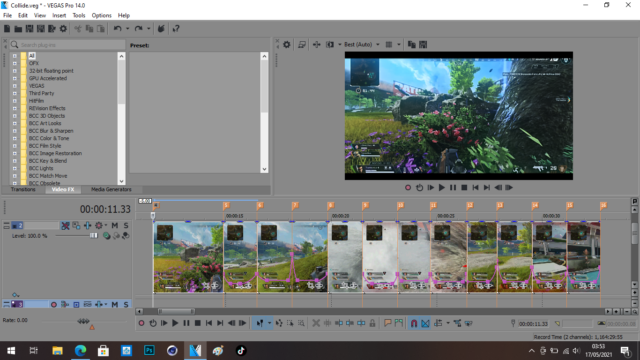
-
I need help with deleted audio for the video I have edited – Sony Vegas Pro 14
I started a project and imported a video which had audio onto my timeline. I unlinked the audio using CTRL + U and deleted the audio and just kept the video itself. My problem now is that I have already went ahead and edited the video by slowing it down, using event velocity, and also splitting parts of the video and deleting what I didn’t need. I realise now that I should have kept the audio track that was originally synced to the video before I edited it because it would make my video better by having that audio which would also be slowed down and synced to the video I have split. I can’t just simply make a new video track and import that same video and just keep the audio because it won’t be slowed down and synced properly with the video I have split, slowed down and with parts of the video deleted. Is there any way to restore the audio to the timeline again and have it slowed down and synced to my already edited video?
Sorry with the long message, and if I sound confusing please mention about that. Thank you for reading.