Creative Communities of the World Forums

The peer to peer support community for media production professionals.

Activity › Forums › Adobe After Effects › How to Remove spots and stains from an object (Statue) with After Effects

  • How to Remove spots and stains from an object (Statue) with After Effects

    Posted by César Xomax on November 12, 2020 at 2:11 am

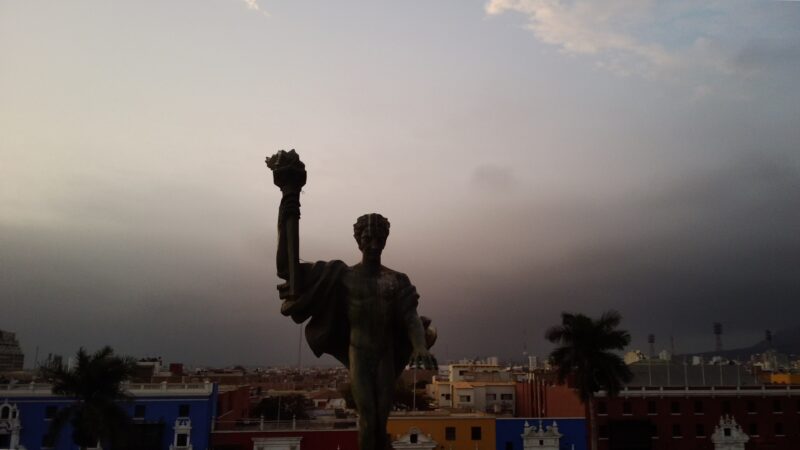
    Hello, I need some help to correct a Footage. It is about Drone around a Statue with Spots and stains over his body, I need to remove the spots and stains over his body because it is looks bad for my eyes. Please if anybody help me with a technic for this purpose I would be very grateful.


    César Xomax replied 5 years, 10 months ago 2 Members · 4 Replies
  • 4 Replies
  • Filip Vandueren

    November 12, 2020 at 9:48 am

    I think the only realistic way of doing that in a way that doesn’t flicker is to use a drone to make a 3D photogrammetry mapping of the statue and 3D track that back into the shot. Which is a lot more advanced than trying to just do some painting in after effects.

    I don’t think retouching or filtering the image frame by frame or with some filters will give a convincing result that fools the viewer.

  • César Xomax

    November 12, 2020 at 8:15 pm

    Thanks for reply, frame by frame correction is the best but longest way.

    I Did a 50% correction directly in FCPX with Color correction/ color mask and shape mask decreasing the exposure value on highlights (white spots and stains), looks better now.

  • Filip Vandueren

    November 15, 2020 at 4:00 pm

    And it doesn’t flicker when you play it back ? That’s the hardest part…

  • César Xomax

    November 23, 2020 at 3:05 am

    Not at all.

We use anonymous cookies to give you the best experience we can.
Our Privacy policy | GDPR Policy