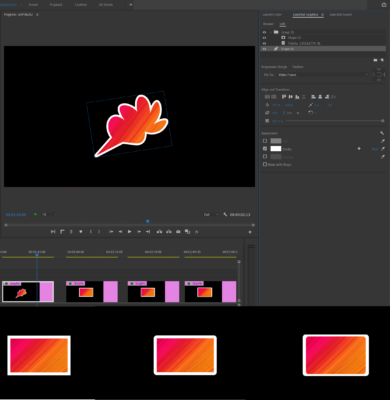
-
How to add stroke?
Hi, guys. I find this frustrating. Such a simple thing as a stroke layer effect found in Photoshop and After Effects is either missing at all or I can’t find it. There used to be (still is there) a Legacy Title which I find the most awkward way to bring this effect to use. Now adobe is warning the time I open this Legacy Title tab that it’s living its last days. What’s after that when they stop suppurting this tab?
So what do I have – I have a png with transparency – a simple logo with a text. I need it outlined. The Stroke is nowhere. The paint bucket solution doesn’t work for me, believe me I tried. Does anyone know any other simplier way to outline\stroke an object?
Please, do not suggest doing it in photoshop\AE then import in Pr, or remake the logo in Pr with Essential graphics. It’s a reinventong-a-bycile type of thing. I need a simple solution – place a png, apply an effect and the stroke is active. That’s alL. Thanx.