-
Finding the edges of text and shape layers just got a lot easier
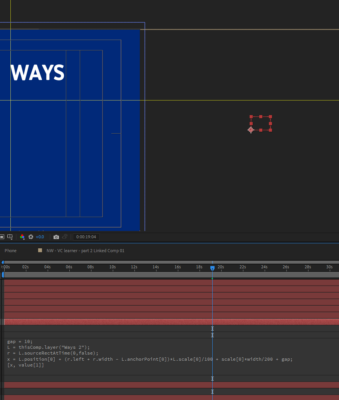
With the latest AE release (CC 2014.2) expressions now have a long-awaited feature that allows them to find the edges of text and shape layers without having to do the sampleImage() hack. It’s sourceRectAtTime(), and it works the same as it does in scripting. Here are some general purpose examples for aligning a layer with the left, right, top, and bottom edges of a text layer:
// right edge
gap = 10;
L = thisComp.layer(“some text”);
r = L.sourceRectAtTime(0,true);
x = L.position[0] + (r.left + r.width – L.anchorPoint[0])*L.scale[0]/100 + scale[0]*width/200 + gap;
[x, value[1]]// left edge
gap = 10;
L = thisComp.layer(“some text”);
r = L.sourceRectAtTime(0,true);
x = L.position[0] + (r.left – L.anchorPoint[0])*L.scale[0]/100 – scale[0]*width/200 – gap;
[x,value[1]]// top edge
gap = 10;
L = thisComp.layer(“some text”);
r = L.sourceRectAtTime(0,true);
y = L.position[1] + (r.top – L.anchorPoint[1])*L.scale[1]/100 – scale[1]*height/200 – gap;
[value[0],y]// bottom edge
gap = 10;
L = thisComp.layer(“some text”);
r = L.sourceRectAtTime(0,true);
y = L.position[1] + (r.top + r.height – L.anchorPoint[1])*L.scale[1]/100 + scale[1]*height/200 + gap;
[value[0],y]Dan