-
“Fanning out” documents
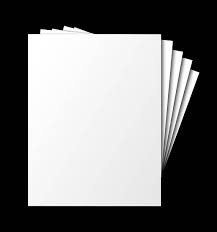
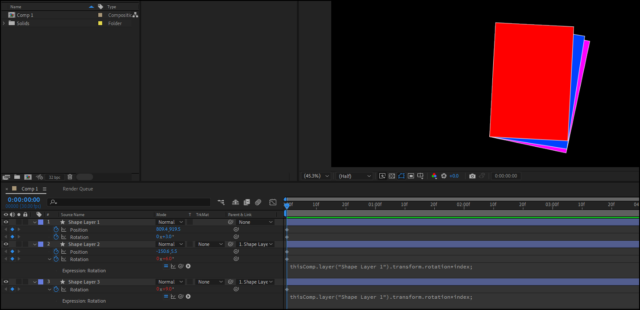
One effect that I find myself doing all the time is a “document fan,” where individual pages of a court report or other document will fly onto the screen one after the other and fan out behind the first page, showing “hey, this is a big report.” I’ve always manually key framed them, because each sheet needs to not only rotate, but move down and to the right of the previous page a little to get the right “fan” look. (As an example, I’m pretty sure the last time that I did this, I had each page fly on as a “straight” page, rotation 0, position close to the left edge of the screen, and then each page under that first straight page would fly in under the straight page to the exact same position and rotation, and then fan out over 10 frames or so to like 3% rotation and moving about 30 pixels over and 40 pixels down from the layer before it. I’d then make the key frame for the next layer do 6% rotation, moving 60 and 80, and the next one 9%, 90 and 120…etc. I added a random stock photo to this post to illustrate the basic idea.) Is there an expression that I can apply to the position and rotation values so that it will take the previous page’s position and rotation into consideration and just add the same percentage and amount of movement based on that prior layer’s values? Thanks!