

Activity › Forums › Adobe After Effects Expressions › createPath in 3D space.
-
createPath in 3D space.
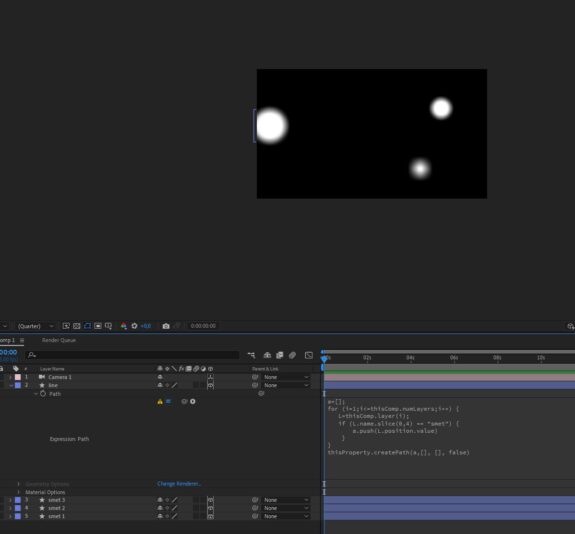
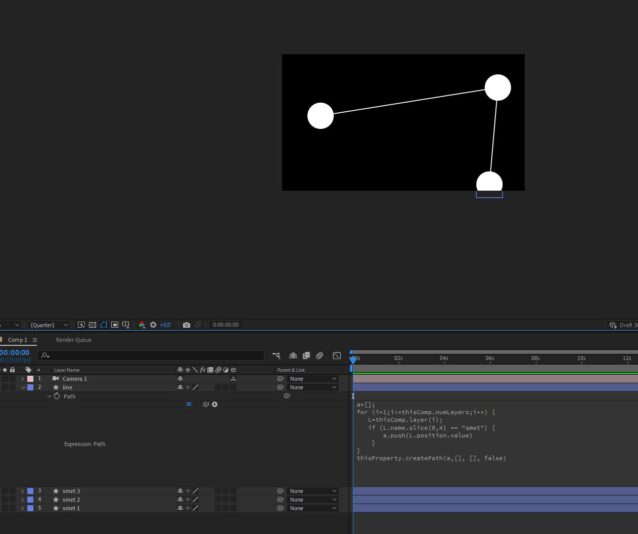
Posted by Smet Kira on February 16, 2023 at 12:49 pmHello, friends! I use this expression to create a line that will merge layers named “Smet”. But as soon as I turn on the 3D mode, everything breaks down. How can the problem be solved? Thanks for all the previous help especially to Dan
 Smet Kira replied 3 years, 6 months ago 2 Members · 10 Replies
 -
10 Replies
-

Dan Ebberts
February 16, 2023 at 2:05 pmI haven’t had a chance to test this, so there may be typos, but something like this I think:
a = [];
for ( i = 1; i <= thisComp.numLayers; i++){
  L = thisComp.layer(i);
  if (L.name.substr(0,4) == "smet"){
    a.push(fromComp(L.toComp(L.anchorPoint)));
  }
}
createPath(a,[],[],false) -

Smet Kira
February 16, 2023 at 2:40 pmPush error. I don’t even know where the syntax might be wrong.
-
Dan Ebberts
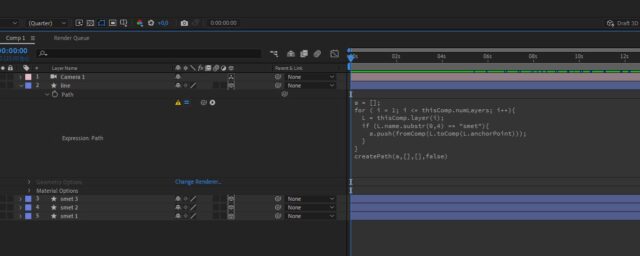
February 16, 2023 at 4:18 pmThe 5th line should be:
a.push(fromComp(L.toComp(L.anchorPoint)));
-
Dan Ebberts
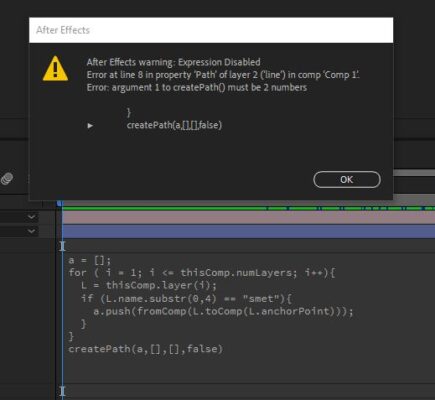
February 17, 2023 at 1:23 amI think you’ll get that message if you’ve made the line layer 3D.
-
Smet Kira
February 17, 2023 at 2:59 ami have 3d layers. I thought everything would be easier and regardless of 2d or 3d, the position will pick up equally well
-
Dan Ebberts
February 17, 2023 at 3:24 amIt should work fine with the smet layers as 3D, but not the line layer.
-
Smet Kira
February 17, 2023 at 3:28 amYes it works. But the original goal was that the line should also be in 3D and the depth of field on it would be different depending on the distance from the camera. This can be done?
-
Dan Ebberts
February 17, 2023 at 6:49 amWell, you can’t have a 3D path, so the best you could do is to break it into a bunch of segments, with one path layer required for each connection between 3D layers. Then you could make each path layer 3D (but the path itself would still be 2D), but then you have to worry about positioning it in world 3D space and orienting is so that it connects between the 3D layers and also presents itself to the camera in a way that maximizes its visibility (so that it’s not edge-on to the camera). Lots of work…
-
Smet Kira
February 17, 2023 at 6:52 amUnderstood. Thank you for the tip and for your help, for your effort and time!

Reply to this Discussion! Login or Sign Up