-
Camera tracking, Placement of new 3D elements in the scene – Next steps?
Hi everyone,
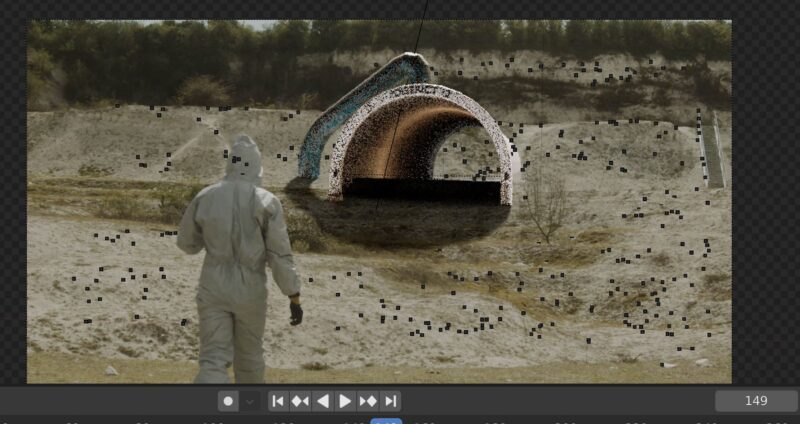
I camera tracked my scene in Boujou and imported all the camera data and Cloudpoint into Blender. I then imported the 3D model I previously modeled and placed it in 3D space as close as possible the points so that the parallax would be accurate (The cloudpoint acts as a whole. I can select single points in Edit mode but I can’t make empties/nulls out of the selected points so I can’t really send the object to that position but I think that it sticks pretty well when I play back).
Now I have some questions as I have never composited 3D into live action footage:
1) How can I make the tracked tunnel entrance, look like it is sticking out of that far away from the cliff instead of sitting in front of it? Is it something I need to do in my 3D environment or is it something to be done in compositing?
1.5) I was thinking of duplicating the clean plate and masking foreground and background, make them 3D layers and my exported set extension layers in between to make it fit better
2) I don’t think that simply adding a shadow, matching noise and color in After Effects will help blend this particular shot. What else should I think about before exporting this scene from blender?
3) When I’m done creating my scene (I will probably add other elements such as bobbed wired fences etc..), would I need to export a separate EXR for every object that is in the scene since they use different materials? Also, EXR doesn’t seem so compatible with After Effects – which is the best export format for After Effects?
4) Is there anything else I need to keep in mind?
I tried looking for tutorials in which 3D elements become part of or modify a real action element (Like having the 3D tunnel stick out of the live action cliff) but I can’t find anything other than simply sticking stuff on flat surfaces or building faces.
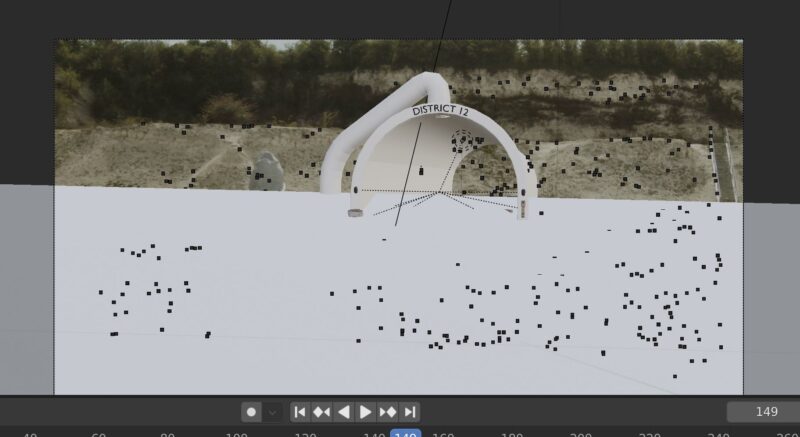
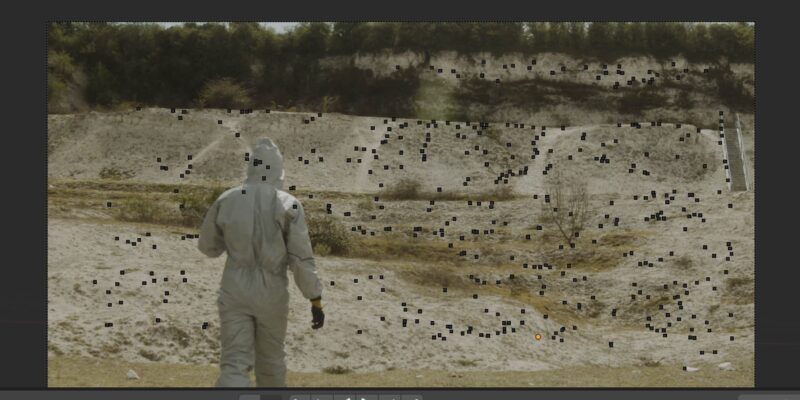
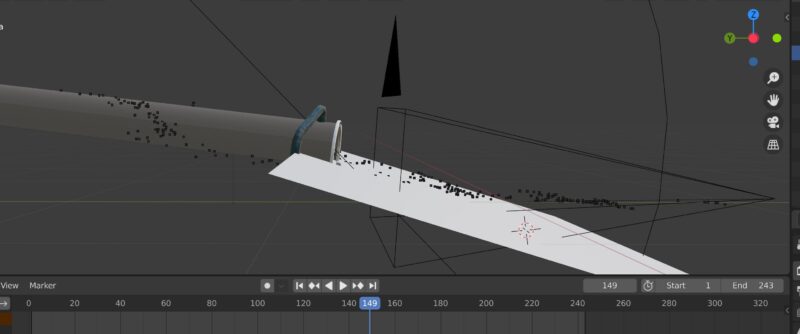
screenshot notes: I have attached a screenshot of the rendered viewport, a clean plate, shadow catcher (which doesn’t follow the mountain very well, I know), and a side view (slightly moved otherwise you wouldn’t be able to see the shadow plane).