

Comparing 5 AI Video Enhancers for Restoring Old Video Quality

Digitizing VHS, MiniDV, and other legacy formats does not automatically restore image quality. Once transferred footage is viewed on modern high-resolution timelines, issues like analog noise, interlacing artifacts, soft detail, and color bleeding become far more visible. To restore these aging videos more naturally, many editors now rely on AI video enhancers instead of traditional scaling filters. To see which tools handle analog artifacts and low-density footage most effectively, I tested five popular AI video enhancers across several real-world restoration scenarios.
Restore Old Video with Realistic Details
Before comparing the software, it is important to understand why traditional restoration workflows struggle with legacy footage.
• The Scaling Artifact Problem: Standard upscaling enlarges old footage but cannot recover missing detail, often making jagged edges and compression artifacts more visible.
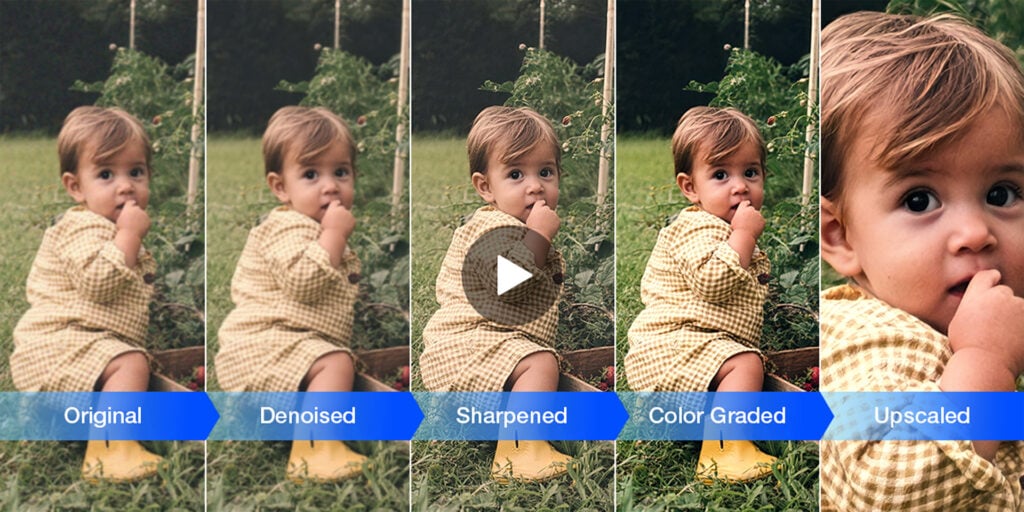
• The “Plastic Face” Effect: Heavy denoising removes analog noise, but frequently wipes away natural skin texture and fine detail at the same time.
Modern AI video enhancers like Aiarty Video Enhancer attempt to solve these issues through neural reconstruction, restoring texture and suppressing artifacts more naturally than traditional scaling methods.
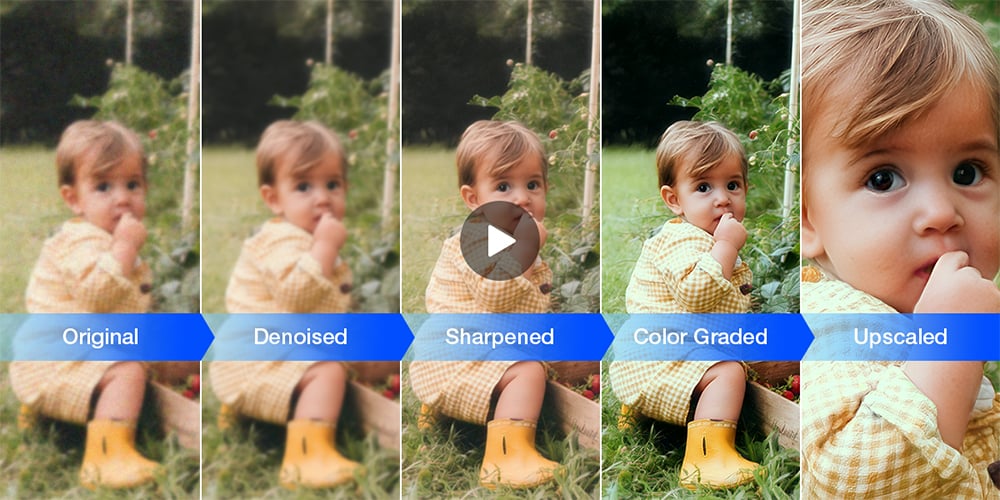
I compared several video enhancers across degraded SD footage, analog tape noise, and compressed legacy graphics. While most handled basic upscaling reasonably well, the differences became far more noticeable once texture recovery, motion consistency, and facial detail entered the equation. Among the tools compared, Aiarty Video Enhancer delivered some of the most natural-looking results, so the following examples use it as the primary reference point.
Scenario 1: Reconstructing Low-Density Facial Geometry
In standard SD broadcasts and home-video transfers, subjects captured at a distance often lose usable facial detail, causing features like the eyes and mouth to collapse into soft, blocky shapes. Conventional sharpening filters typically make the issue worse by introducing halos and exaggerated edge contrast.
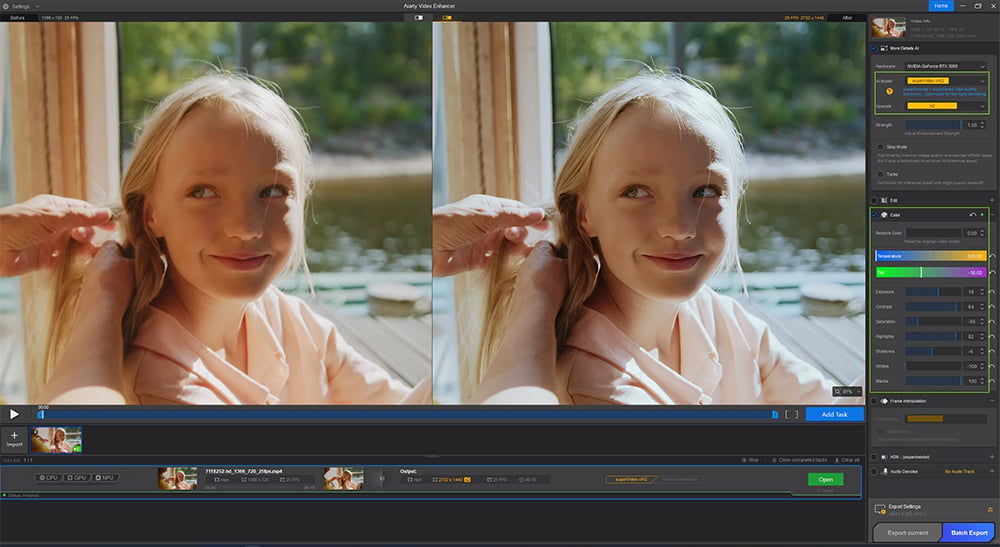
Compared with traditional interpolation-based enhancement, Aiarty’s superVideo model delivered noticeably more stable facial reconstruction while preserving natural skin texture and color balance. By analyzing adjacent-frame motion data, the model rebuilt recognizable facial geometry without the overly sharpened or “plastic” look commonly seen in aggressive denoising workflows. During testing, its color restoration also produced cleaner skin tones and more balanced contrast in faded archival footage.
Scenario 2: Decoupling Heavy Noise from High-Frequency Textures
Low-light analog footage presents another major challenge for restoration workflows. VHS grain, chroma noise, and electronic interference often overlap with legitimate high-frequency textures such as hair, fabric, foliage, or environmental detail.
Many conventional temporal filters struggle to distinguish between actual texture information and random signal contamination. In practice, this frequently results in smeared motion, softened fabrics, and the familiar “oil painting” artifact seen in aggressively denoised footage.
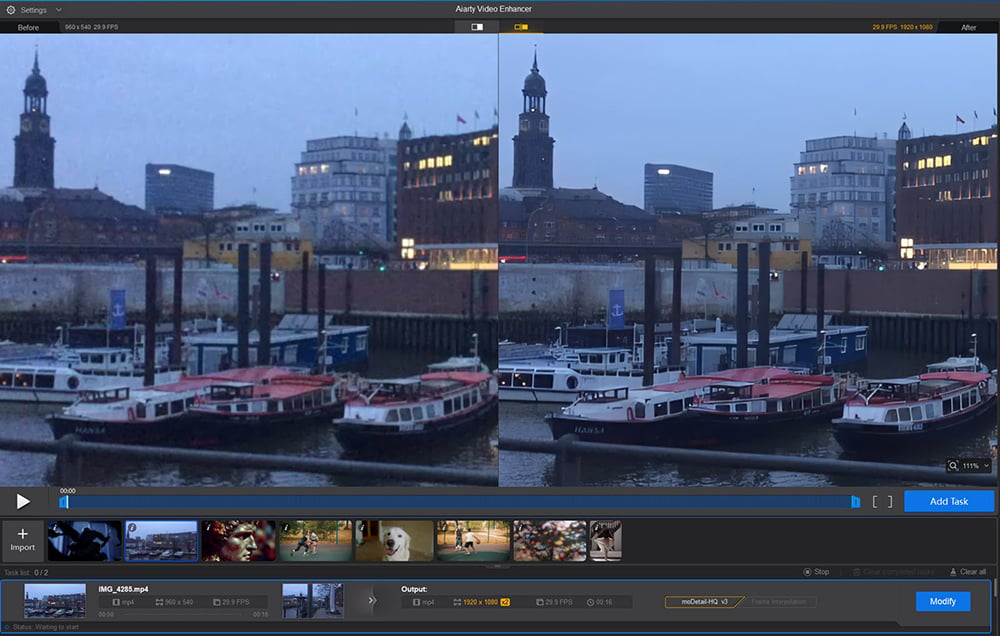
In comparison, Aiarty’s reconstruction engine preserved significantly more texture separation during testing. While reducing heavy analog snow and cross-color distortion, the model retained the independent motion characteristics of grass, clothing fibers, and background detail without introducing noticeable temporal smearing. The resulting footage maintained a more natural sense of depth and tactile texture, particularly in outdoor low-light scenes.
Scenario 3: Resolving Quantization Blocks in Legacy Graphics
Older broadcast graphics, early digital animation masters, and compressed SD archives often suffer from severe quantization artifacts once placed onto modern 4K timelines. Macroblocking, mosquito noise, and chroma bleeding become dramatically more visible after scaling.
Standard bicubic enlargement can increase perceived sharpness slightly, but it usually magnifies the original encoding defects instead of reconstructing cleaner edge structure.
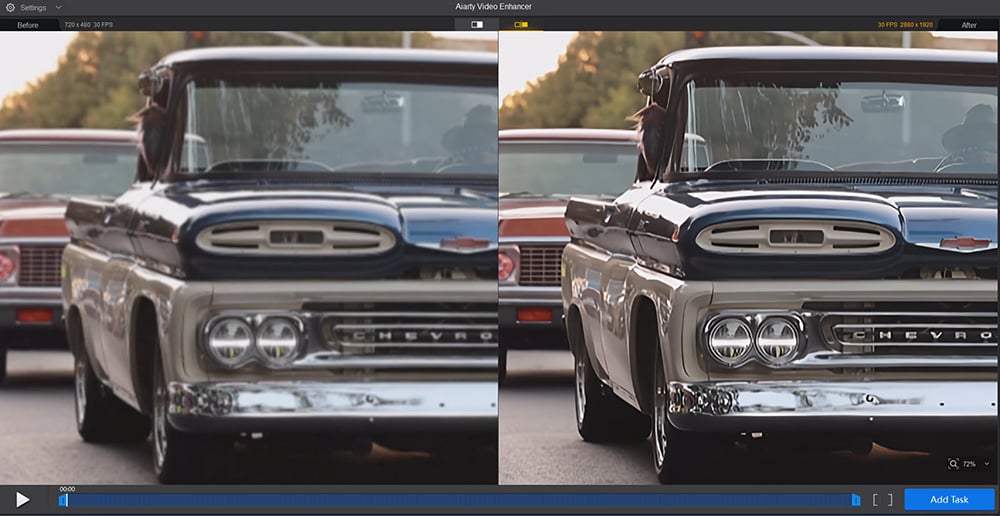
Compared with generic scaling workflows, Aiarty’s line-art-oriented reconstruction models produced noticeably cleaner edge transitions during testing. Vector boundaries remained more stable, chroma bleed was reduced, and large flat-color regions retained smoother gradients without visible stair-stepping artifacts. Rather than simply enlarging compressed source defects, the reconstruction process recalculated cleaner structural paths across damaged edges and graphic elements.
Other Popular AI Video Enhancement Workflows
Aiarty Video Enhancer is a desktop-based AI video enhancement application designed for restoring low-resolution and degraded footage through neural reconstruction, noise reduction, and detail upscaling workflows.
However, restoration workflows vary significantly depending on editorial requirements, hardware resources, and finishing pipelines. Below is a broader comparison of several widely used AI video enhancement tools and how they fit into modern post-production environments.
Topaz Video AI
Topaz Video AI is widely regarded as one of the most powerful standalone AI video enhancement tools for professional restoration workflows. Its specialized models are particularly effective for motion interpolation, frame rate conversion, stabilization, and severe analog motion blur correction.
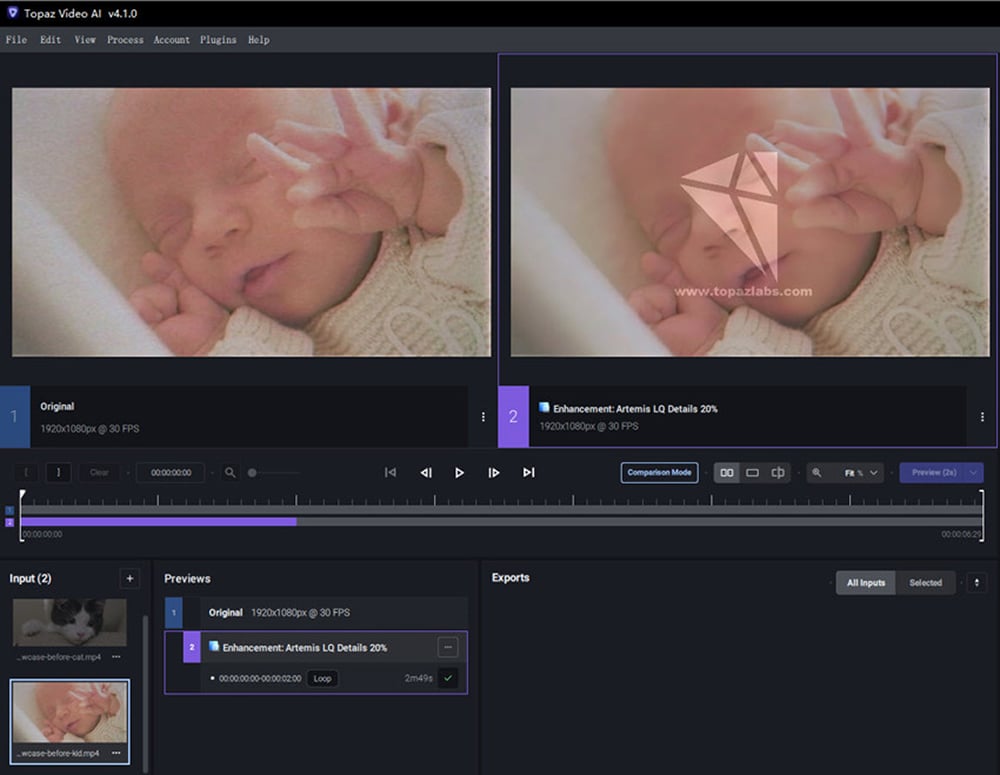
In testing, Topaz performed especially well on unstable archival footage and 24fps-to-60fps conversions, with its Apollo and Chronos models delivering smooth optical flow while minimizing ghosting artifacts. However, achieving optimal results often requires extensive parameter tuning and robust local GPU hardware.
Adobe Premiere Pro
Adobe Premiere Pro remains the industry-standard environment for non-linear editing, multi-camera syncing, and restoration project management. Unlike Aiarty Video Enhancer’s AI-focused reconstruction workflow, Premiere is designed primarily for timeline assembly, masking, stabilization, audio correction, and plugin-based post-production integration.
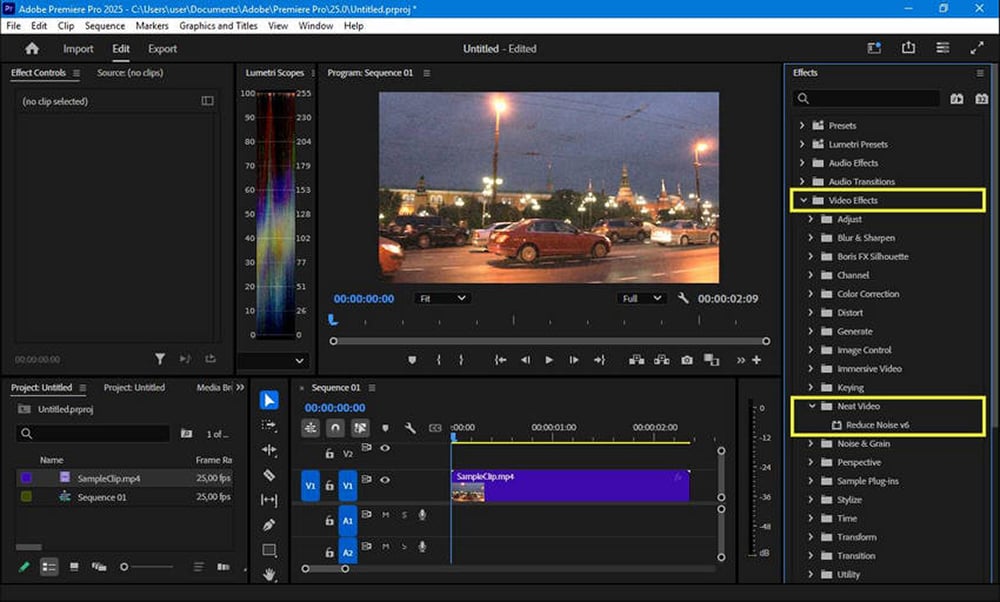
While its built-in Super Resolution tools can upscale footage cleanly, Premiere itself is less focused on rebuilding missing texture or facial detail, serving instead as the central editing hub within a broader restoration pipeline.
DaVinci Resolve
DaVinci Resolve remains the industry benchmark for professional color grading, chroma recovery, and archival color correction workflows. Compared with Aiarty Video Enhancer’s focus on AI-driven detail reconstruction, Resolve excels in precise luminance control, shadow recovery, and node-based color balancing.
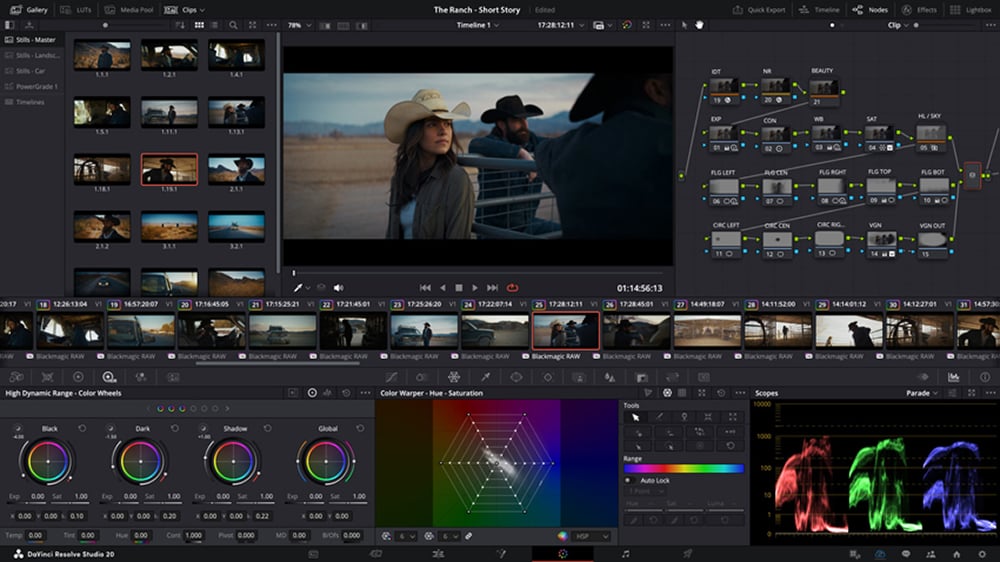
Its Super Scale and advanced noise reduction tools deliver clean professional results, but the workflow still depends heavily on the quality and native resolution of the original source material rather than reconstructing missing organic detail.
TensorPix
TensorPix represents the growing trend toward cloud-based AI video enhancement, offering browser-based upscaling, deinterlacing, and basic restoration without requiring powerful local GPU hardware. Compared with Aiarty Video Enhancer’s fully offline desktop workflow, TensorPix prioritizes accessibility and quick processing for casual restoration tasks.
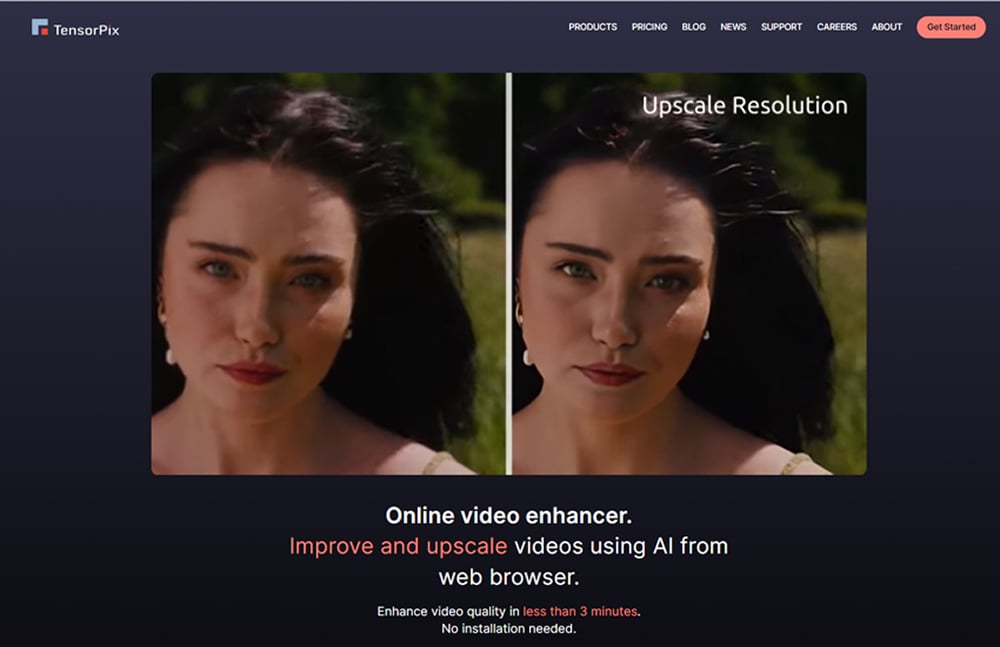
Its automated workflow works well for short-form projects and independent creators, though subscription-based rendering costs and cloud-upload privacy considerations can become limiting factors for larger archival productions.
AI Video Enhancer Comparison
| Tool | Core Strength | Workflow Placement & Technical Notes |
| Aiarty Video Enhancer | Neural Texture Reconstruction & Artifact Suppression | Functions as a dedicated pre-mastering engine to rebuild organic facial geometry, hair, and fabric definition from low-density SD captures before timeline ingestion. |
| Topaz Video AI | Frame Rate Conversion & Temporal Stabilization | A standalone utility unmatched for high-end optical flow, slow-motion conversion, and severe camera-shake stabilization; requires robust local GPU resources. |
| Adobe Premiere Pro | Editorial Assembly & Multi-Track Audio Ingestion | The industry benchmark for timeline trimming, multi-cam syncing, and offline-to-online workflows; native scaling filters lack structural edge reconstruction. |
| DaVinci Resolve | Hollywood-Grade Color Grading & Spatial Mastering | The definitive environment for color space transforms (CST) and node-based balancing of faded analog chroma; noise reduction is highly effective but bound by original pixel density. |
| TensorPix | Cloud-Based Rendering & Quick Browser Ingest | Offers a hardware-free, browser-based solution optimized for web-tier upscaling and automated scratch removal; processing long-form clips relies on cloud-credit subscription structures. |
Conclusion
Successful video restoration requires a balanced workflow. Premiere Pro remains essential for editing and timeline assembly, while DaVinci Resolve excels in color correction and chroma recovery. Topaz Video AI is particularly strong for frame interpolation and motion stabilization, and TensorPix offers a lightweight cloud-based alternative for quick browser-based enhancement tasks..
For restoring low-resolution footage with heavy tape noise and soft facial detail, Aiarty Video Enhancer is an effective addition to modern restoration workflows. Its ability to separate stochastic noise from organic texture detail helps upscale legacy footage more naturally while maintaining cleaner edge fidelity. For editors interested in local AI rendering workflows, the software is also available through Aiarty’s cross-platform offer.
Enjoying the news? Sign up for the Creative COW Newsletter!
Sign up for the Creative COW newsletter and get weekly updates on industry news, forum highlights, jobs, inspirational tutorials, tips, burning questions, and more! Receive bulletins from the largest, longest-running community dedicated to supporting professionals working in film, video, and audio.
Enter your email address, and your first and last name below!


I wholeheartedly dis-agree with most every conclusion in this article.
I downloaded the trial version of Aiarty at the prompting of this article and tested on files I had worked on with Topaz Video AI. The results from Aiarty were vastly inferior to the latest iteration for Mac of Topaz. Do you have to pay to get good results?