

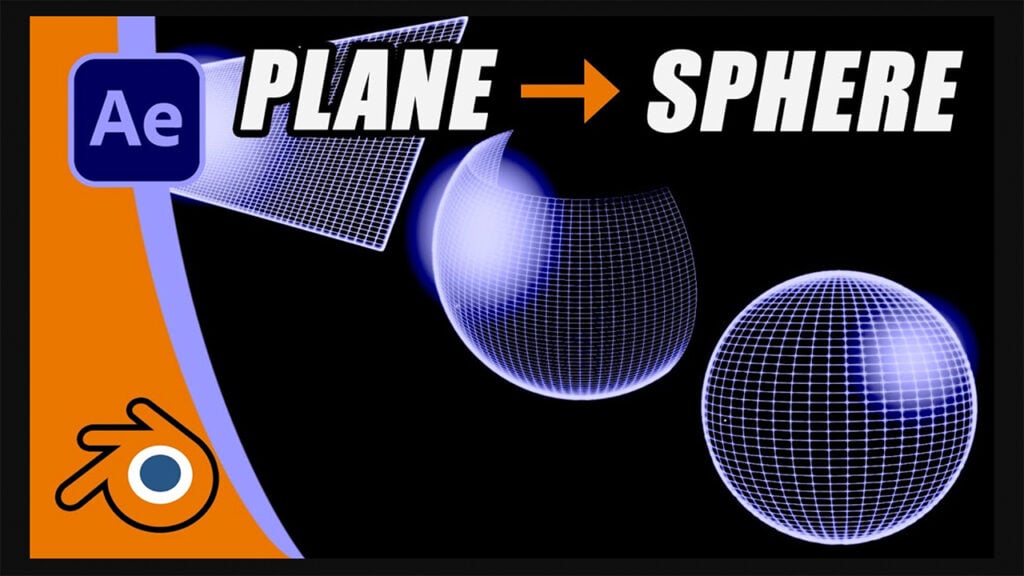
Blender to After Effects: Warping a Plane Into a Sphere

I’ll show how to animate a flat plane into a sphere in Blender, using the Simple Deform modifier. Then (because nothing is ever simple) I’ll talk you through exporting that mesh deform animation into something that can be imported into After Effects. You’ll learn:
- How to build and animate the plane-to-sphere effect in Blender.
- Modifier animations won’t export to After Effects.
- The slightly unhinged but working OBJ sequence workaround
- How to assemble 150 3D frames into a usable AE animation.
This was created for my Star Trek VFX History project, but it works for any retro-style ident, logo reveal, or broadcast-inspired effect.
Can’t see this video? Click here! If you are in Safari, hover over “Safari” in your menu, click “settings for creativecow.net” and toggle the “Auto-Play” to “Allow All Auto-Play”.
Download the project file here.
Bonus: Free step-by-step PDF:
Enjoying the news? Sign up for the Creative COW Newsletter!
Sign up for the Creative COW newsletter and get weekly updates on industry news, forum highlights, jobs, inspirational tutorials, tips, burning questions, and more! Receive bulletins from the largest, longest-running community dedicated to supporting professionals working in film, video, and audio.
Enter your email address, and your first and last name below!


Responses