

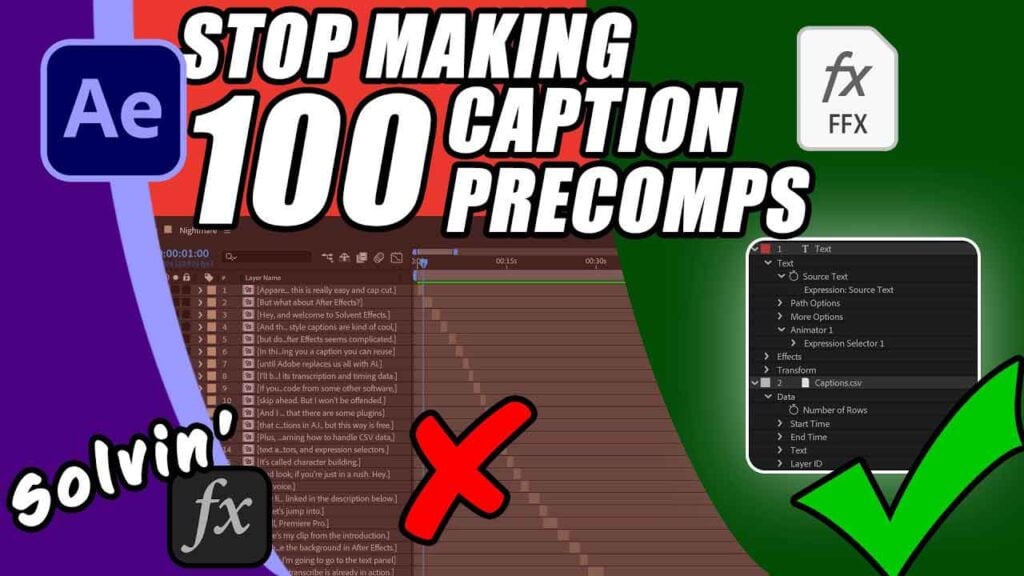
AE Captions as Fast as CapCut – No Plugins

Stop wasting hours clicking through nested compositions and manually syncing text. In this tutorial, I’m showing you how to build a dynamic, automated caption engine in After Effects using a single CSV file and a few powerful expressions. We’re skipping the expensive plugins and the “Dynamic Link” mess to give you a workflow that is faster than CapCut but has the professional control of After Effects. In this video, you’ll learn:
- How to export perfectly timed CSVs from Premiere Pro.
- The “Timecode-to-Seconds” expression for AE.
- Using Expression Selectors in the Text animator.
Can’t see this video? Click here!
Download the preset here (Pay What You Want, including free):
Bonus: Free step-by-step PDF:
Enjoying the news? Sign up for the Creative COW Newsletter!
Sign up for the Creative COW newsletter and get weekly updates on industry news, forum highlights, jobs, inspirational tutorials, tips, burning questions, and more! Receive bulletins from the largest, longest-running community dedicated to supporting professionals working in film, video, and audio.
Enter your email address, and your first and last name below!


Responses