Creative Communities of the World Forums

The peer to peer support community for media production professionals.

Activity Forums Adobe After Effects Palette Mapper for Adobe After Effects v1.0 officially released – 100% FREE.

  • Palette Mapper for Adobe After Effects v1.0 officially released – 100% FREE.

    Posted by Richard Rosenman on June 2, 2020 at 4:50 pm

    Hi gang;

    I’ve just published my free plugin for Adobe After Effects, called Palette Mapper. It is 100% free! Here’s some info about it:

    I’m pleased to announce the immediate availability of Palette Mapper for Adobe After Effects.
    Palette Mapper is an exciting plugin for Adobe After Effects that extracts the color palette from a video sequence on a frame-by-frame basis and maps it horizontally into an image using vertical lines. Palette Mapper can be used as a creative application to produce beautiful imagery, or as an analytical tool for the study of color grading in film, video and animation.

    Mad Max: Fury Road (2015)
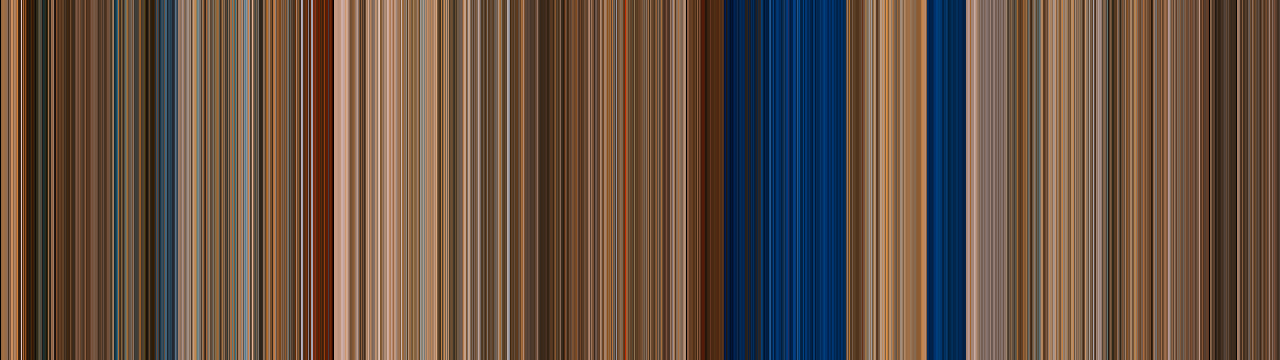
    Palette Mapper works by scanning each frame of the footage, analyzing all the pixel values to extrapolate an averaged frame color, and mapping them into a set of sequential vertical lines. The result is an image showcasing the changes in tone and luminance throughout the entire length of a sequence. Although there are various tools available to achieve a similar effect, it’s always been through a complex and time consuming process, often hindered by technical limitations.

    Monsters, Inc. (2001)
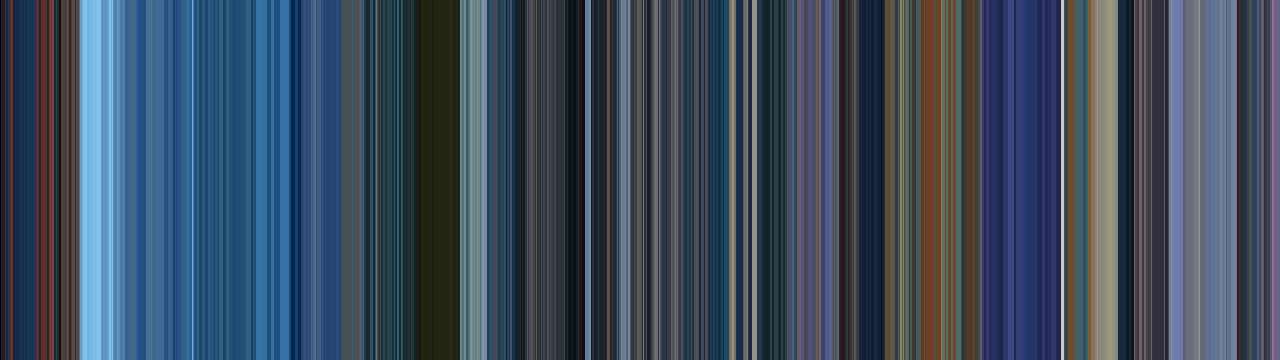
    From creative backgrounds to film analysis, Palette Mapper is a must-have plugin for artists, videographers and designers alike. For more info, check out the Palette Mapper Product Page!

    Eric Santiago replied 6 years, 1 month ago 3 Members · 5 Replies
  • 5 Replies
  • Richard Garabedain

    June 3, 2020 at 10:02 pm

    Ive seen this idea done with the average temerature of the day for a year…but its for video…

  • Eric Santiago

    June 4, 2020 at 1:39 am

    Maybe off-topic but what’s the name of that effect that does the directional color smear?
    That was up there with lens flare as far as overused effects 🙂

  • Richard Garabedain

    June 4, 2020 at 3:39 pm

    i believe the technique your talking about invovles adding a mosaic and then stretching

  • Richard Rosenman

    June 4, 2020 at 3:45 pm

    That sounds pretty cool. I’d love to check it out – got a link?

    -Rich

  • Eric Santiago

    June 4, 2020 at 6:06 pm

    [Richard Garabedain] “i believe the technique your talking about invovles adding a mosaic and then stretching”

    I am not sure if that is it.
    I know that it smears the one pixel dependent on a direction to infinity.
    I can mimic this by duplicating the layer and masking a thin portion and scale to an extreme amount.
    You have to place the anchor in the right spot to achieve it though.
    There as a plug-in and now its defunct many moons ago.
    Basically stopped working on newer versions of CC.

We use anonymous cookies to give you the best experience we can.
Our Privacy policy | GDPR Policy