

Stop Using Boring Static Highlights – Pro After Effects Workflow

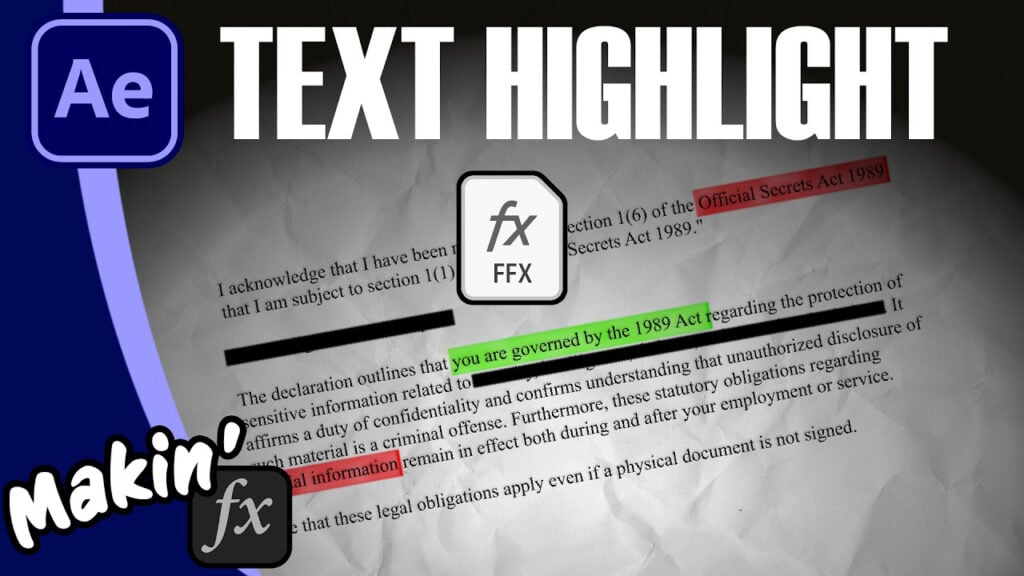
Did you know you can use After Effects expressions to dynamically rewrite your mask shapes on the fly? In this tutorial, I’ll show you a cool experssion (createPath) which lets you use code (and maths) to draw masks and paths! This means we can set a starting point, give it a length and AE will create a line for us.
I came up with this because I was tired of trying to move or adjust path points. This way, I just use a point control and a slider and I’m done. But then, thanks to laziness, I also added code to have the line draw based on the layer’s in-point, so I don’t even have to add keyframes. All bundled up into a preset.
In this video, I cover:
- Getting a web page as an image (there’s a couple of tricks I’ve picked up)
- The expression code for createPath
- The draw on expression for Trim Paths
- Adding Fractal Noise and Layer Styles to help make it look like a marker pen.
Download the preset here (Pay What You Want, including free)
Can’t see this video? Click here!
Enjoying the news? Sign up for the Creative COW Newsletter!
Sign up for the Creative COW newsletter and get weekly updates on industry news, forum highlights, jobs, inspirational tutorials, tips, burning questions, and more! Receive bulletins from the largest, longest-running community dedicated to supporting professionals working in film, video, and audio.
Enter your email address, and your first and last name below!


Responses