

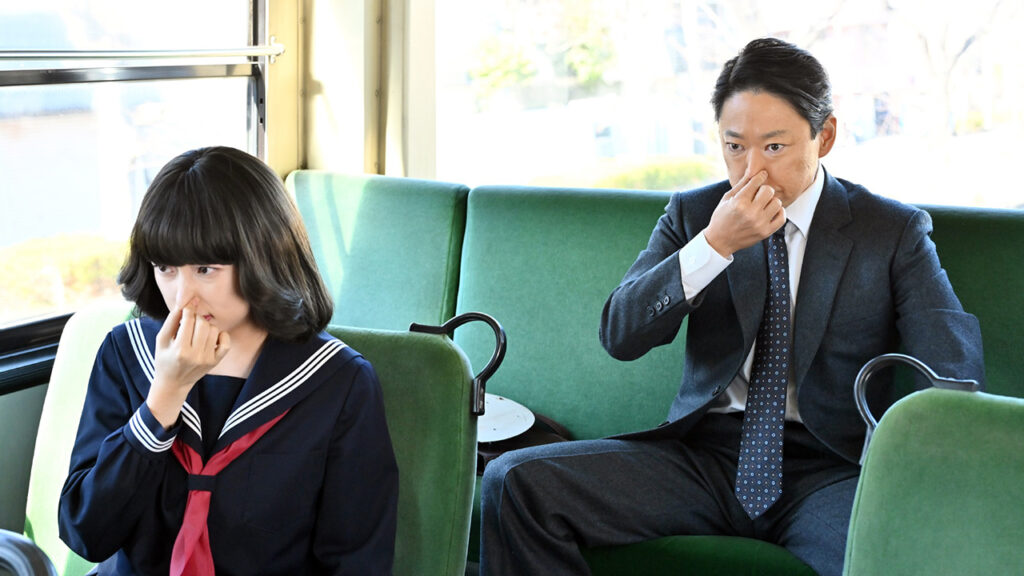
TBS Drama Series Extremely Inappropriate! Uses DaVinci Resolve Studio

Tokyo Broadcasting System’s hit comedy series created using DaVinci Resolve for grading and compositing.
Blackmagic Design announced today that DaVinci Resolve Studio and DaVinci Resolve Mini Panel were used in the popular TBS drama series “Extremely Inappropriate!” for grading. The show required extensive compositing work, and also used DaVinci Resolve’s Fusion page for a more efficient post production workflow.
“Extremely Inappropriate!” is a hit comedy series written by Kankuro Kudo. It follows Ichiro Ogawa, a junior high school PE teacher who time slips from the Showa era (1986) to modern day Reiwa (2024). His habit of making “inappropriate” remarks in today’s world of strict politically correctness shocks those around him. However, his bold statements ultimately force them to rethink modern societal norms.

Post production for the series was handled by Yasuaki Takei, an editor at Bull Inc. “For efficiency, the camera footage was transmitted to the base station via optical transmission for live grading during filming. As a result, not much grading was needed for post production. However, for scenes shot under low light or for sequences where the director wanted to emphasize certain details, I graded from original RAW footage,” Takei explained.
“For example, in Episode 7’s sunset scene, the director wanted a more beautiful look. I masked the sky using Power Window and applied a gradient. I graded with the DaVinci Resolve Mini Panel. It allows for intuitive adjustments when isolating colors with Qualifier, speeding up the workflow significantly,” he continued.
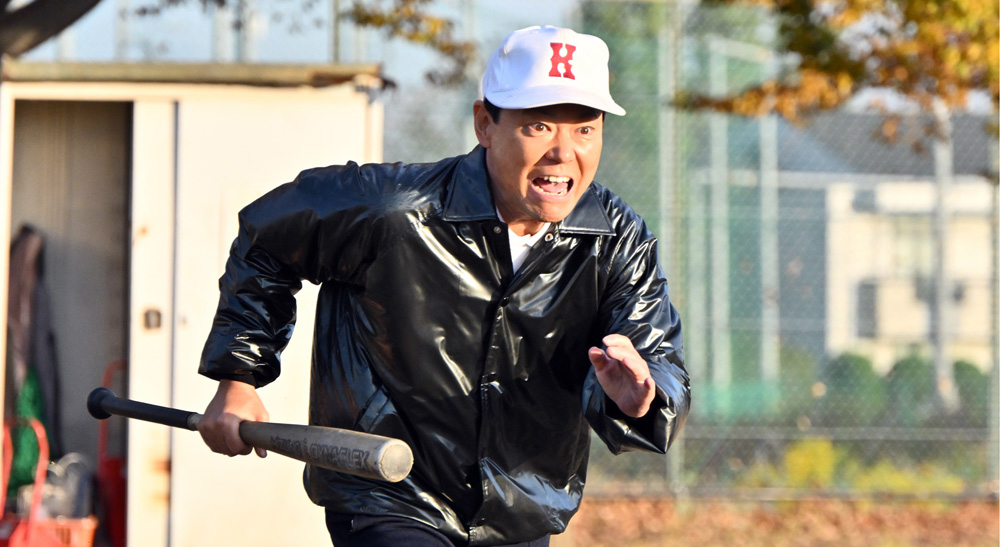
Takei also praised DaVinci Resolve’s flexibility: “With DaVinci Resolve, I can work without worrying about resolution or frame rates. For instance, when zooming in on a 6K wide shot while maintaining picture quality, other software would require creating a 6K timeline and then transferring it to a deliverable resolution timeline. In ‘Extremely Inappropriate!’, past scenes were shot at 30P and present day scenes at 60P. The ability to seamlessly switch between 30P and 60P timelines within the same project made the editing process much smoother.”
The Fusion page in DaVinci Resolve was extensively used for VFX work in the series, including replacing license plates, retouching actors’ skin, and embedding footage into on screen monitors. “DaVinci Resolve’s Planar Tracker in the Fusion page and Cloud Tracker in the Color page are incredibly user friendly. For compositing that uses existing footage, Fusion alone is sufficient. For more complex CG work, such as 3D modeling, we outsourced to an external CG team, who also used DaVinci Resolve for compositing,” said Takei.

Takei has worked on numerous other drama series using DaVinci Resolve, with Fusion proving particularly valuable in recent projects. “With the increasing use of log and RAW footage in TV dramas, we’re doing more online editing in DaVinci Resolve. In one project featuring a robot character, the robot was covered in scratches that were not intended to be visible. Since this wasn’t accounted for during filming, correcting the scratches, especially when characters walked in front of the robot, was quite challenging. Using Fusion’s Magic Mask, I was able to isolate the characters and clean up the scene beautifully.”
He concluded, “Frequent updates to DaVinci Resolve are a big help. Magic Mask keeps getting better, and the latest updates allow for easy tracking with Planar Tracker even when working with clips of different aspect ratios. These continuous improvements are very welcome.”
Enjoying the news? Sign up for the Creative COW Newsletter!
Sign up for the Creative COW newsletter and get weekly updates on industry news, forum highlights, jobs, inspirational tutorials, tips, burning questions, and more! Receive bulletins from the largest, longest-running community dedicated to supporting professionals working in film, video, and audio.
Enter your email address, and your first and last name below!


Responses