-
Drag-select edit points without the playhead moving?
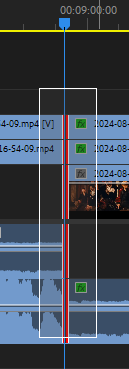
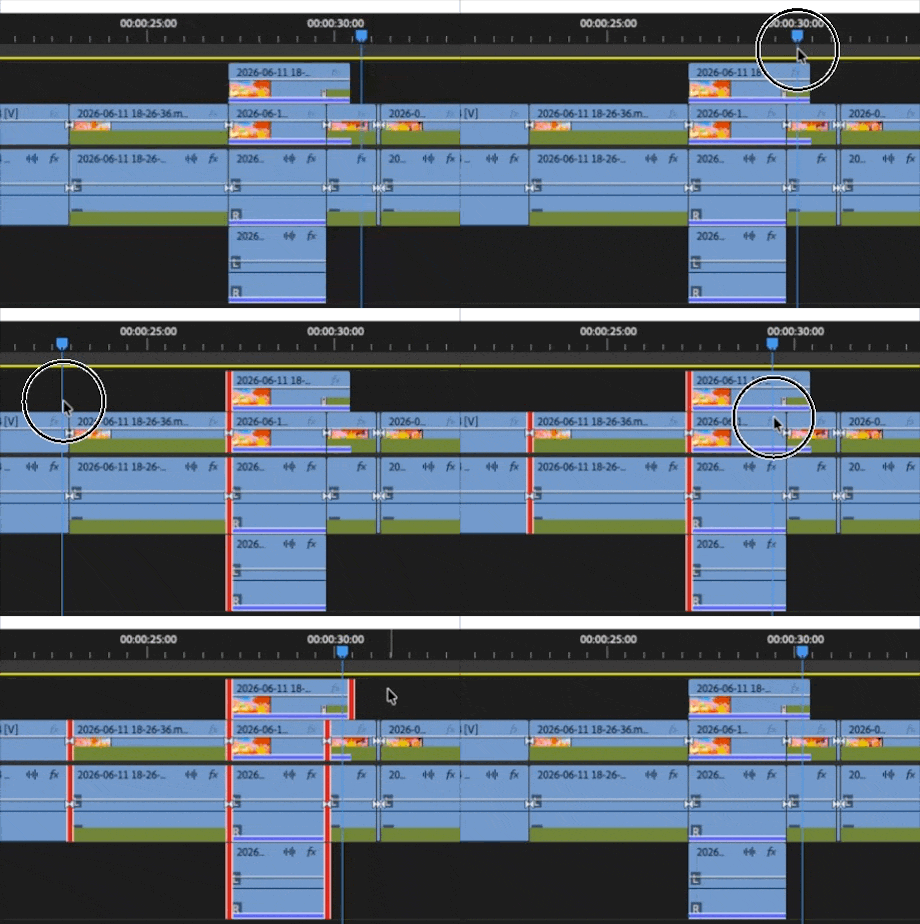
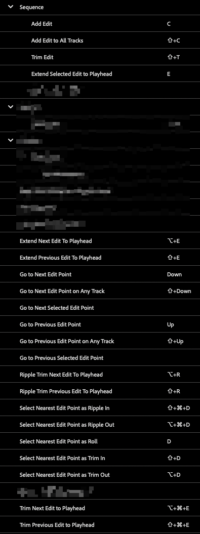
Drag-selecting edit points with the Rolling Edit Tool (N) makes the playhead jump over to them and it makes me sad. So I have to select end points one-by-one and hit E (cumbersome with multiple layers of clips). I do understand Shift-Q/W will extend Next/Previous edit to playhead, but that means changing track targeting every time to make sure it’s not grabbing upper/lower-track clips way down the line. I just want to drag-select what I’m looking at without playhead movement. And to go searching for the destination point again after selecting seems like an unnecessary task… I’m usually near or right on the destination point when I decide to do the edit, so pre-selecting the edit points then finding the destination is not a natural sequence of events, in my brain anyways.
No combination of modifier keys seems to make a difference and I see nothing in prefs to change this behavior. Even (ctrl) drag-selecting with the regular Selection Tool has the same effect.
Am I possibly missing something? Thanks for any help 🙏