Creative Communities of the World Forums

The peer to peer support community for media production professionals.

Activity Forums Adobe After Effects Expressions Source text linked to TSV, but how to add Slider to choose columns from TSV

  • Source text linked to TSV, but how to add Slider to choose columns from TSV

    Posted by Bas V breugel on June 28, 2022 at 7:49 am

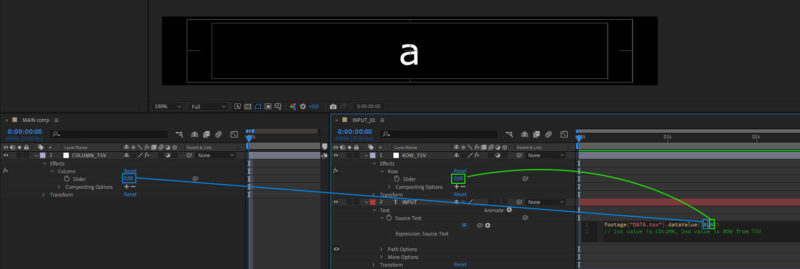
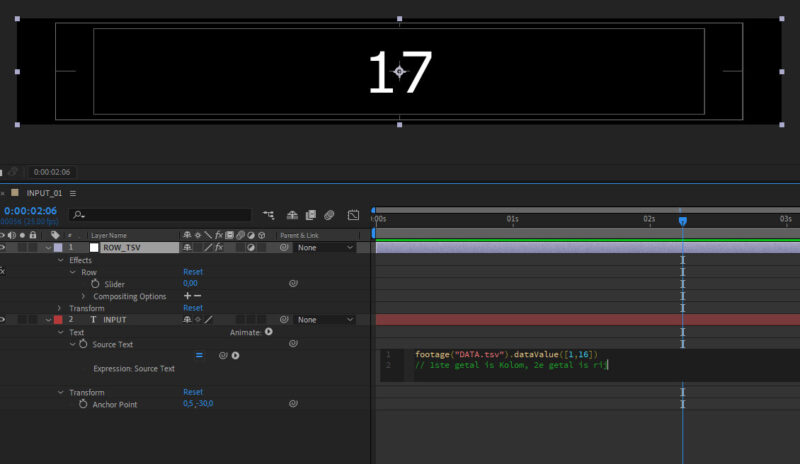
    Hi all. I have linked a tsv file to my text layers. But because I will have alot of precomps later, and a lot more of columns, I would like to have a slider control in the main comp so all precomps can go to the next column by changing slider value.

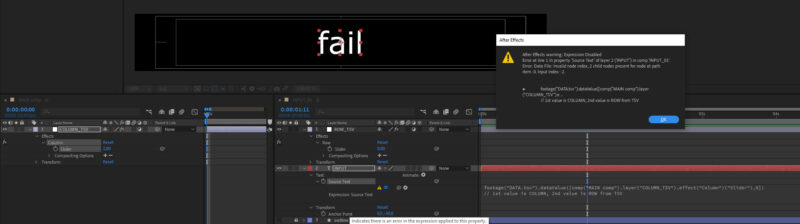
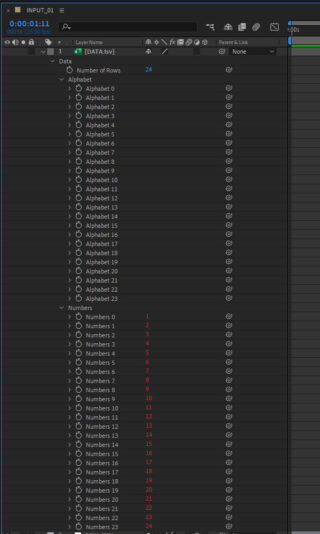
    I’m not too familiar with scripting/expression and tried to pickwhip the values. Then the expression fails as you can see in printscreens.

    Does anyone know how this can work?

    Filip Vandueren replied 3 years, 10 months ago 3 Members · 5 Replies
  • 5 Replies
  • Filip Vandueren

    June 28, 2022 at 10:38 am

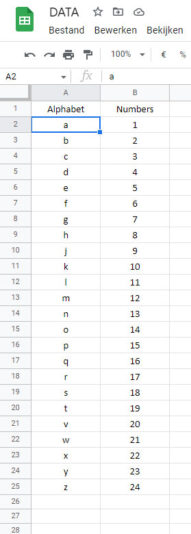
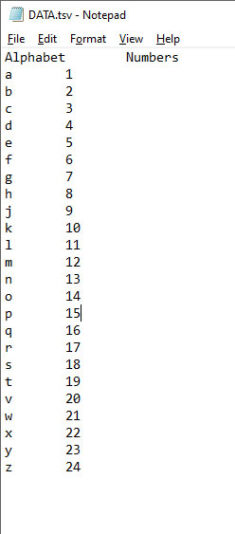
    Can yo check if the tsv file is a clean txt file without any other formatting/metadata ?

    The error seems to suggest the problem is with the data, not your code.

    Can you see the automatically created data-links when you drop the tsv file into a comp ?

  • Bas V breugel

    June 28, 2022 at 11:11 am

    Hmm, data seems to be all right. And when manually changing values it reads out the DATA.tsv perfectly.

  • Chris Voelz

    June 28, 2022 at 12:56 pm

    It looks like your slider is using a comma as a decimal point. The text data index is expecting 2 values but since there is a comma it is interpreting that as 3 values and breaking. Try replacing the comma on your slider using a .replace(‘,’ , ‘.’) function. Should be able to pick whip the slider on itself and add that to the end. This is just a theory since how you have it set up should work.

  • Bas V breugel

    June 28, 2022 at 1:16 pm

    Hmm very vague, just like that it does work. Seems like whenever the slider goes to pull from a blank cell in TSV it breaks.

    footage(“DATA.tsv”).dataValue([comp(“MAIN comp”).layer(“COLUMN_TSV”).effect(“Column”)(“Slider”),thisComp.layer(“ROW_TSV”).effect(“Row”)(“Slider”)])

    But I’ll take that, just making a backup layer containing the //code to copy paste whenever I accidently ‘slide’ too far.

  • Filip Vandueren

    June 28, 2022 at 1:23 pm

    I’ve tried to replicate the error, but it works for me.

    Try adding .value after each (“Slider”) to explicitly get the number ?

    and maybe also Math.round(…(“Slider”).value) to make sure it’s an integer ?

We use anonymous cookies to give you the best experience we can.
Our Privacy policy | GDPR Policy