Creative Communities of the World Forums

The peer to peer support community for media production professionals.

Activity Forums Adobe After Effects How to Remove spots and stains from an object (Statue) with After Effects

  • How to Remove spots and stains from an object (Statue) with After Effects

    Posted by César Xomax on November 12, 2020 at 2:11 am

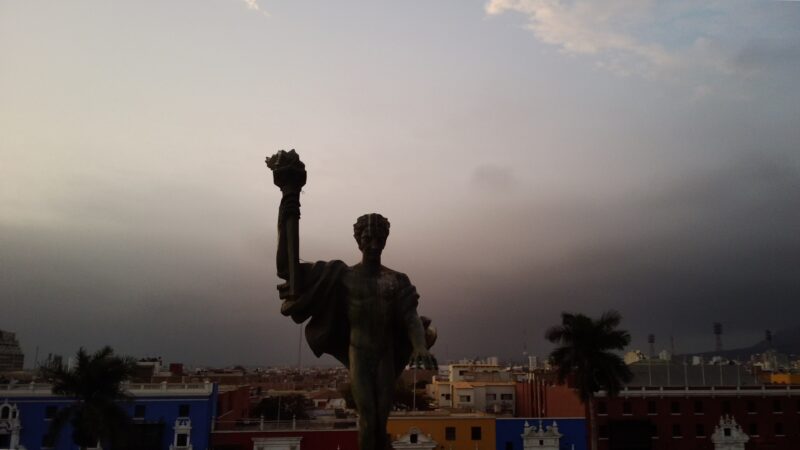
    Hello, I need some help to correct a Footage. It is about Drone around a Statue with Spots and stains over his body, I need to remove the spots and stains over his body because it is looks bad for my eyes. Please if anybody help me with a technic for this purpose I would be very grateful.


    César Xomax replied 5 years, 9 months ago 2 Members · 4 Replies
  • 4 Replies
  • Filip Vandueren

    November 12, 2020 at 9:48 am

    I think the only realistic way of doing that in a way that doesn’t flicker is to use a drone to make a 3D photogrammetry mapping of the statue and 3D track that back into the shot. Which is a lot more advanced than trying to just do some painting in after effects.

    I don’t think retouching or filtering the image frame by frame or with some filters will give a convincing result that fools the viewer.

  • César Xomax

    November 12, 2020 at 8:15 pm

    Thanks for reply, frame by frame correction is the best but longest way.

    I Did a 50% correction directly in FCPX with Color correction/ color mask and shape mask decreasing the exposure value on highlights (white spots and stains), looks better now.

  • Filip Vandueren

    November 15, 2020 at 4:00 pm

    And it doesn’t flicker when you play it back ? That’s the hardest part…

  • César Xomax

    November 23, 2020 at 3:05 am

    Not at all.

We use anonymous cookies to give you the best experience we can.
Our Privacy policy | GDPR Policy