

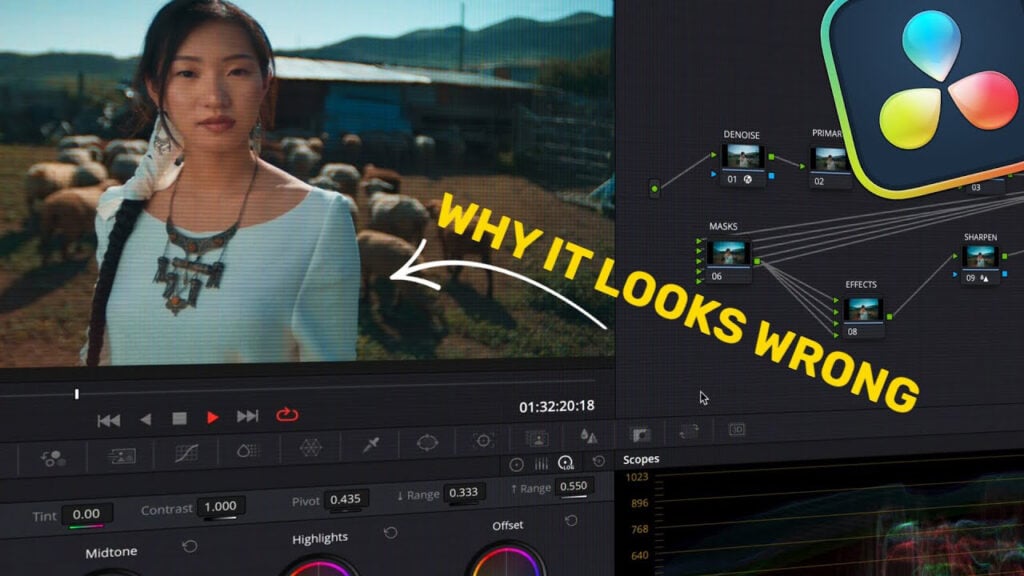
Why Your Color Grades Don’t Look Cinematic in DaVinci Resolve

We really need to talk about some DaVinci Resolve mistakes that you might be making without even realizing it.
Today i’m going to show you some of the most common mistakes that beginners make and why they happen. I will walk you through how you can fix these in a way that make your grades look smoother, cleaner, and more professional.

Automate Video Progress Bars in After Effects – No Keyframes!
Learn how to create an automated video playback bar in After Effects …
Creative COW Roundtable, August 23, 2026- AEAI
COWs from around the world assemble to discuss Using AI to Beat …
Enjoying the news? Sign up for the Creative COW Newsletter!
Sign up for the Creative COW newsletter and get weekly updates on industry news, forum highlights, jobs, inspirational tutorials, tips, burning questions, and more! Receive bulletins from the largest, longest-running community dedicated to supporting professionals working in film, video, and audio.
Enter your email address, and your first and last name below!


Responses