

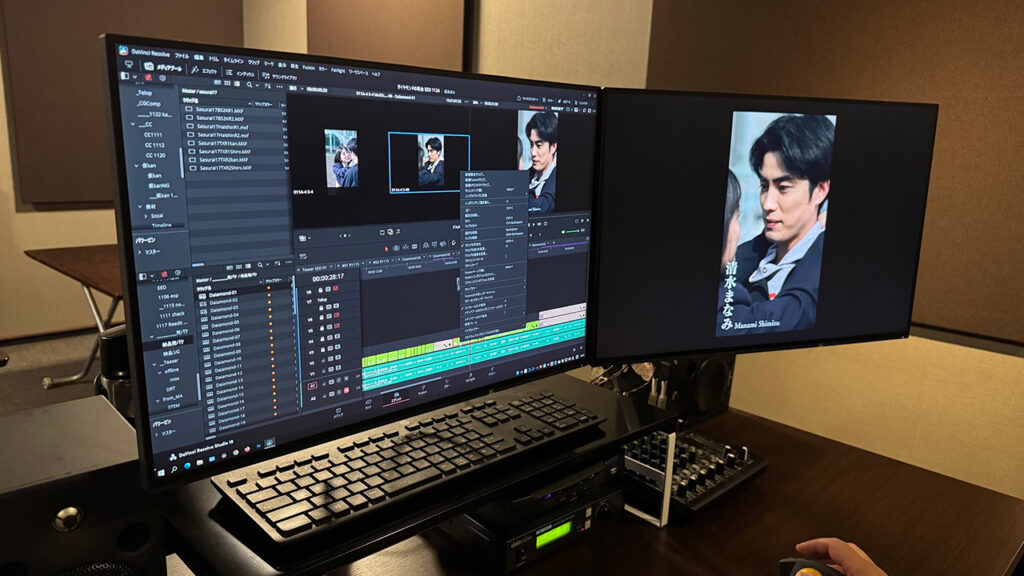
UPSIDE Streamlines Post Production Workflows with DaVinci Resolve Studio

Japanese production company uses DaVinci Resolve Studio for offline and online editing for popular TV series.
Design today announced that UPSIDE Inc., a production company involved in shooting and post production for TV dramas and films, is using DaVinci Resolve Studio for its post production processes. The company employs DaVinci Resolve Studio extensively for both offline and online editing tasks.
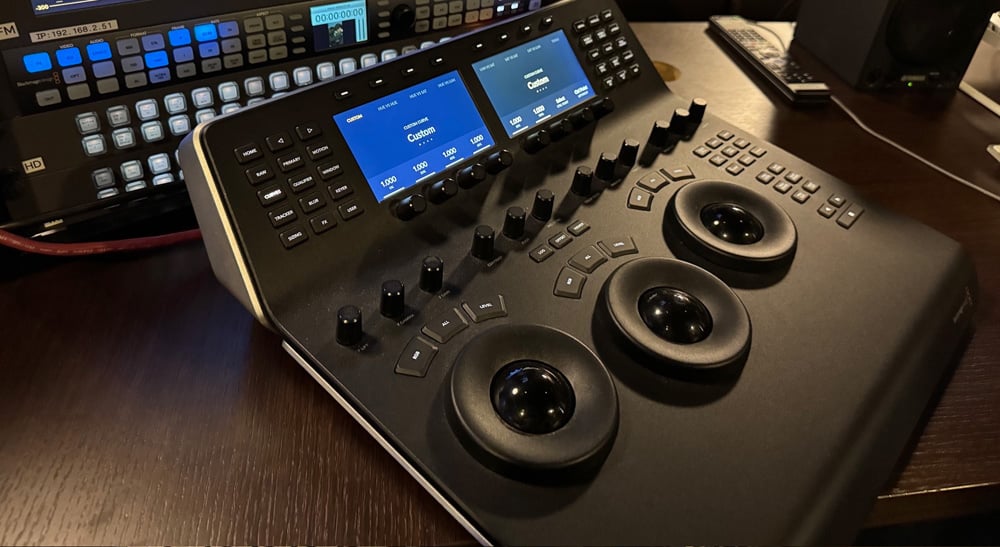
UPSIDE is home to numerous skilled technicians specializing in the shooting and editing of TV dramas and films. The company has worked on many popular series, including the long running “AIBOU: Tokyo Detective Duo,” which has reached season 23 for shooting, and “Mr. Housekeeper, Mitazono,” which has been produced through season 7 for post production. Since introducing DaVinci Resolve Studio and the DaVinci Resolve Advanced Panel for color grading in 2012, UPSIDE has expanded its use of the software in recent years to include editing.
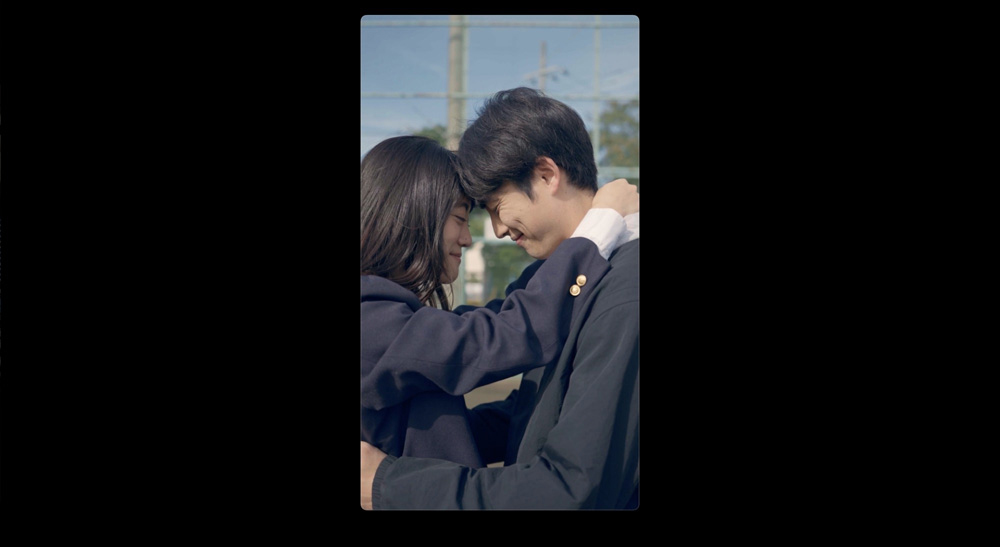
Editor Hiroyuki Komata from UPSIDE said, “I was already familiar with DaVinci Resolve, having used it for color correction during editing. One day, while offline editing a program that included a lot of footage shot from a car window, I decided to try using DaVinci Resolve. The Source Tape feature, which consolidates all the footage for easy searching, was extremely user friendly. I also found the Fast Review button very convenient. It plays long clips faster and short clips slower, which really helps with review. Plus, the ability to customize keyboard shortcuts to match those of the editing software I had been using previously made it easier for me to transition to DaVinci Resolve.”
UPSIDE supports multiple editing applications, allowing each editor to choose their preferred tools. Komata uses DaVinci Resolve Studio for both offline and online editing.
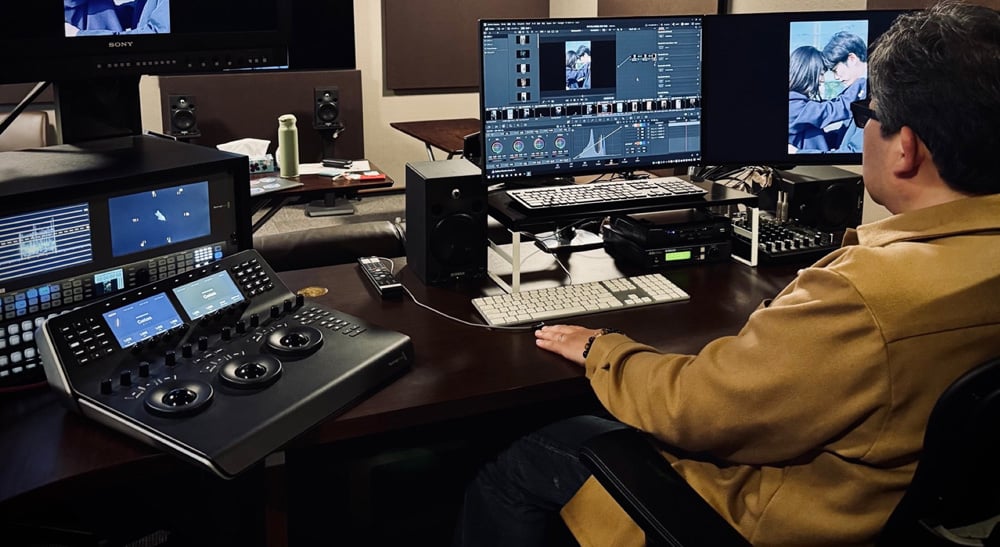
“Even editors using other applications are increasingly turning to DaVinci Resolve when tasks like skin retouching or stabilization are required. With features like Face Refinement and Magic Mask, beauty work has become significantly more efficient. Additionally, when a shot has been enlarged during offline editing without regard to resolution, I find the SuperScale feature very helpful. It maintains image quality during rescaling,” he added.
Komata also praised the flexibility of DaVinci Resolve Studio. “I sometimes complete tasks during offline editing that would typically be done during online editing. For example, in a two hour police drama I worked on, I replaced cloudy skies with clear ones, removed unwanted objects and reflections, and composited scenery outside the car windows during driving scenes. I was amazed by the performance of the Delta Keyer in the Fusion page. Also, when there are too many audio tracks cluttering the timeline, it’s very convenient to lock the audio down to just two channels for editing.” he said.
Recently, the company has been producing more vertical format short dramas and promotional videos for dramas, making the benefits of DaVinci Resolve Studio even more apparent.
“Being able to switch the timeline resolution to vertical format with a single button is incredibly useful. With the release of DaVinci Resolve 20, the addition of a dedicated vertical video UI has made things even more convenient,” said Komata.
“Since our company also uses DaVinci Resolve for grading, once the offline editing is complete, we can simply pass along the DRT file. This frees the grading team from the time consuming conforming process. Conforming often comes with complications, so being able to avoid that step is a major advantage,” Komata concluded.
Enjoying the news? Sign up for the Creative COW Newsletter!
Sign up for the Creative COW newsletter and get weekly updates on industry news, forum highlights, jobs, inspirational tutorials, tips, burning questions, and more! Receive bulletins from the largest, longest-running community dedicated to supporting professionals working in film, video, and audio.
Enter your email address, and your first and last name below!


Responses