

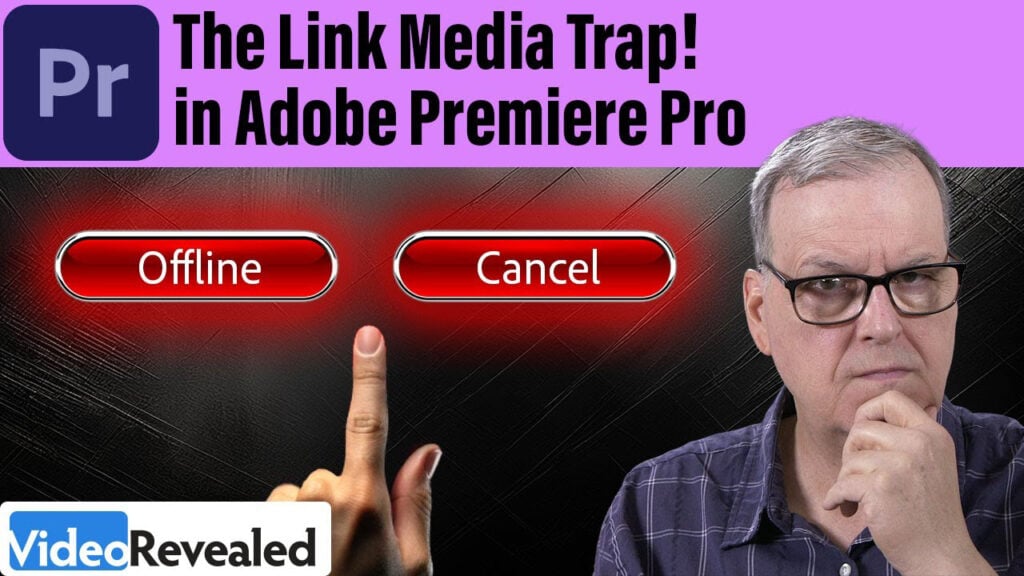
The Link Media Trap in Premiere Pro

Think you know how to handle missing media in Premiere Pro? Think again. In this tutorial, we break down the Link Media Trap—a common mistake that can mess up your project and frustrate your team. Learn why hitting CANCEL is often the smarter move, and how to keep your media workflow smooth across different machines and editors.

Can’t see this video? Click here! If you are in Safari, hover over “Safari” in your menu, click “settings for creativecow.net” and toggle the “Auto-Play” to “Allow All Auto-Play”.
Enjoying the news? Sign up for the Creative COW Newsletter!
Sign up for the Creative COW newsletter and get weekly updates on industry news, forum highlights, jobs, inspirational tutorials, tips, burning questions, and more! Receive bulletins from the largest, longest-running community dedicated to supporting professionals working in film, video, and audio.
Enter your email address, and your first and last name below!


Responses