

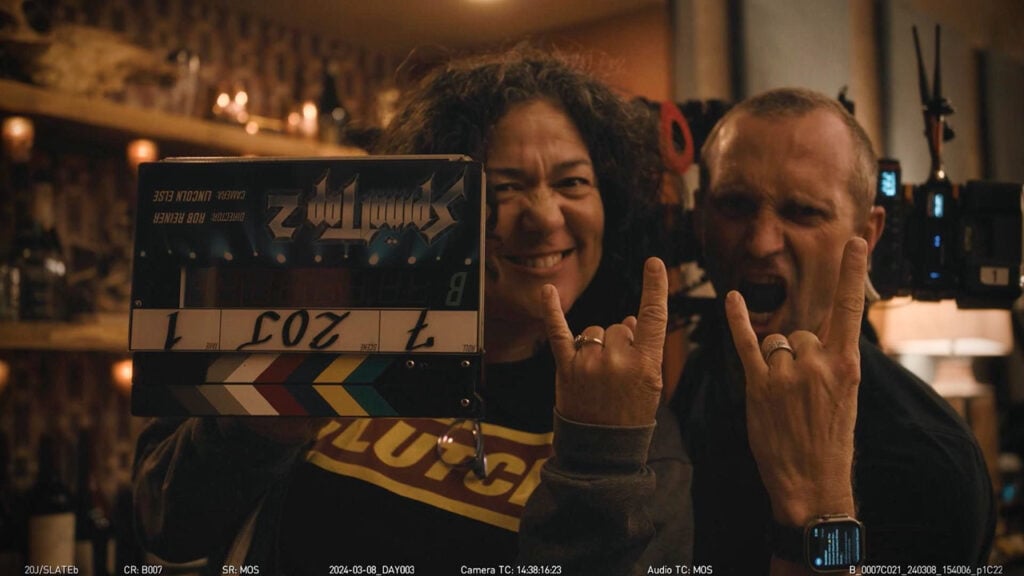
Spinal Tap II: The End Continues Scenes Use Blackmagic Cameras

Concert finale shot with URSA Broadcast G2, Micro Studio Camera 4K G2, Blackmagic Camera and more.
Blackmagic Design today announced that the epic ending concert scene from “Spinal Tap II: The End Continues” was completed using a Blackmagic Design workflow, including cameras, switchers, routers, converters and Blackmagic Camera app.
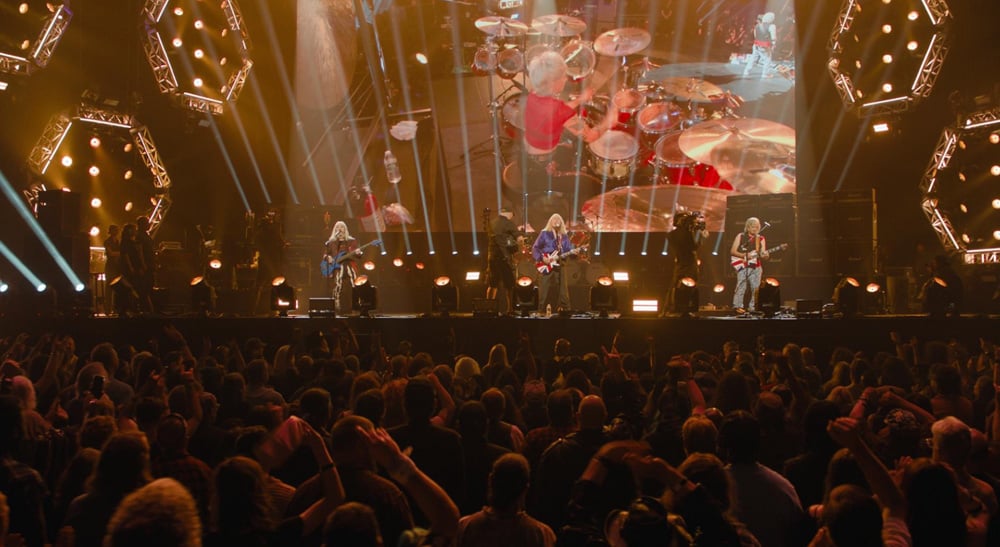
“Spinal Tap II: The End Continues,” one of 2025’s most anticipated films, is a mockumentary directed by Rob Reiner that follows a fictional heavy metal band as they reunite after 15 years for one final show. To capture the glory and over the top spectacle of a Spinal Tap show, the concert was shot in front of a live audience and included a full AV and IMAG workflow controlled from a broadcast truck.
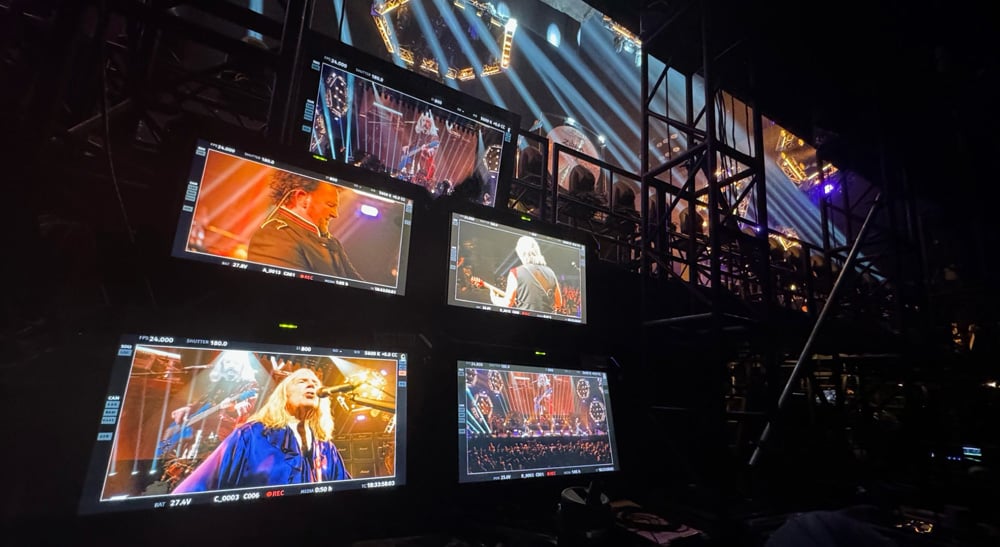
Three Blackmagic URSA Broadcast G2 and two Blackmagic Micro Studio Camera 4K G2 digital broadcast cameras were used to capture the band’s performance live for IMAG to the stage’s large LED monitors. ATEM Constellation 8K live production switcher, along with an ATEM 2 M/E Advanced Panel, was used to switch the live feeds from the Blackmagic Design cameras, with HyperDeck Studio HD Pro broadcast decks used for ISO recording. An iPhone running the Blackmagic Camera app was also used as a free roaming camera.
Donnie Pascal, the founder of film and live production company Diamond Productions, designed and managed the live multicamera set up for the film, while working directly with Robert Barr, the film’s DIT.
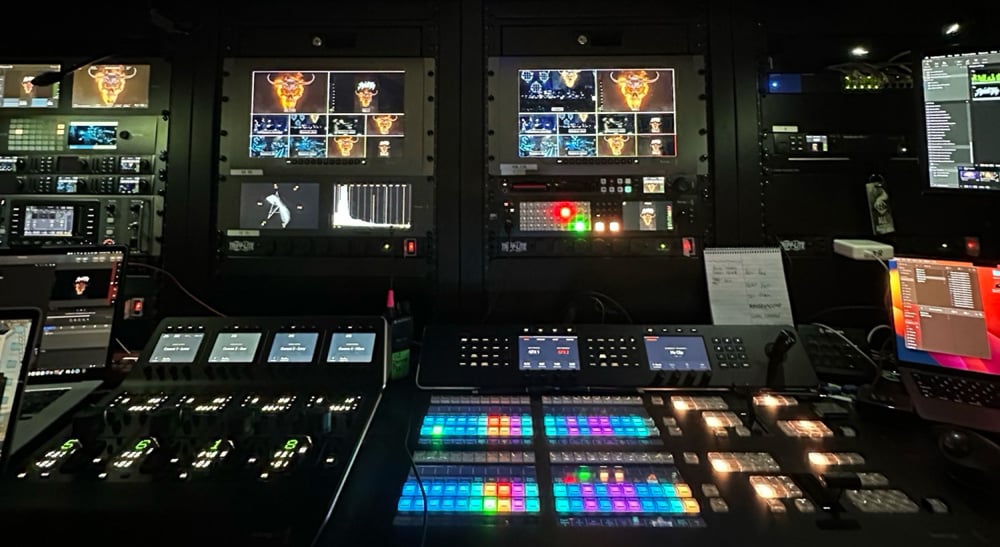
Barr explained the various workflows that needed to be created: “It was a mix of a large live concert and a high end Hollywood film production. Donnie’s set up included the five Blackmagic cameras feeding IMAG, which were used in conjunction with five other cameras that were shooting the actors and audience. All of these, along with the iPhone, needed be captured and seen by Rob Reiner’s village near the stage and then the producer’s village. This was all being done in a real concert venue that required long cable runs.”
He continued: “Donnie and I worked closely together and we knew that Blackmagic would have the products we needed. Beyond the cameras and switchers, I have Blackmagic Micro Converters built into pelican cases that I used as distribution amplifiers to extend the signal to make long SDI runs on the stage.”
In addition to the IMAG workflow, Barr also used a number of Blackmagic Design products with his DIT cart for the concert filming and as the core of several custom made cases. Barr’s DIT cart and distribution boxes included more than 20 different Blackmagic Micro Converters, Smart Videohub 20×20 routers, DeckLink capture and playback devices and DaVinci Resolve, which was used for QC. His custom made rig to handle iPhone footage included Blackmagic Camera app and several bidirectional Micro Converters.
“During principal photography, we had one iPhone that we would use to shoot footage that would be used practically, such as when characters were looking at YouTube videos,” said Barr. “For those setups, we wanted Rob Reiner to interact with the camera just like he did with our main cameras. So I built a rig that we could throw into a backpack that we could use with our existing wireless transmitters. I used the Blackmagic Camera app with its HDMI out feature, along with a timecode sync and Bluetooth. This allowed our sound mixer to continue in his normal workflow, but also record sound on the camera to give the editor options. With this set up, we could have Reiner watch it like any other video feed.”
Enjoying the news? Sign up for the Creative COW Newsletter!
Sign up for the Creative COW newsletter and get weekly updates on industry news, forum highlights, jobs, inspirational tutorials, tips, burning questions, and more! Receive bulletins from the largest, longest-running community dedicated to supporting professionals working in film, video, and audio.
Enter your email address, and your first and last name below!


Responses