

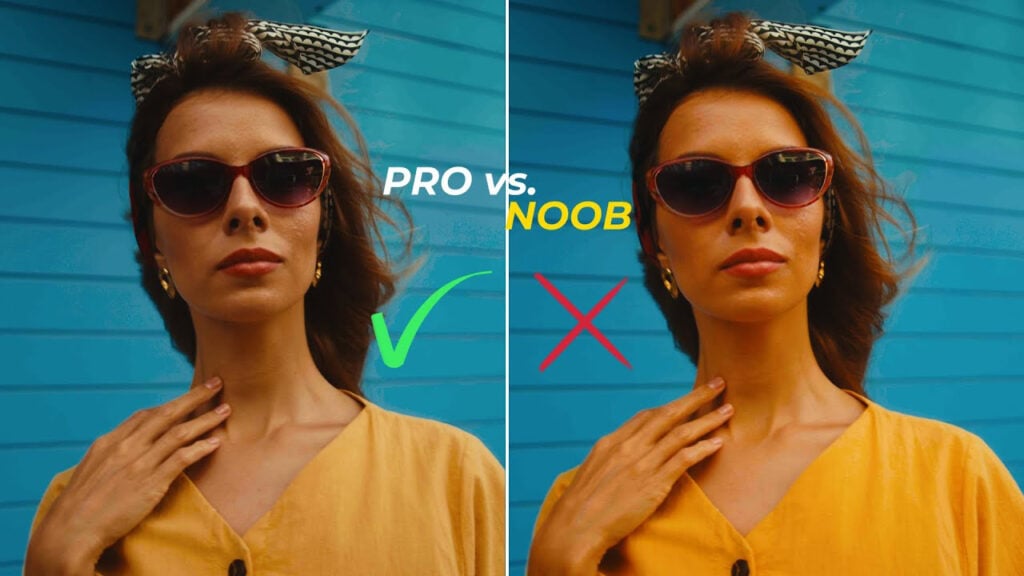
Pro Saturation Techniques in DaVinci Resolve 20

Saturation can make your footage stand out, or completely kill it, and this is why.
In this video, I would like to show you how to master saturation in DaVinci Resolve 20 the right way, without going overboard. I will show you the tools that pro-colorists use to adjust desaturation.

But before we dive into it, I’ve just released a brand new tool for DaVinci Resolve: Master Blend PowerGrade V2. It is designed to make your grades more filmic, with every note explained. This includes a detailed video tutorial, an ebook, and the powerful RGB Crosstalk DCTL that adds that rich depth to your footage.
So if this sounds like something that could help level up your work, you can find it here.
Also, join my course – Mastering Color Grading in DaVinci Resolve.
Can’t see this video? Click here! If you are in Safari, hover over “Safari” in your menu, click “settings for creativecow.net” and toggle the “Auto-Play” to “Allow All Auto-Play”.
Enjoying the news? Sign up for the Creative COW Newsletter!
Sign up for the Creative COW newsletter and get weekly updates on industry news, forum highlights, jobs, inspirational tutorials, tips, burning questions, and more! Receive bulletins from the largest, longest-running community dedicated to supporting professionals working in film, video, and audio.
Enter your email address, and your first and last name below!


Responses