

Offline Files Makes the Drive Shelf Searchable on Mac

A local Mac app for finding files, photos, and footage across external drives before reconnecting them.
Download and test the full paid version of Offline Files from the Mac App Store at no cost with the promo code RMMLA7FX66YH
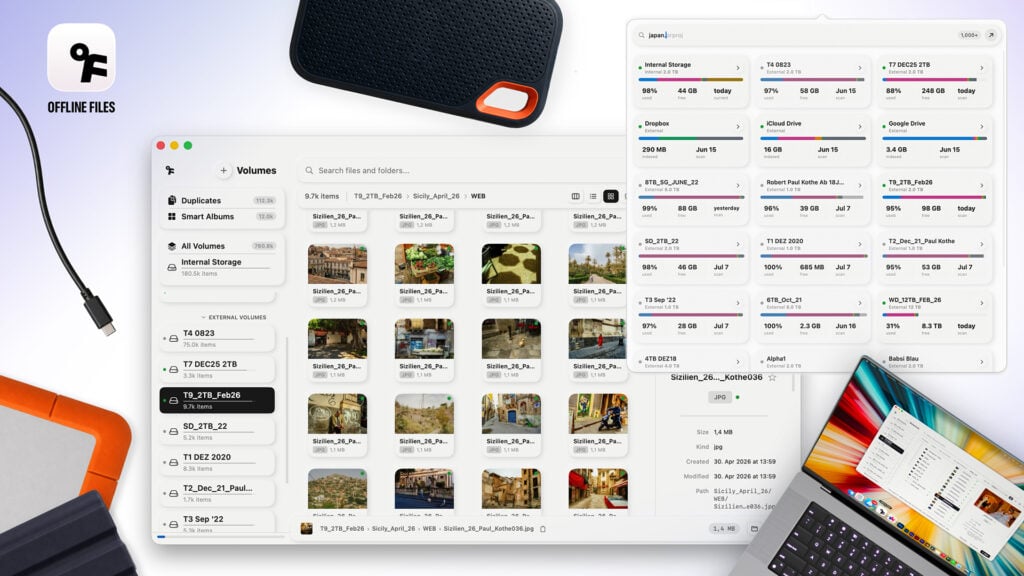
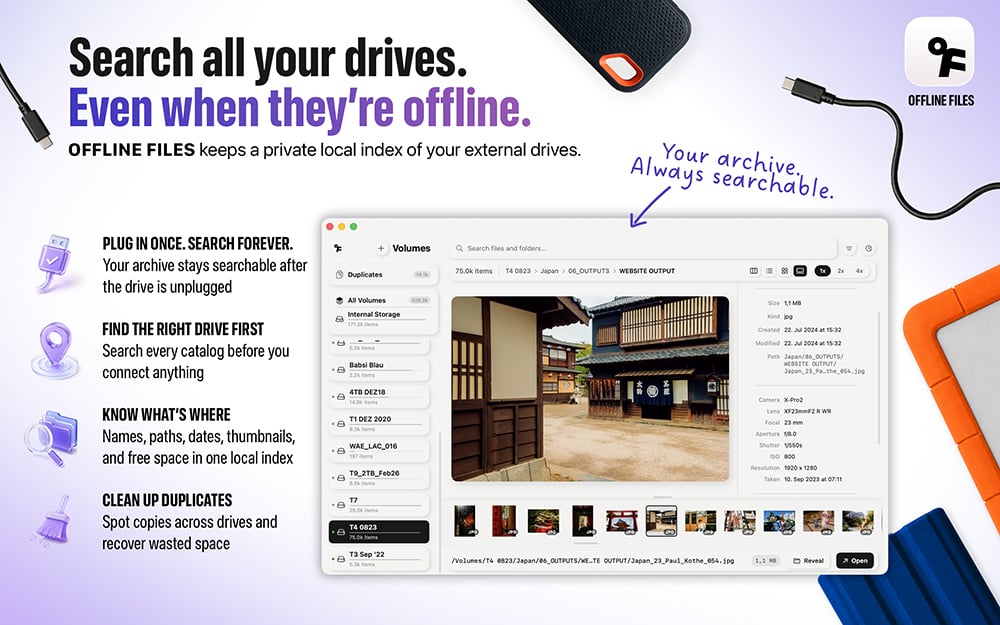
Offline Files is a Mac app for photographers, filmmakers, editors, and anyone whose work has outgrown a single drive. It indexes the files on external, network, and selected cloud volumes so users can search the archive even when an external drive is disconnected.

The problem is familiar in creative work. A client asks for a clip, photo, or project from two years ago. The file exists, but it could be on any one of a dozen SSDs. Instead of plugging drives in one by one, Offline Files shows the matching volume and file path first. The user then connects the one drive that holds the file.
Built for real archives, not a new cloud library
Offline Files stores its catalog locally on the Mac. It has no own cloud service, account, or server, and it does not upload file contents. The app is a search and index tool, not a DAM, Lightroom replacement, proxy generator, or NLE bin manager.
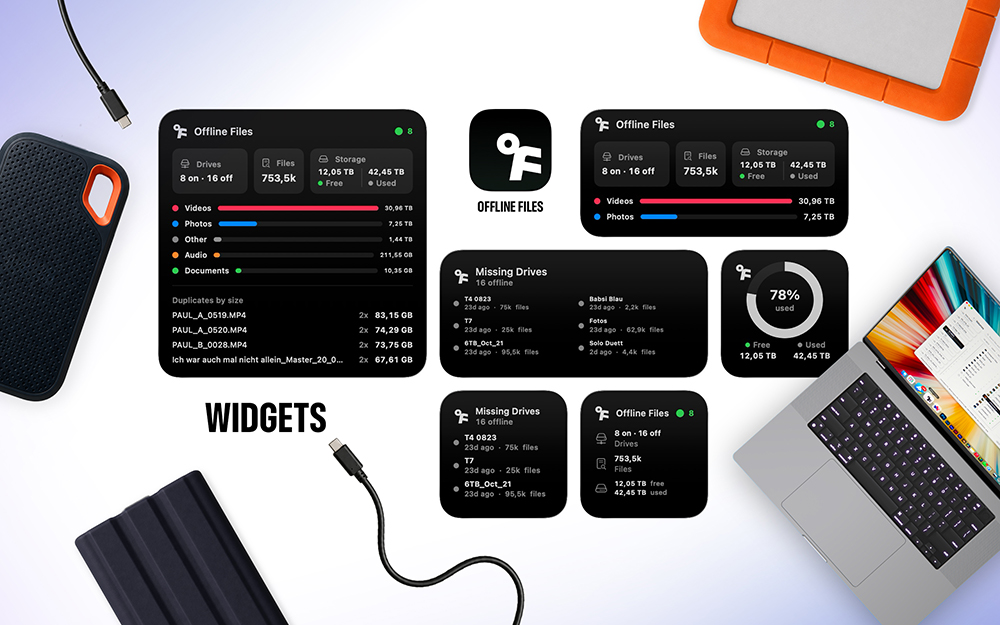
The current release expands that local workflow with cached offline thumbnails, macOS Spotlight integration, Storage Analytics, and Smart Analyze. Smart Analyze uses on-device processing to detect subjects in images and makes them searchable with translated terms. Users can also add Dropbox, iCloud Drive, Google Drive, and OneDrive as opt-in volumes after granting access.
Key features
- Search indexed files while their external drive is offline
- See cached thumbnails for photos and videos from disconnected drives
- Find an offline result through macOS Spotlight
- Search photo content with on-device Smart Analyze
- Compare volume and file-type usage in Storage Analytics
- Search BRAW, ProRes, RAW, and other media metadata
- Find duplicates across indexed volumes
- Add drive groups, notes, and Finder paths to an archive workflow
- Add supported cloud folders only when the user chooses to grant access
- Use the app in 14 languages

For editors and photographers
For video and post-production. Offline Files helps an editor locate camera originals, client drives, exports, and old project folders without reconnecting every drive on the shelf. Search by filename, path, date, size, or media metadata, then connect the correct volume.
For photography. Offline thumbnails and Smart Analyze make an old photo archive more useful while drives are disconnected. A photographer can search for the image, see where it lives, and only then retrieve the relevant disk.
“I built Offline Files because the search for one old file should not start with a pile of drives and a cable. You should be able to find the file first, then connect the one drive that matters.“
-Paul Kothe, founder of Offline Files
Offline Files is available on the Mac App Store. The app supports English, German, Spanish, French, Italian, Japanese, Simplified Chinese, Brazilian Portuguese, Korean, Hindi, Turkish, Indonesian, Dutch, and Polish.

Enjoying the news? Sign up for the Creative COW Newsletter!
Sign up for the Creative COW newsletter and get weekly updates on industry news, forum highlights, jobs, inspirational tutorials, tips, burning questions, and more! Receive bulletins from the largest, longest-running community dedicated to supporting professionals working in film, video, and audio.
Enter your email address, and your first and last name below!


Responses