

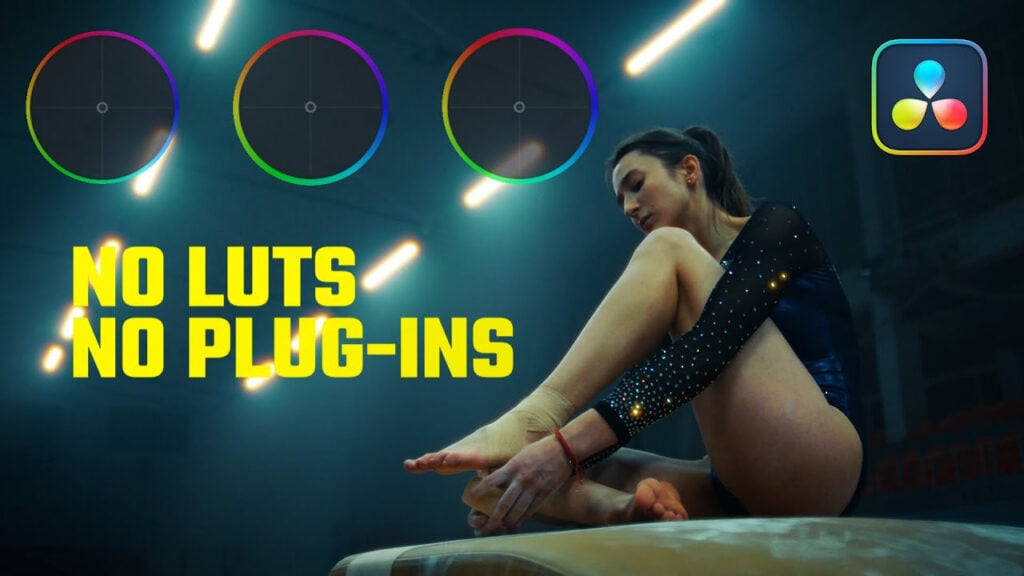
No LUTs, No Plugins. Building Film Looks From Scratch in DaVinci Resolve!

You don’t need LUTs and you don’t need plugins. A lot of you have been asking me how you can create a look without extras, just pure grading step-by-step. In today’s video, I will show you how to create beautiful filmmaker looks in DaVinci Resolve, completely from scratch, using only DaVinci Resolves in-built tools.

Can’t see this video? Click here! If you are in Safari, hover over “Safari” in your menu, click “settings for creativecow.net” and toggle the “Auto-Play” to “Allow All Auto-Play”.
Enjoying the news? Sign up for the Creative COW Newsletter!
Sign up for the Creative COW newsletter and get weekly updates on industry news, forum highlights, jobs, inspirational tutorials, tips, burning questions, and more! Receive bulletins from the largest, longest-running community dedicated to supporting professionals working in film, video, and audio.
Enter your email address, and your first and last name below!


Responses