Forum Replies Created

  • Hey Riccardo 😉

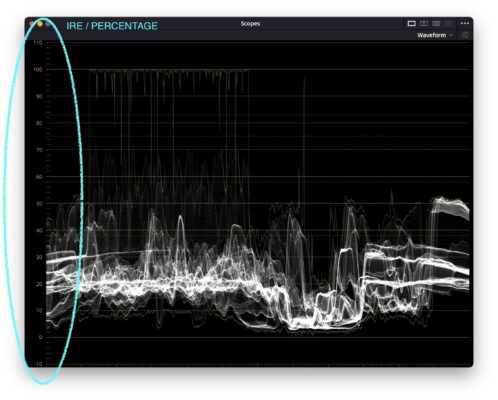
    So I thought a little bit further … and now I understand your hint regarding the IRE values … if I set the scale to percentage (IRE) … then I can work with a specified percentage value rather I can set my low reference line to that percentage value. And then adjust the color wheels (Lift)? Do I undestand this correctly?

    Thanks again

    W.

  • Hi Riccardo,

    first of all: I really appreciate your help!! 😊

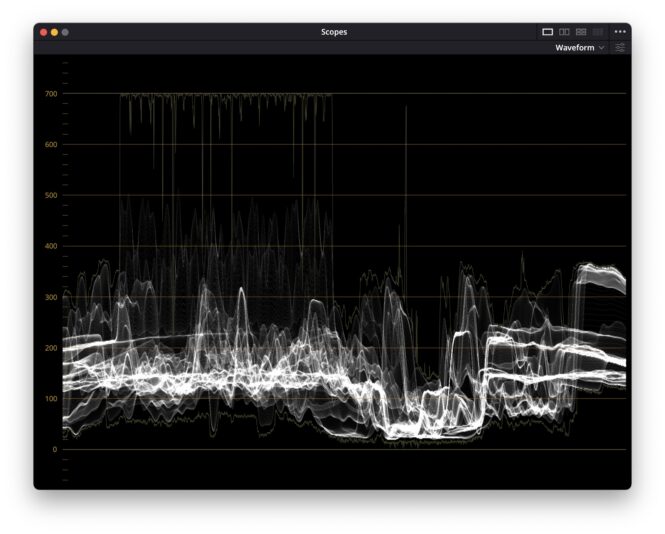
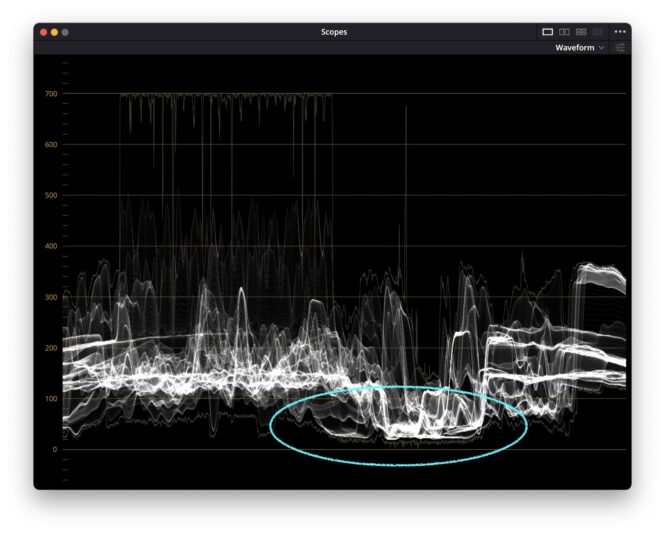
    There is a screenshot attached of one of the scenes the broadcasters complains about. I checked it with the scopes and if I understand it correctly, the black levels are actually clipped.

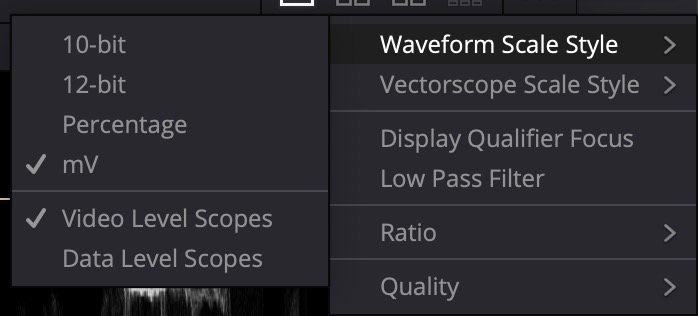
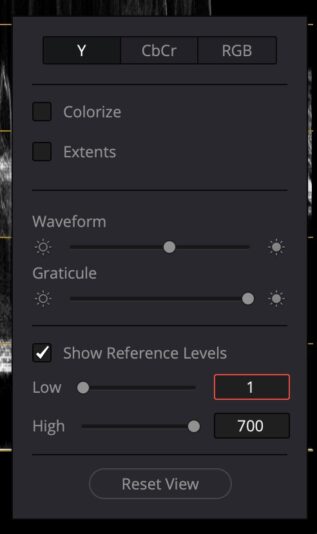
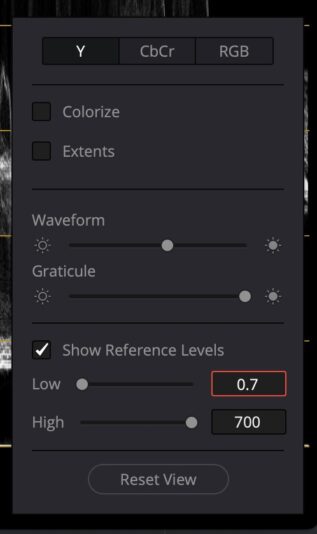
    Also I set the scale (y-axis) [waveform scale style] to mV – so it shows me 0 mV (being black) to 700 mV (white).

    In my naiveté and stupidity, I tried to set my (low) reference levels to 0.7 mV – which, hoever, makes no sense at all with a scale of 0 – 700 mV. Because in this case, the line for low reference does not move at all …

    Excuse my lack of knowledge, I am a full time video editor and cutter but regards color grading I often reach my limits …

    Cheers!

    W.

  • Hi Riccardo!

    Thank you very much for your answer!

    Actually about the Broadcast color safeness I was aware before I delivered the file to the Broadcaster. I exported it according to IRE 103 (SMPTE) … so i thought Im gonna be fine.

    But it seems they are complaining about a few explicit talking head shots … these shots are bit dark but its more a lightning production issue. Anyways the Broadcaster cant except it that way and I think I need to increase the brightness for a few scenes. I am myself a full-time video editor but have to admit my color grading skills are a bit limited.
    I would just like to know how to adjust these MV values (and what exactly are MV values anyway?!). And where to adjust them in davinci?

    Im thankful for any reply!

We use anonymous cookies to give you the best experience we can.
Our Privacy policy | GDPR Policy