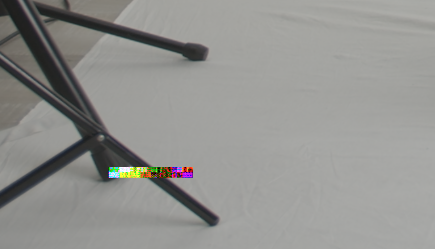
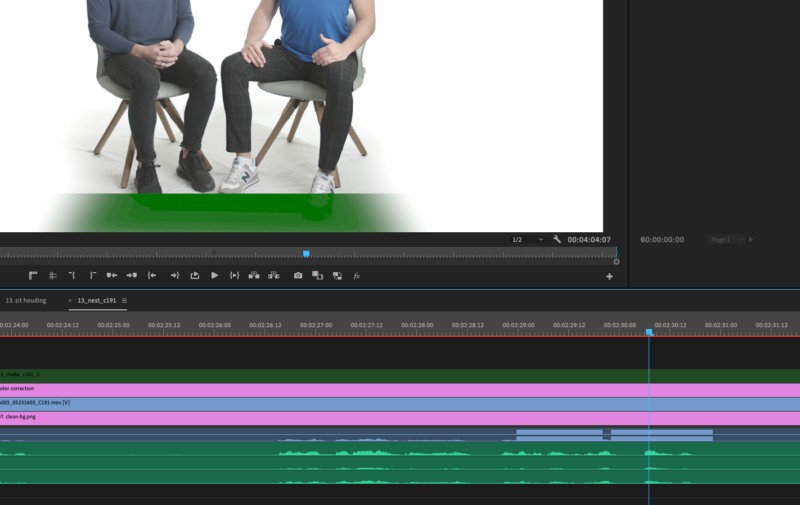
I have had the same problem with my project.
Filmed QHD ProRes HQ with my BMPCC 4k on a T5, with average temperature of weather, and no longer as 4 minutes per shots.
Since I had a technical problem with my save file on Premiere Pro CC, I continued my project in Premiere Pro Beta (v15.0) on my flashed Mac Pro 5.1
The corrupted frame is in my original footage.
I find it strange that I didn’t notice these multiple corrupted frames (over multiple shots) earlier since I’ve scanned the footage over and over many times.
I had to make a still frame sequence per glitch on the timeline and mask-out the glitch in order to fix it.
Maybe this is my GPU hard baking a glitch onto my original footage?
My setup:
Editing via usb-C from my Seagate 8TB HDD
GPU: Geforce GTX 680 – 2 GB
OS: Mojave 10.14.6