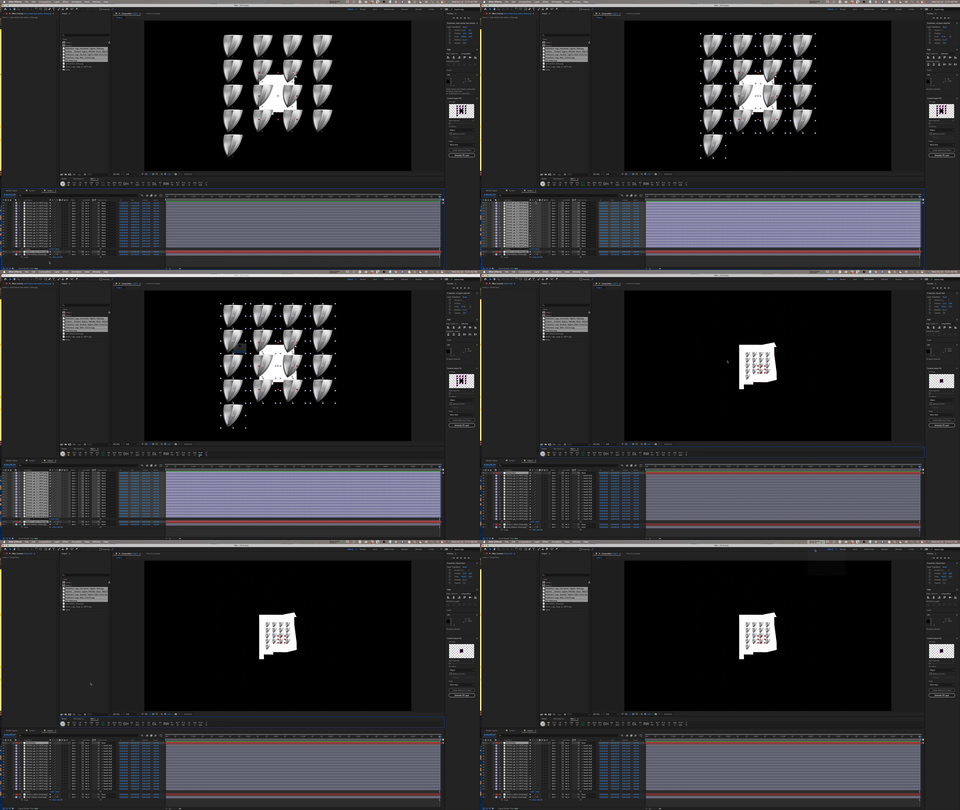
if (app.project.activeItem.selectedLayers.length < 2) {
alert(“Please select the boundary layer and at least one layer to adjust.”);
} else {
var comp = app.project.activeItem;
// Assuming the first selected layer is the boundary layer
var boundaryLayer = comp.selectedLayers[0];
var boundaryRect = boundaryLayer.sourceRectAtTime(comp.time, false);
// Calculate the number of rows and columns
var numLayers = comp.selectedLayers.length – 1; // subtract 1 for the boundary layer
var numRows = Math.ceil(Math.sqrt(numLayers));
var numCols = Math.ceil(numLayers / numRows);
var xOffset = boundaryRect.width / (numCols + 1);
var yOffset = boundaryRect.height / (numRows + 1);
var currentRow = 1;
var currentCol = 1;
// Loop through the other selected layers and position them in a grid
for (var i = 1; i <= numLayers; i++) {
var layerToAdjust = comp.selectedLayers[i];
var layerRect = layerToAdjust.sourceRectAtTime(comp.time, false);
// Calculate the scale factors for width and height
var scaleX = (xOffset / layerRect.width) * 100;
var scaleY = (yOffset / layerRect.height) * 100;
// Use the smaller scale factor to ensure the layer fits inside its grid cell
var newScale = Math.min(scaleX, scaleY);
layerToAdjust.scale.setValue([newScale, newScale]);
// Position layer in the grid
var newX = boundaryLayer.position.value[0] – (boundaryRect.width / 2) + (xOffset * currentCol);
var newY = boundaryLayer.position.value[1] – (boundaryRect.height / 2) + (yOffset * currentRow);
layerToAdjust.position.setValue([newX, newY]);
// Move to next position in the grid
currentCol++;
if (currentCol > numCols) {
currentCol = 1;
currentRow++;
}
}
alert(“Layers adjusted to grid successfully!”);
// Create an undo group for this action
app.beginUndoGroup(“Create Null and Parent Selected Layers”);
// Get the active composition and its selected layers
var comp = app.project.activeItem;
var selectedLayers = comp.selectedLayers;
// Create the null object
var nullLayer = comp.layers.addNull();
nullLayer.name = “Parent Null”;
// Parent the selected layers to the null
for (var i = 1; i < selectedLayers.length; i++) {
selectedLayers[i].parent = nullLayer;
}
// End the undo group
app.endUndoGroup();
}


 8
AE Expressions Coins
8
AE Expressions Coins
 2
After Effects Coins
2
After Effects Coins
 10
COW Coins
10
COW Coins