Forum Replies Created

Page 2 of 3
  • Eduardo Asta

    September 13, 2020 at 3:24 pm in reply to: How to create a dot grid with expressions?

    Hey Chris,

    Thanks for the idea.

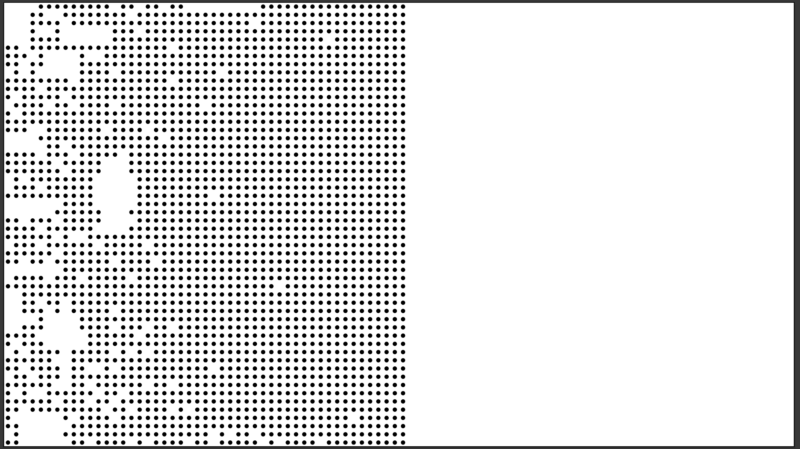
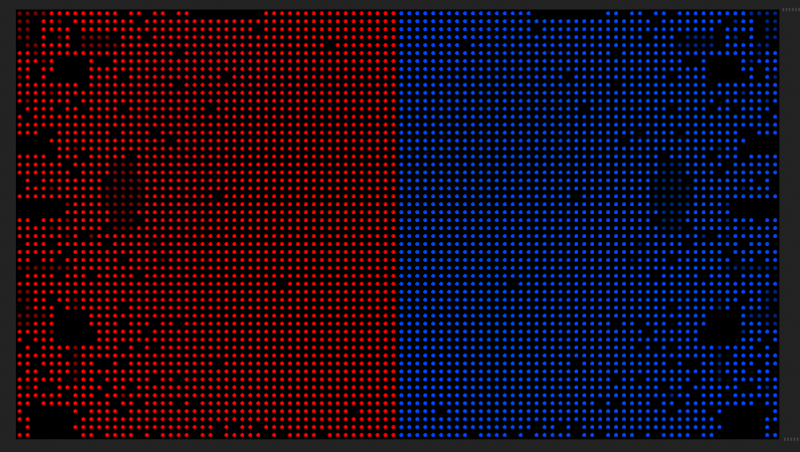
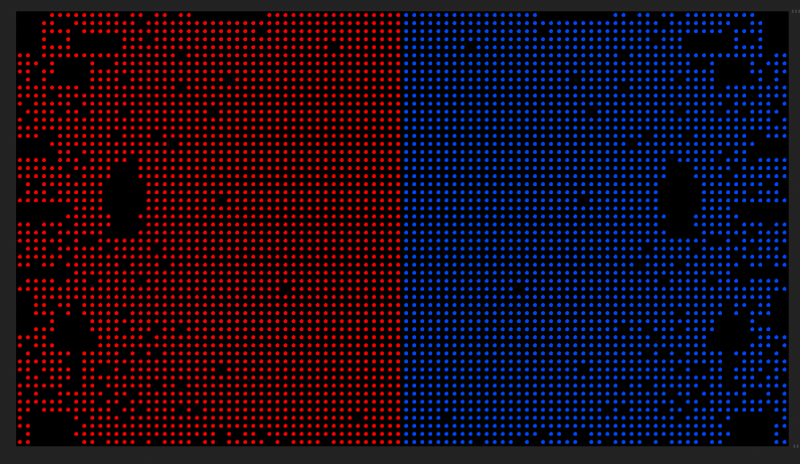
    <font face=”inherit”>I created on Illustrator a layer with the ellipse grid complete and other three layers with some </font>ellipses<font face=”inherit”> subtracted (to create the transition between the complete to the incomplete grid). </font>

    <font face=”inherit”>After that, I imported the AI file as a comp into AE, added on top of it a shape layer with the same ellipse grid (constructed using the repeat), masked it using the “set matte” effect and then, </font>finally<font face=”inherit”>, inside of the AI comp, I created the transitions with layer opacity. </font>

    The strongest point of this approach is the fact you end up handling just a couple of layers (instead of my first approach with more than 1K layers; insane and stupid one, I know). The downside of it is creating the animation outside of AE.

    Still, a much better option, thanks!

  • Eduardo Asta

    September 2, 2020 at 11:28 am in reply to: How to create a dot grid with expressions?

    ahhhhh, I thought it was a plugin. Thks.

  • Eduardo Asta

    August 30, 2020 at 5:23 pm in reply to: How to create a dot grid with expressions?

    Hi Walter,

    I have just found this other plugin, Calvary, which seems also interesting.

    https://cavalry.scenegroup.co/#Features

    My best,
    edo

  • Eduardo Asta

    August 28, 2020 at 12:35 pm in reply to: How to create a dot grid with expressions?

    you are correct, it might do not solve it, but it is a good idea and I can use it on another project.

    thanks anyway,

  • Eduardo Asta

    August 26, 2020 at 12:25 pm in reply to: How to create a dot grid with expressions?

    WOW!

    It works! Thks!

  • Eduardo Asta

    August 26, 2020 at 11:52 am in reply to: How to create a dot grid with expressions?

    Hey Douros,

    It sees nice. But how can I control each transparence instance? It might work….

  • Eduardo Asta

    August 26, 2020 at 11:50 am in reply to: How to create a dot grid with expressions?

    Hi Vandueren,

    It seems a great idea! However, there is a function missing here, right?

  • Eduardo Asta

    August 23, 2020 at 3:02 pm in reply to: How to create a dot grid with expressions?

    Hi Walter Soyka,

    Thanks for the quickly answer. It is true, the AE can’t support this amount of layers. I tried it myself. The Trapcode Form seems pretty fine. I will try it.

    Thks,
    edo

  • Eduardo Asta

    August 22, 2020 at 11:24 pm in reply to: MacbookPro rendering

    I’m also experiencing the same issue, specially when previewing audio. I will follow this thread.

  • Eduardo Asta

    July 19, 2019 at 10:07 pm in reply to: get a value at a certain keyframe

    Hello Thomas,

    I guess my question wasn’t clear. I could solve my problem using, yes, a liner method.

    Thanks for the website you sent to me. I didn’t know it.

    if (numKeys > 1){
    t1 = key(1).time;
    t2 = key(2).time;
    v1 = 0;
    v2 = effect("Posicao")("Slider"); &lt;----this one allows me to set by a slider the initial position of my layer
    linear(time,t1,t2,v1,v2);
    }else value

Page 2 of 3

We use anonymous cookies to give you the best experience we can.
Our Privacy policy | GDPR Policy