

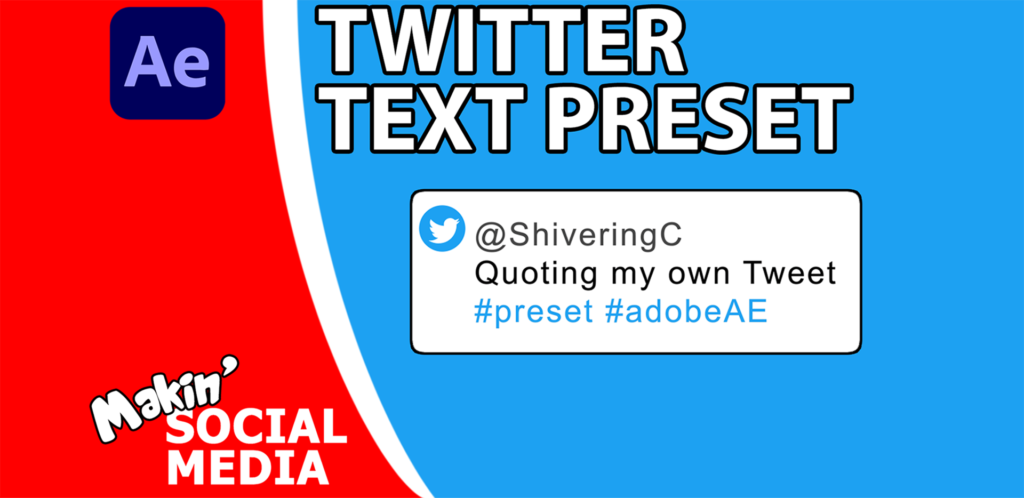
Makin’ Text look like a Twitter post in After Effects

In this tutorial, I take a text layer, and add a bunch of effects to make it look like a tweet. This technique creates a background for the text, adds rounded corners and an outline. To add the Twitter logo, I use Auto-trace to convert the bird into a mask, before using an expression to anchor it in place next to the text.
Preset download: https://bit.ly/3g3mICu @LongLiveMikey tutorial: https://youtu.be/1ROi6yp5MTo
Expression used:
//input variables – pickwhip tPath to your path and offsetPos to your null or expression controller var tPath = mask(“Mask 1”).maskPath; var offsetPos=effect(“Circle”)(“Center”); var tPoints=[]; var InTan=[]; var OutTan=[]; var mPos=[offsetPos[0]-transform.position[0]-45,offsetPos[1]-transform.position[1]+10]; var tClosed=tPath.isClosed(); for(i=0;i < (tPath.points().length);i++){tPoints.push([tPath.points()[i][0]+mPos[0],[tPath.points()[i][1]+mPos[1]]],); InTan.push([tPath.inTangents()[i][0],[tPath.inTangents()[i][1]]],); OutTan.push([tPath.outTangents()[i][0],[tPath.outTangents()[i][1]]],); } createPath(tPoints, InTan, OutTan,tClosed)
Responses