

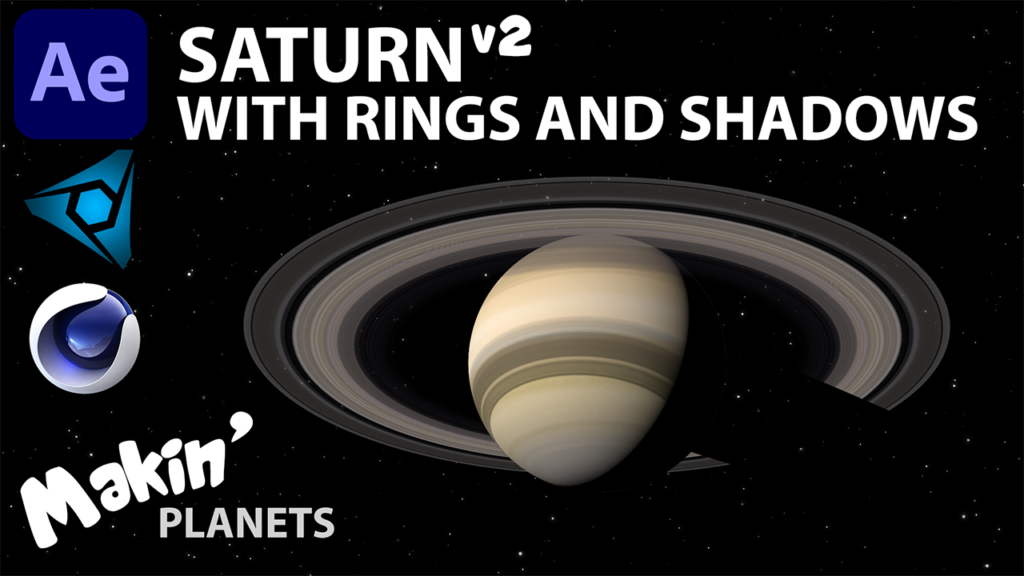
Makin’ Planets! Saturn (with rings and shadows)

In this video, I’m revisiting my earlier tutorial showing how to add rings to a planet when using Video Copilot’s Orb plugin. I show how to make the rings using Polar Coordinates, then use an Alpha Invert Matte along with a simple expression to cut the rings out. I then add fake shadows using adjustment layers to have the planet cast a shadow on the rings and the rings cast shadows on the planet.
Finally, I show how to recreate the planet and rings in Cinema4D Lite (included in the Adobe After Effects CC licence)
Original tutorial: https://youtu.be/DFlnj8B4yeo
Project Download: https://bit.ly/39ycYhX
Textures from: https://www.solarsystemscope.com/
Expressions used:
Dan Ebberts’ LookAts
X Rotation:
1
2
delta = toWorld(anchorPoint) – thisComp.layer(“Sun”).toWorld([0,0,0]);
radiansToDegrees(Math.atan2(delta[1],delta[2]))*-1
Y Rotation:
1
2
delta = toWorld(anchorPoint) – thisComp.layer(“Sun”).toWorld([0,0,0]);
radiansToDegrees(Math.atan2(delta[0],delta[2]))*-1+180
Variation for the shadow on the planet:
1
2
3
4
5
6
7
Angle = comp(“Saturn”).layer(“Shadow Pointer”).transform.xRotation;
if (Angle < 0) {
Angle=Angle*-1;
}
X = linear(Angle, 90, 180, 50, 100);
Y = linear(Angle, 90, 180, -25, -50);
[X,Y]

Responses