

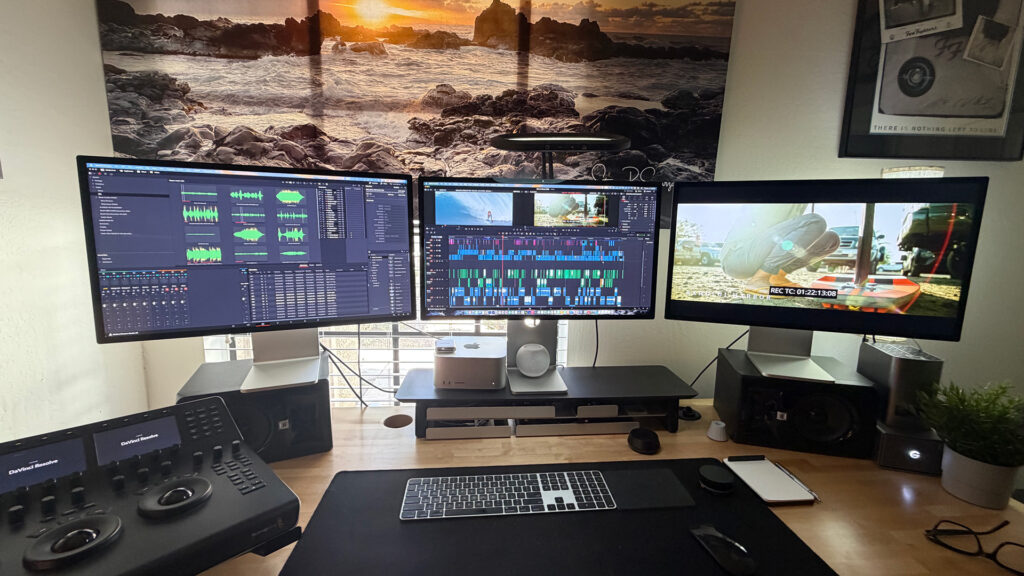
Life on Waves Posted with DaVinci Resolve Studio

Collaborative editing and color grading workflow supported by Blackmagic Cloud.
Blackmagic Design today announced that the gripping documentary film “Life on Waves” was edited and color graded using DaVinci Resolve Studio. The post production team also relied on Blackmagic Cloud for real time collaboration, as well as DaVinci Resolve Studio’s Fairlight page to streamline the audio workflow, while the software’s AI tools helped keep post efficient and production on schedule.
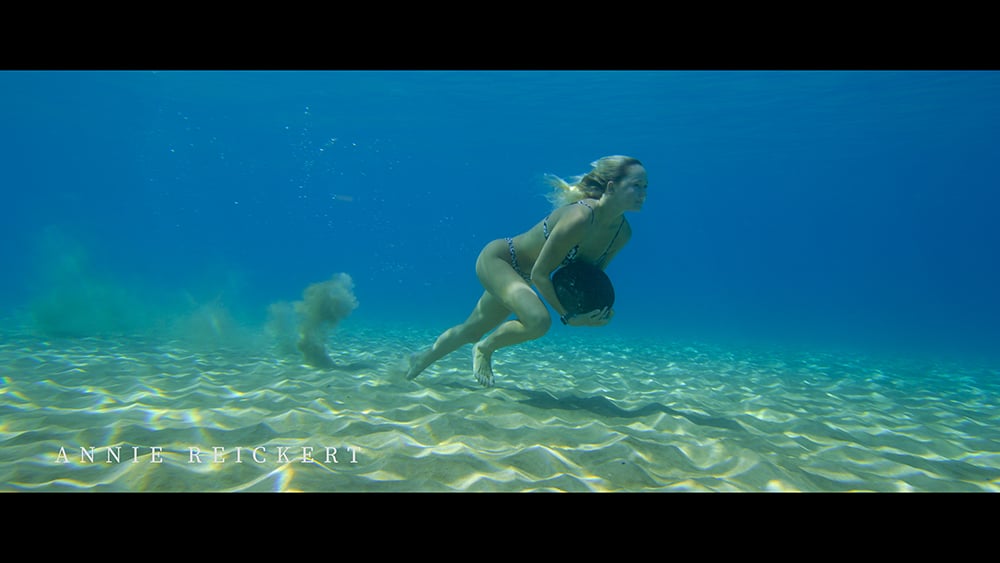
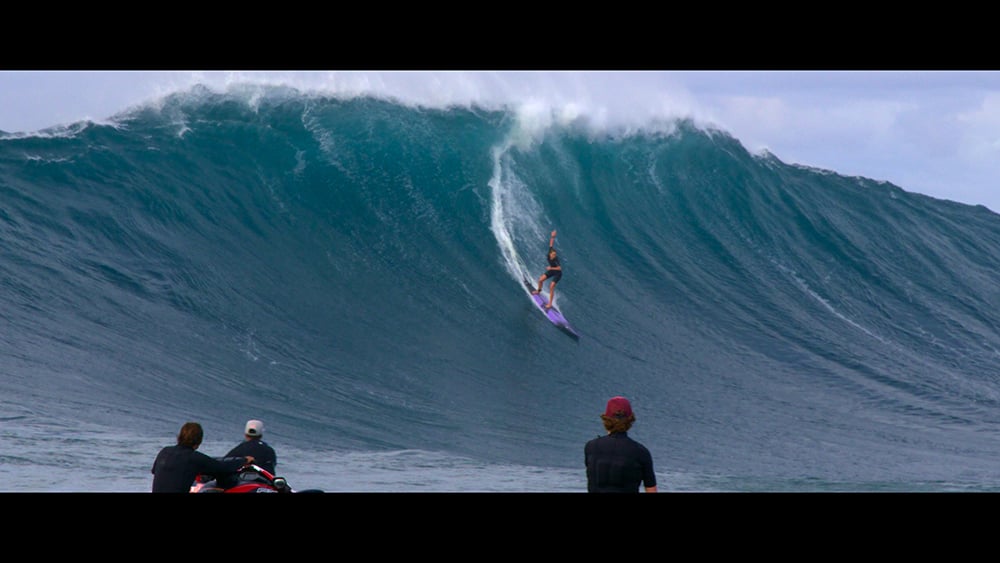
Directed and produced by Steven Esparza, who also edited the documentary, “Life on Waves” explores the adrenaline that comes with riding big waves through the story of professional waterwoman Sarah Hauser. As follow up to “Girl on Wave,” this new chapter invites viewers deeper into Hauser’s extraordinary life as she pushes the boundaries of windsurfing and big wave performance.
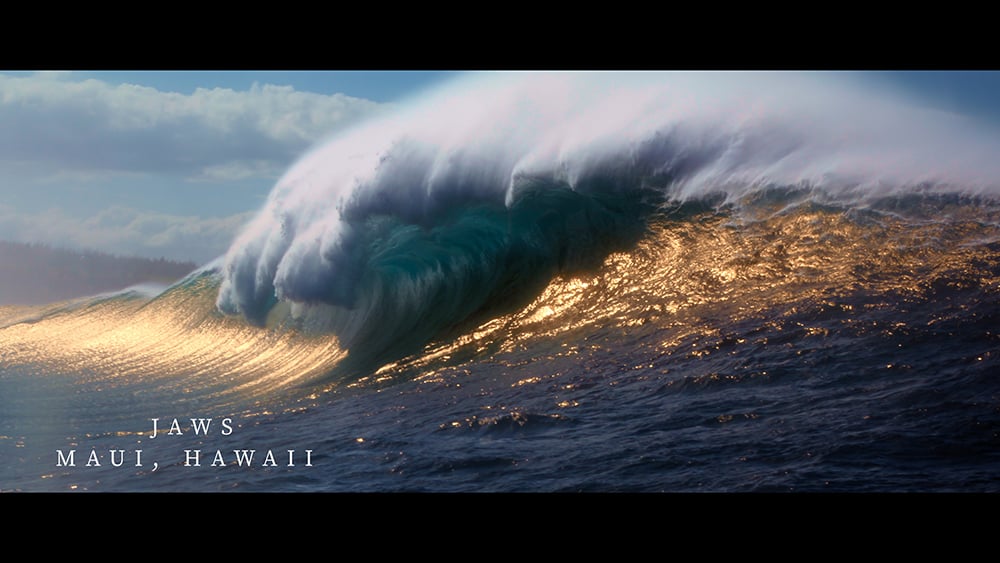
“DaVinci Resolve Studio streamlined my workflow for ‘Life on Waves’ from start to finish by allowing me to efficiently organize and tag footage,” began Esparza. “Organization is key and making it easier to create selects and review different takes was helpful. The real time color grading previews also helped me visualize the final look early in the editing process, ensuring consistency across scenes. Finally, the multicam editing capability and collaboration via Blackmagic Cloud with my assistant editor improved the workflow so much.”
Esparza also highlighted DaVinci Resolve Studio’s end to end post production workflow, which allowed seamless integration from editing to final color. “There was no need for round tripping between different software, and working with Colorist Shaley Brooks was effortless thanks to Resolve’s collaborative tools. He could refine grades in real time while I fine tuned the edit, all within the same project file,” he said. “Our organized edit structure, with properly labeled bins and timelines, made Shaley’s color work smoother, saving time and reducing back and forth adjustments.”
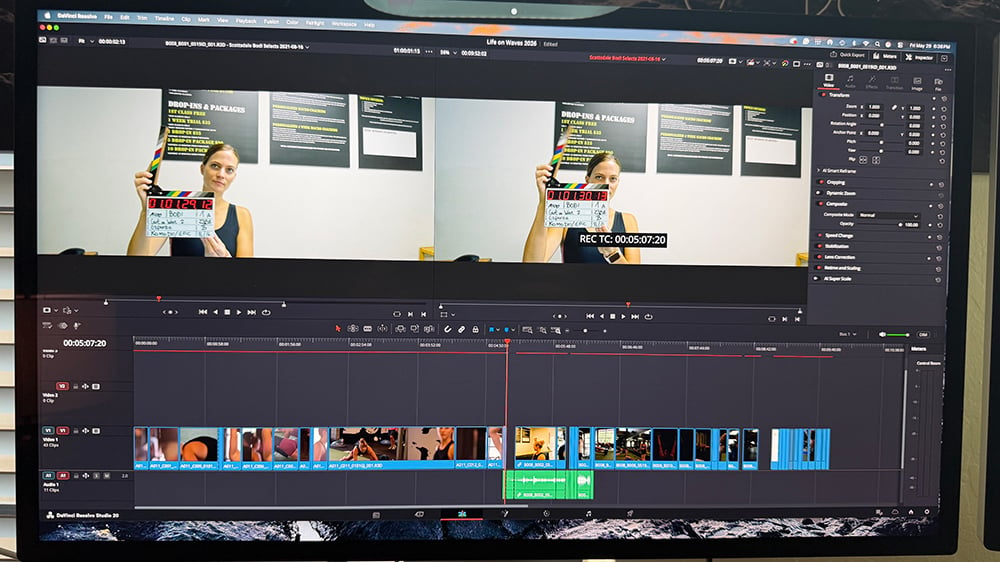
“Since I work with camera originals, the storage footprint is quite large, which is exactly where the Blackmagic Cloud Store shines, particularly for proxy workflows and collaborative remote editing via Blackmagic Cloud,” Brooks added. “I also make frequent use of Resolve’s Media Management tool for trimming files without transcoding, which allows me to keep working with original camera media at a reduced storage footprint.”
Brooks also echoed Esparza’s sentiments: “‘Life on Waves’ is a wonderful example of using DaVinci Resolve as a central hub for filmmakers. His decision to use Resolve for the creative edit ensured a smooth post production pipeline, and we were able to finish the project using his original ‘offline’ creative cut, which allowed me to transition into color with minimal effort and effectively eliminate the traditional ‘online’ stage.”
Brooks cited DaVinci Resolve Studio’s AI tools as essential to further streamlining post on the project. “I used Motion Estimation for material that wasn’t in our native 23.976 frame rate, and the Super Scale tool for lower resolution sources, such as stills and footage not shot by Steve. These features have largely replaced my need for third party AI tools, which is a significant workflow win. I also use Resolve’s Face Refinement tool regularly, and while it wasn’t heavily needed on this project, I did apply it selectively where it was helpful,” he noted.
“DaVinci Resolve Studio’s AI audio tools were a lifesaver, effortlessly cleaning up problematic dialogue and background noise in challenging clips,” added Esparza. “By isolating and enhancing the audio, we avoided costly reshoots and kept production on schedule.”
Esparza also underscored how DaVinci Resolve Studio’s Fairlight page helped streamline the audio workflow by allowing the team to easily export clean, organized stems for the mixer, Steve Griffin. Brooks agreed, adding: “I also use the Fairlight page for deliverable management, ensuring that audio is properly mapped and at the correct levels as specified by the sound mixer.”
“I originally transitioned to DaVinci Resolve Studio because of its seamless integration with RAW files and faster rendering times, and I’ve never looked back,” concluded Esparza. “Blackmagic Design makes high quality, cost effective filmmaking accessible, and I’m proud of what we’re able to deliver using them.”
Enjoying the news? Sign up for the Creative COW Newsletter!
Sign up for the Creative COW newsletter and get weekly updates on industry news, forum highlights, jobs, inspirational tutorials, tips, burning questions, and more! Receive bulletins from the largest, longest-running community dedicated to supporting professionals working in film, video, and audio.
Enter your email address, and your first and last name below!


Responses