

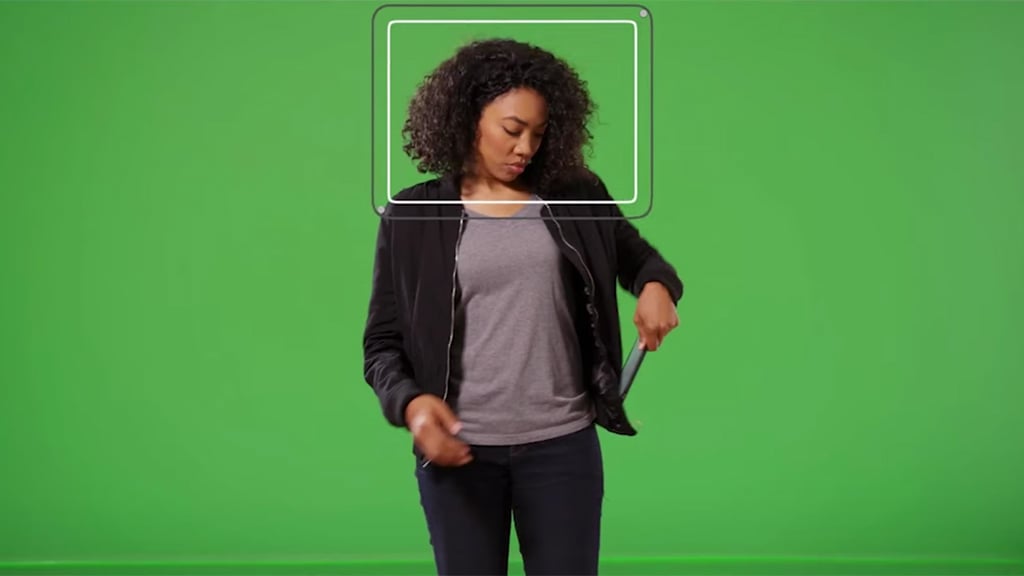
Hawaiki Keyer 5 Tutorial: New tracking features

Hawaiki Keyer 5 builds on the sophisticated keying tools of Hawaiki Keyer 4 and enables you to use them more efficiently with even more powerful and intelligent tools for isolating your foreground.
It’s easier than ever to maintain hair and other fine detail by creating secondary keys and dynamic garbage mattes with the new AI powered face & object tracking and the new realtime edge tracking. And the new Crop tools allow you to exclude the edges of the screen and speed up the rendering of complex keys.
Refining your composite is faster and simpler with all the edge tools available as separate plug-in now integrated into Hawaiki Keyer. And we’ve expanded the compositing toolset with even more edge operations and the ability to resize and composite the background within the plug-in.
On top of this we’ve refined the UI and operation of the plug-in and optimized it for Apple silicon (M1 & M2) and HDR.
###
Enjoying this tutorial? Sign up for the Creative COW Newsletter!
Sign up for the Creative COW newsletter and get weekly updates on industry news, forum highlights, jobs, inspirational tutorials, tips, burning questions, and more! Receive bulletins from the largest, longest-running community dedicated to supporting professionals working in film, video, and audio.
Enter your email address, a first and last name, and let us know what you’d like to see more of in the message!

Responses