Hey Jean,
Have you tried that from Davinci’s “sales” page?
Auto Balancing and Matching
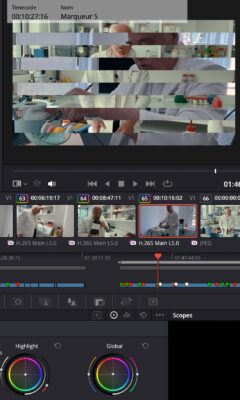
Balanced and matched shots make content from different cameras look consistent. You can use the auto balance tools to quickly balance a group of similar shots. Simply click the auto color button at the left of the color wheels palette to balance the shot’s color and contrast. You can also match the color between different shots. Select a clip, right click on another clip, and select “Shot Match to This Clip” from the menu. Resolve will match the color, contrast and brightness of the clip you’re working on with the one you’ve selected. If a shot contains a chip chart, click on the color match icon in the toolbar, select the type of chart used, line it up on the image and click match!
https://www.blackmagicdesign.com/products/davinciresolve/color
Atb
Mads
blackmagicdesign.com
DaVinci Resolve – Color | Blackmagic Design
Professional video editing, color correction, visual effects and audio post production all in a single application. Free and paid versions for Mac, Windows and Linux.