Creative Communities of the World Forums

The peer to peer support community for media production professionals.

Activity Forums Adobe After Effects Weird shimmer effect with depth of field turned on in Element 3D

  • Weird shimmer effect with depth of field turned on in Element 3D

    Posted by Darren Lee on February 17, 2020 at 4:00 pm

    Hi, this might be a question for the Video Copilot Forum but I thought I’d post it here

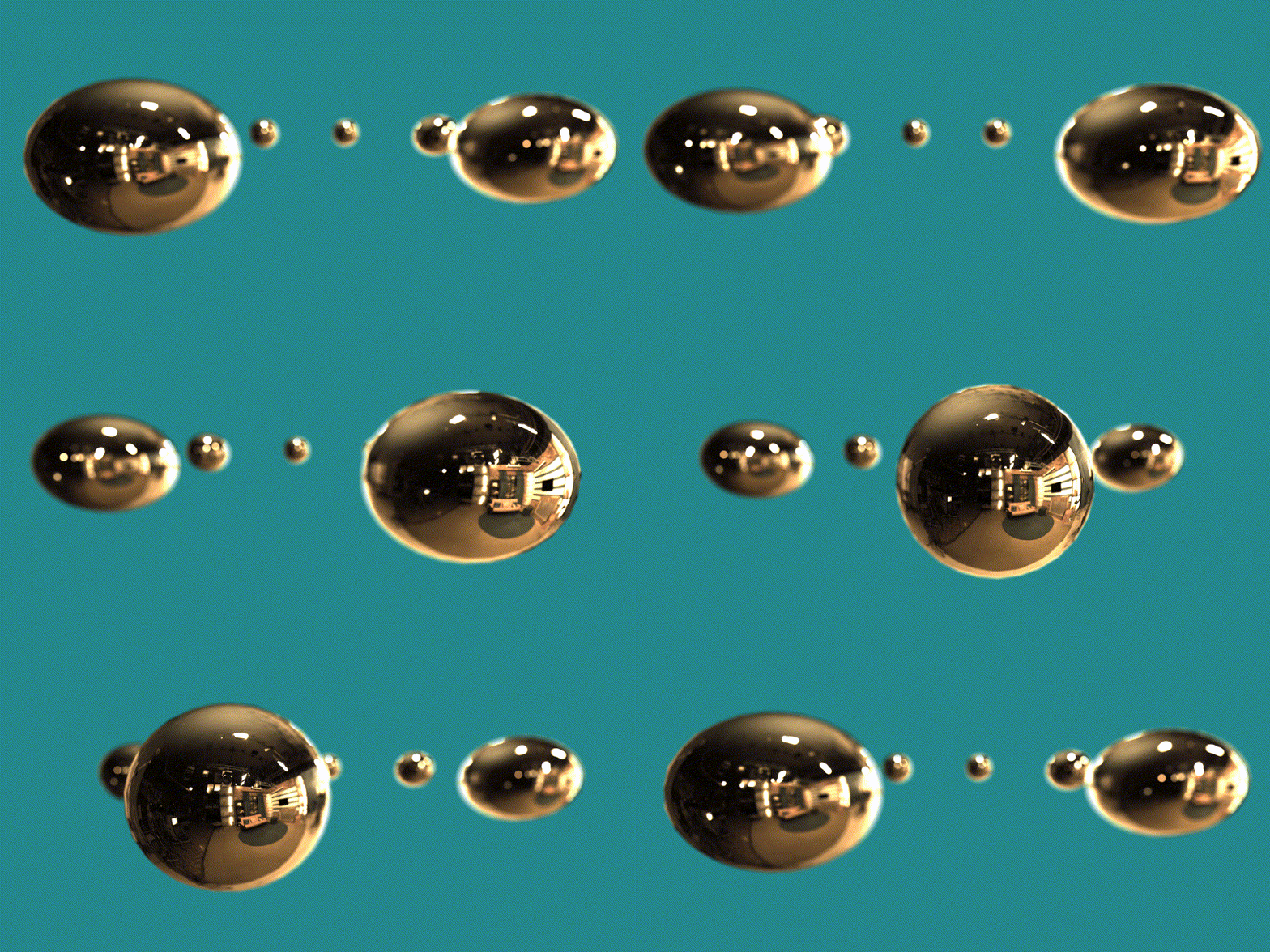
    I’m getting a strange shimmer effect on reflections in Element 3D. If you look at the distant spheres the reflection highlights are flickering:
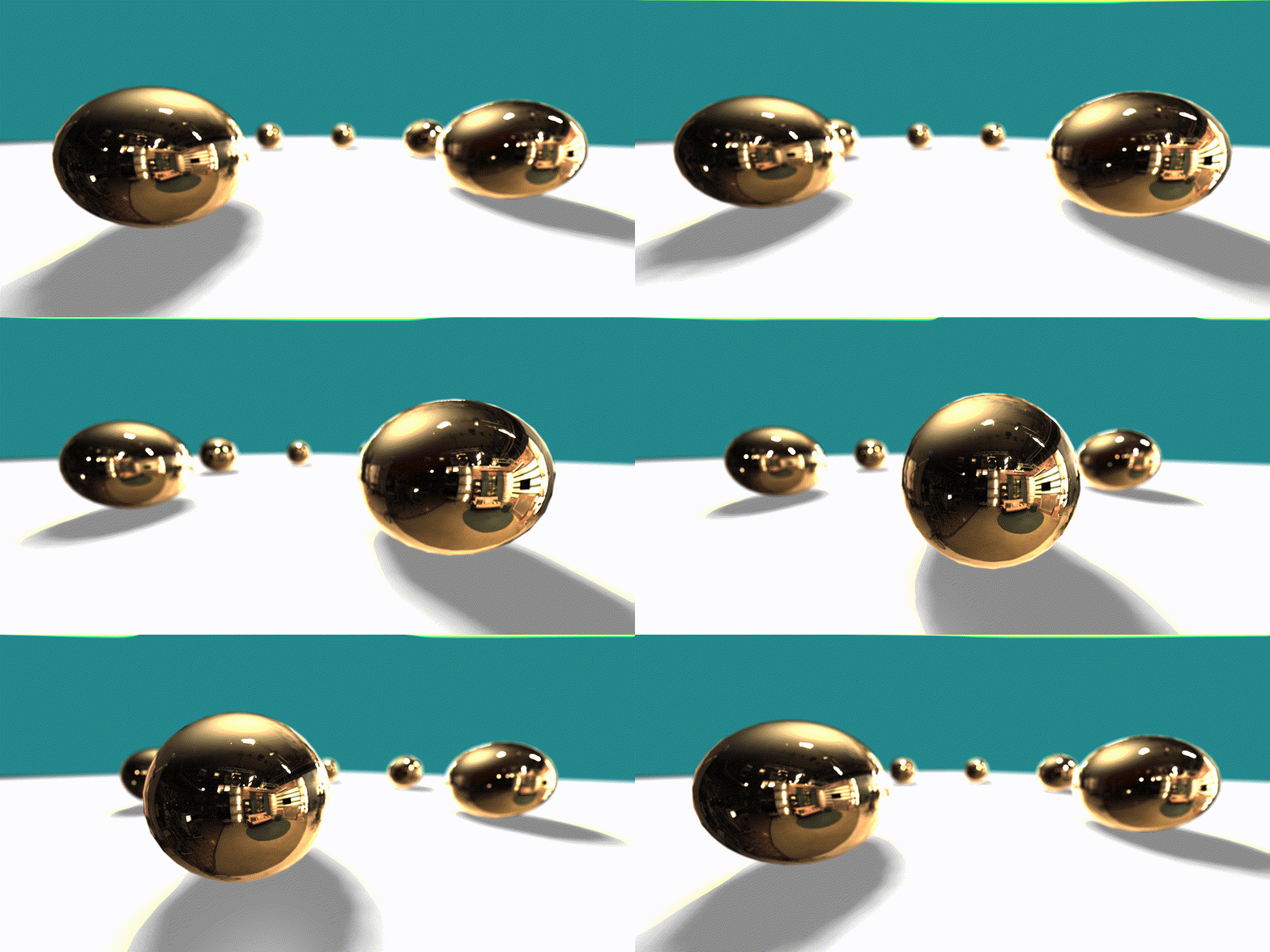
    i’ve tried changing the quality of the DOP in Element 3D from Pixel Blur to Multi pass, which improves it but doesn’t fully get rid of the glistening.

    Is there a way to prevent this? Thanks

    Darren Lee replied 6 years, 2 months ago 3 Members · 5 Replies
  • 5 Replies
  • Richard Garabedain

    February 17, 2020 at 5:31 pm

    It does seem to be a DOP thing. but is this really in element 3d…the quality seems so low

  • Cassius Marques

    February 17, 2020 at 7:00 pm

    That seems to be caused by the averaging of the DOF calculations and the current resolution of the layer. e.g. blurring occurring on a bright reflection pixel vs a darker one on the next frame.

    Try to increase the layer/comp resolution, the multiplier settings or reduce that contrast on those reflections.

    Cassius Marques
    http://www.zapfilmes.com

  • Darren Lee

    February 17, 2020 at 7:59 pm

    That’s weird, I thought I’d try and increase the resolution of the environment map by converting it from a .hdr to a .jpg:

    I found that the lights in it no longer glare:

    It was the HDR file that was causing the flickering. Does that seem right ?

  • Cassius Marques

    February 17, 2020 at 8:17 pm

    I meant increase the overall resolution of the e3d layer.

    If it was a hdr it could be misinterpreting it (bug) or it just had overbright pixels there that were causing the problems. Because I can clearly see a difference in the white levels between the first and last gif.

    I’d had to have access to the files to see if it was a bug or more of a hidden feature. Fireflies are pretty common on GPU renderers so I’m guessing there must be a mathematical necessity for them to exist.

    But as you’ve seem to correct them, there’s not much need to dwell on it. So good luck.

    Cassius Marques
    http://www.zapfilmes.com

  • Darren Lee

    February 17, 2020 at 9:55 pm

    Thank for replying. Changing the comp size and the solid layer resolution that the E3D effect is one and it does seem to work:

We use anonymous cookies to give you the best experience we can.
Our Privacy policy | GDPR Policy