-
Vegas 15 Timecode Skips 1 Frame Sometimes
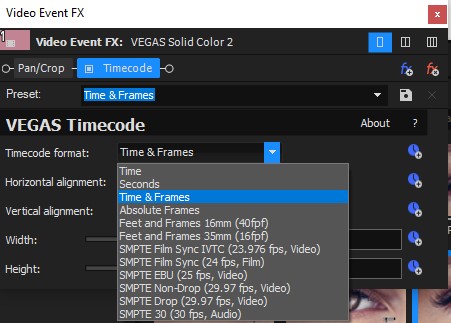
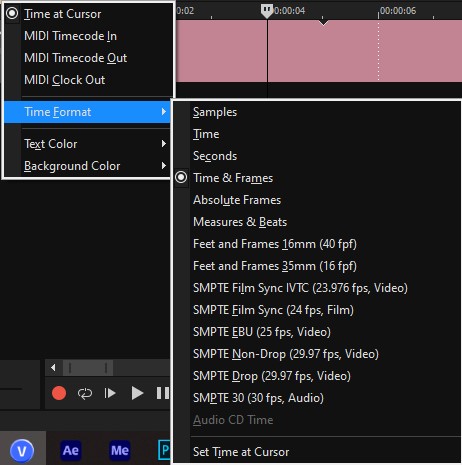
Hi! I burned the timecode into my picture-locked edit for my sound designer by creating a blank title/text across the top of my entire timeline and adding the FX “VEGAS Timecode.” We have just recently noticed that every once in a while, the timecode skips a frame. My project is 1920×1080 29.97fps. The timecode format I’m using is hours:minutes:seconds:frames. So, for example, what happens is the timecode reads 00:00:16:28 then it jumps to 00:00:17:00. But the 29th frame of that second does NOT drop out of the video – the video still plays all 30 frames. It’s JUST the timecode that’s wrong.
I’m not going to try to fix it now because we’re already a week into sound post-production and it’ll set her back to have to wait for a new render. But does anybody know why this is and what I could do to fix it for the next project? Thanks!