-
Using a slider control to loop shapes along path
Hi there,
I am trying to loop a series of strokes and shape layers along a path using the trim paths offset and a slider control.
This is fine when I am only using strokes, as I can link the offset of the stroke’s trim path to a slider control using the following expression, therefore enabling me to have control of the loop for multiple strokes at once:
thisComp.layer(“Null 1”).effect(“Slider Control”)(“Slider”)-value
However I’m running into problems if I want to introduce shapes layers to the same loop. Normally when I’m not concerned about a loop, I’d just use Create Nulls From Paths (trace null) and parents a shape layer to the null. This obviously doesn’t work with a loop because the null is only linked to the start or end of the trim path, not the offset.
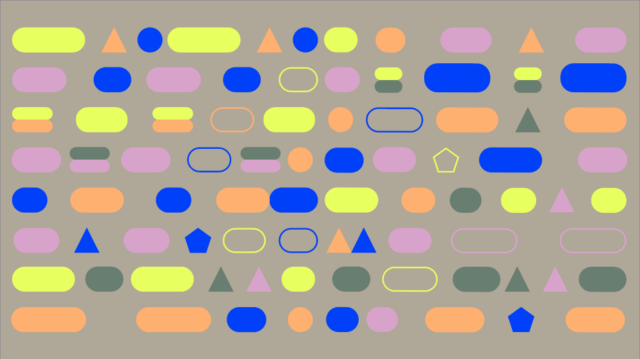
I have attached a picture as reference. As you can see, each line includes some strokes, and some shape layers, all which need to loop as an offset.
Does anyone have a good work around for this?
Thanks in advance.