Creative Communities of the World Forums

The peer to peer support community for media production professionals.

Activity Forums Adobe After Effects Unable to make more Precomps. Become invisible/unselectable

  • Mykhailo Gorliak

    May 27, 2025 at 9:45 pm

    Did you maybe set that layer as 3D?

  • Eric Pereira

    May 27, 2025 at 10:04 pm

    No. Setting it to 3D layer doesn’t help, either.

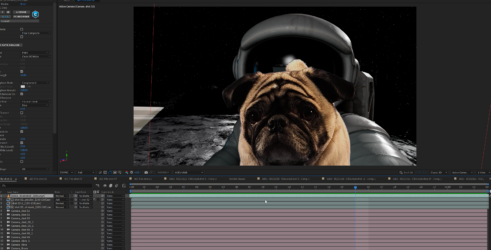
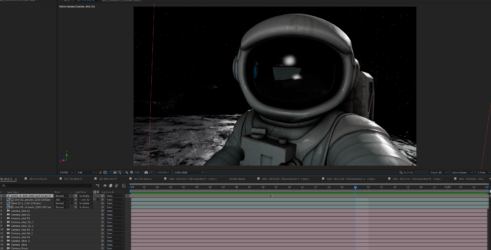
    You can see what happens to my cursor when I mouse over the layer.

    It can’t be selected.

    It is inside a composition that is an AEC file from C4D. So all the other layers are 3D, however, nothing like this happened with the other 5 AEC file compositions I have already used. I just tried the next AEC comp I have, and it works just fine. Only this one does this.

    I compensated for the error by not using a precomp, but it’s very annoying.

  • Dan Ebberts

    May 27, 2025 at 11:11 pm

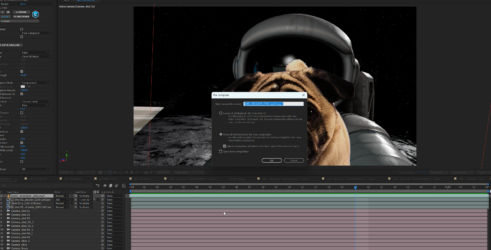
    My guess is that the “Adjust composition duration to the time span of the selected layers” switch in the pre-compose dialog is moving your resulting, shortened precomp off to the left on the time line so that it’s not visible.

We use anonymous cookies to give you the best experience we can.
Our Privacy policy | GDPR Policy