Creative Communities of the World Forums

The peer to peer support community for media production professionals.

Activity Forums Adobe After Effects Expressions Type Repeater Expression Won't Maintain Multiple Font Weights

  • Type Repeater Expression Won't Maintain Multiple Font Weights

    Posted by Nathaniel Costa on February 2, 2021 at 7:19 pm

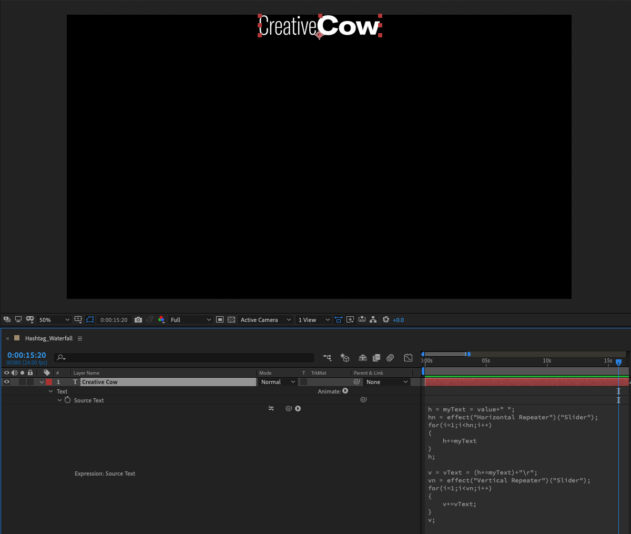
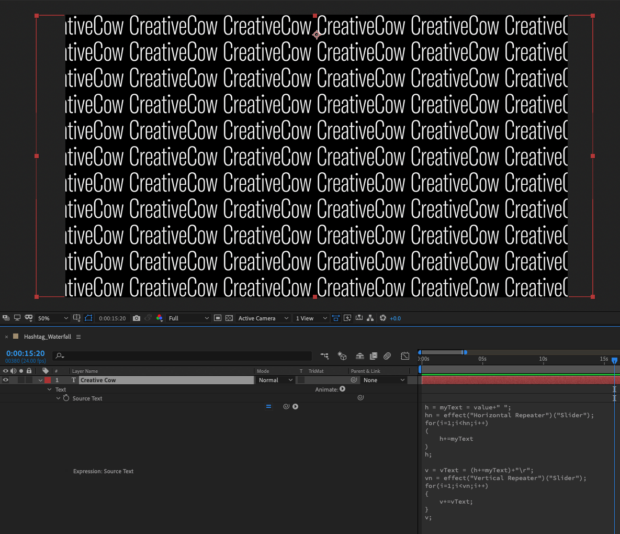
    I am using an expression to duplicate a piece of type horizontally and then vertically, it works fine until there are multiple font weights (same font) in the same type layer. Instead of maintaining the font weights in the layer it seems to default to the weight of the first character. Is there a way to keep the font weights in tact while repeating the type across screen? Please help! Thanks!!

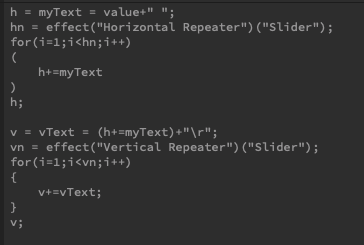
    h = myText = value+" ";

    hn = effect("Horizontal Repeater")("Slider");

    for(i=1;i<hn;i++)

    (

    h+=myText

    )

    h;

    v = vText = (h+=myText)+"\r";

    vn = effect("Vertical Repeater")("Slider");

    for(i=1;i<vn;i++)

    {

    v+=vText;

    }

    v;

    Nathaniel Costa replied 5 years, 6 months ago 2 Members · 2 Replies
  • 2 Replies
  • Dan Ebberts

    February 2, 2021 at 7:23 pm

    As you’ve discovered, once you apply an expression to Source Text, all characters get the formatting of the first character. Unfortunately, that’s just how it works.

  • Nathaniel Costa

    February 2, 2021 at 7:26 pm

    Dang, thanks for the quick reply.

We use anonymous cookies to give you the best experience we can.
Our Privacy policy | GDPR Policy