-
Trouble with “Element” effect and compositions updating
Hi! I was sent an AE file where I have to sub out the screen images on an iPad that was built with Element and put in new screen images on the tablet that are in a different language. So there’s screenshots on an iPad in a composition, and I am deleting those and putting in new ones. To me, the iPad screen should update when I delete the original screenshots and put in new ones, but they aren’t and the original screen is still there. Wondering if someone could give me a hand. I have a Monday deadline so if it requires a live walkthrough over zoom I’ll compensate you for your time 🙂
I’ve tried purging my cache and restarting AE thinking it could be that, to no avail.
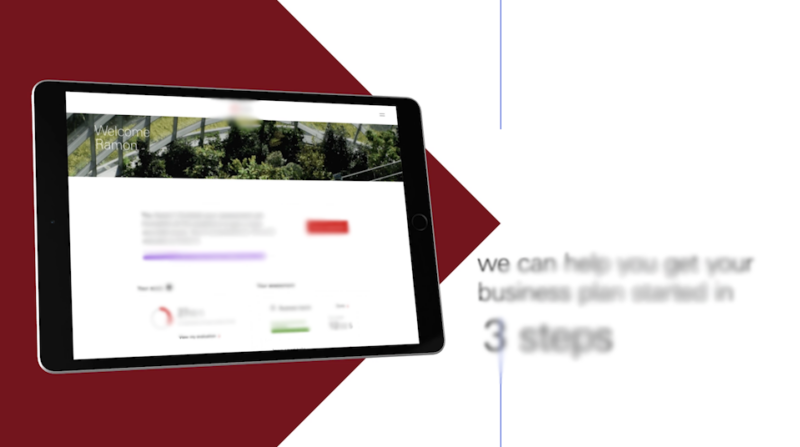
Image 1: This is the main composition in the final video, so this is the end result of changing the comp’s assets. The iPad is built in Element, the screenshot on the iPad is in English. I’m subbing out this screenshot on the tablet with a French version of it that I have.
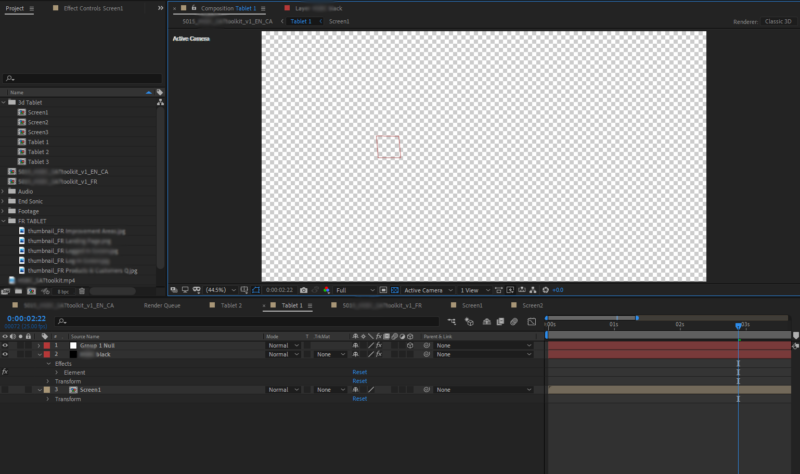
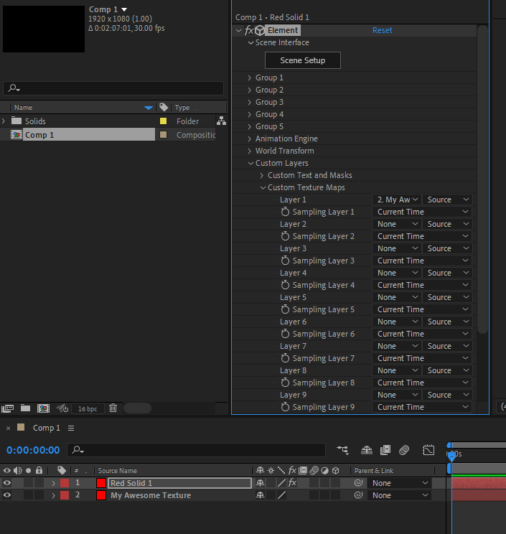
Image 2: This is the Tablet composition that houses everything to do with the iPad. This “Tablet 1” comp is a comp in the main video. In here, there’s a layer with the Element effect that has built the iPad and then the Screen layer which houses the screenshots which get placed on the screen.
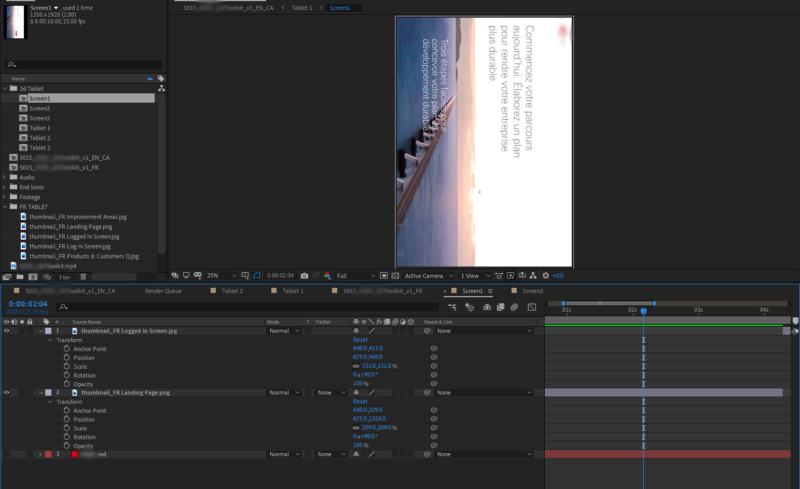
Image 3: This is the screen layer. This had the English screenshot (as seen in the first image above) and I’ve updated the images with the French screenshots but they do not update in the first screenshot/main comp, even though I’ve deleted the English screenshot, it still won’t change or update to the new screenshot I’ve added.