

Activity › Forums › Adobe After Effects › Text Animator: Alternate Position
-
Text Animator: Alternate Position
Posted by Darren Lee on March 7, 2022 at 3:33 pmIs it possible to animate words using Text Animator, but alternating different positions?:
Here is a demo of what I mean
Darren Lee replied 4 years, 5 months ago 2 Members · 7 Replies -
7 Replies
-

Filip Vandueren
March 8, 2022 at 9:07 amhey Darren, your image didn’t upload.
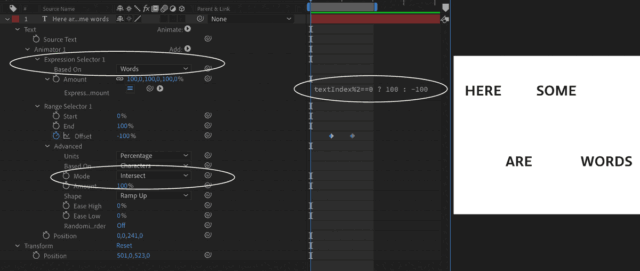
Is this what you meant:

-

Darren Lee
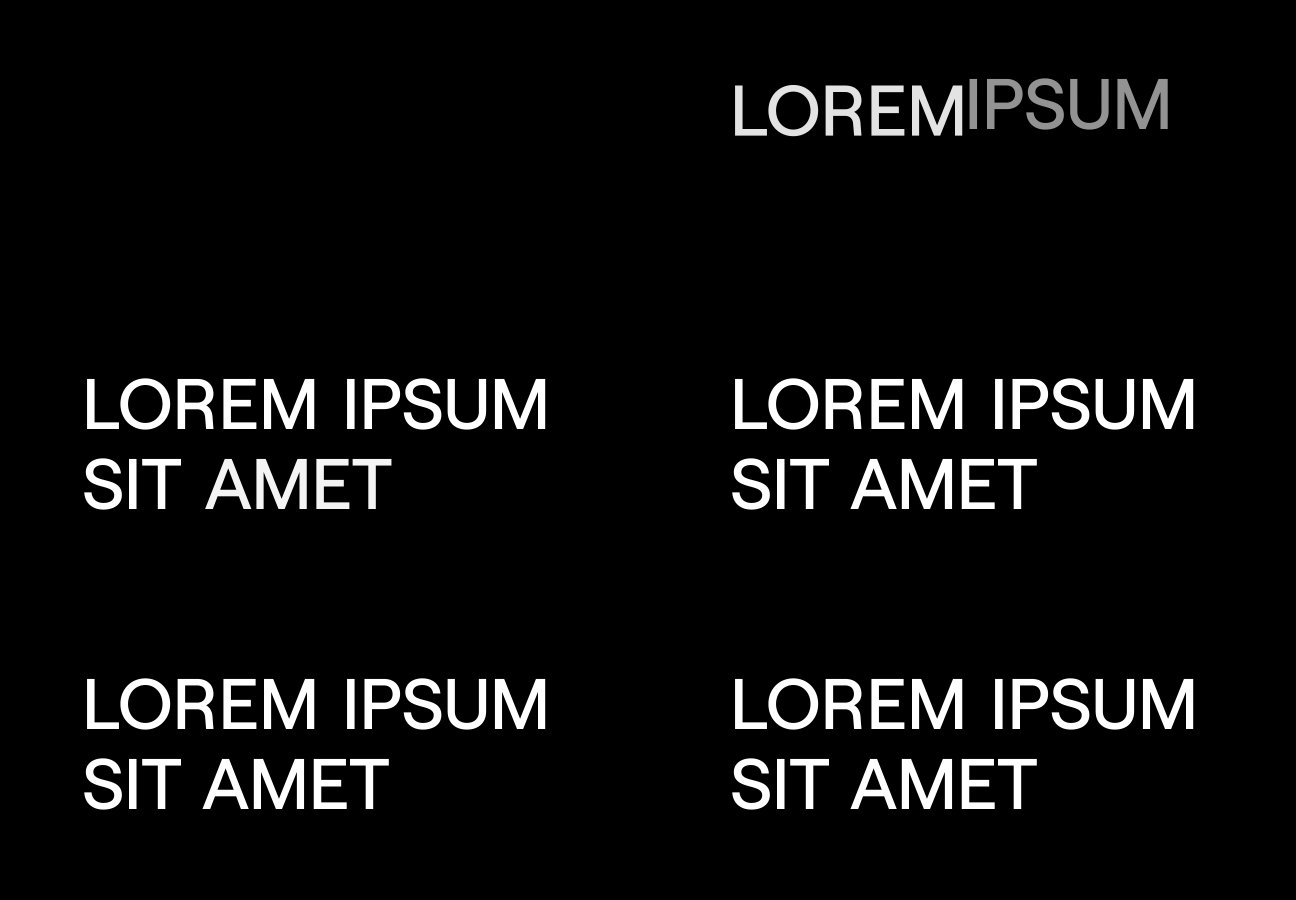
March 8, 2022 at 9:22 amThanks for your reply Filip, here is my original image
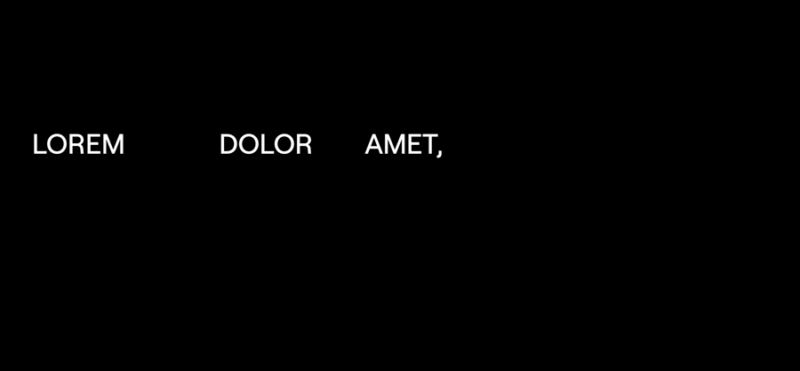
Also here is where I got to with yours, only half the words fade in:
-
Filip Vandueren
March 8, 2022 at 9:39 amYes, you can’t combine it with opacity. Because impacting position by -100% means opposing the coordinates, while doing the same with an opacity of 0, would mean opacity =200.
So the opacity needs a separate animator
-
Darren Lee
March 8, 2022 at 10:30 amok thanks, I can create a new animator for opacity
Would you know how I could alternate from top-right-bottom-left ?
-
Filip Vandueren
March 8, 2022 at 11:27 amYes, the result can be up to 3 dimensional, to influence x/y/z or r/g/b properties differently.
Like this:
i=textIndex%4;
switch (i) {
	case 0:
		[-100,0,0];
		break;
	case 1:
		[0,-100,0];
		break;
	case 2:
		[100,0,0];
		break;
	default:
		[0,100,0];
} -
Darren Lee
March 8, 2022 at 11:57 amthanks, but I was looking to use 2D layers but in 4 different directions, like this:
-
Darren Lee
March 8, 2022 at 1:26 pmI managed this using this code. Then added a opacity animator. Thanks very much!
i=textIndex%4;
switch (i) {
case 0:
[-100,0];
break;
case 1:
[0,-100];
break;
case 2:
[100,0];
break;
default:
[0,100];
}
Reply to this Discussion! Login or Sign Up