

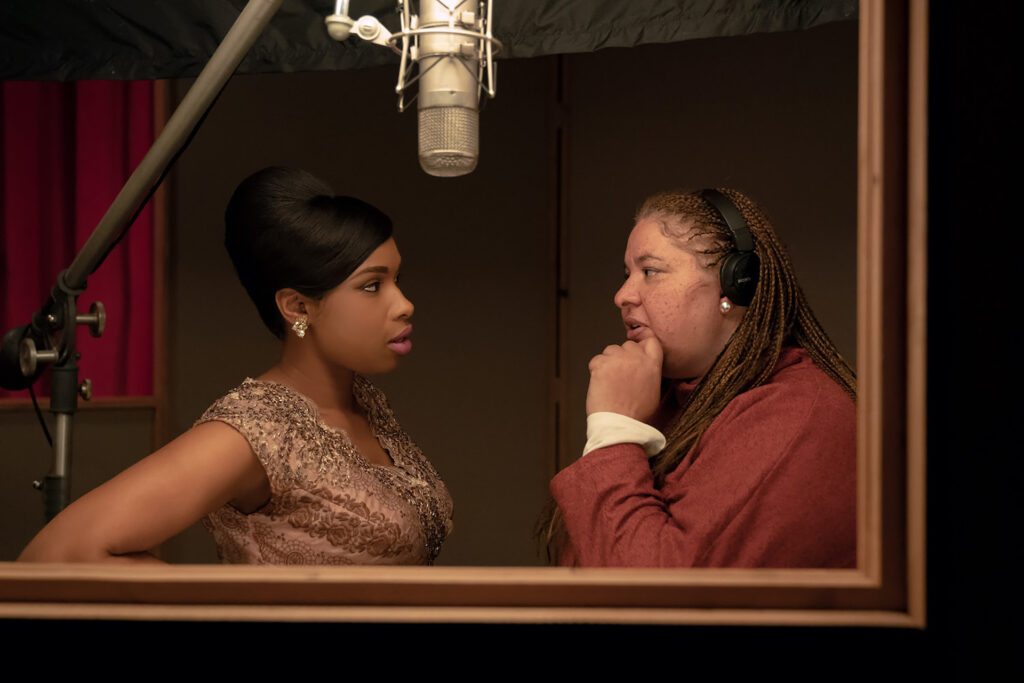
DIFFERENT TIMES: Behind the Scenes with Kramer Morgenthau, ASC

On the surface, a biopic about “Queen of Soul” Aretha Franklin and a heavy-hitting mob drama about a young Tony Soprano’s coming of age might not seem to have much in common. In fact, though, there’s more connecting Respect and The Many Saints of Newark than one might think. Both are set amid a backdrop of political and cultural change, both stories span the 1960s and ’70s, and both were photographed by Kramer Morgenthau, ASC with Panavision T Series optics.
The Many Saints of Newark is the much-anticipated feature prequel to the acclaimed HBO series The Sopranos. The feature focuses on the young Tony Soprano, the character made famous by James Gandolfini’s iconic performance over the series’ six seasons, and here portrayed by the late actor’s son, Michael Gandolfini. Behind the scenes, the project afforded Morgenthau an opportunity to reteam with director Alan Taylor following their earlier collaborations on the features Thor: The Dark World and Terminator Genisys, and on episodes of Game of Thrones.
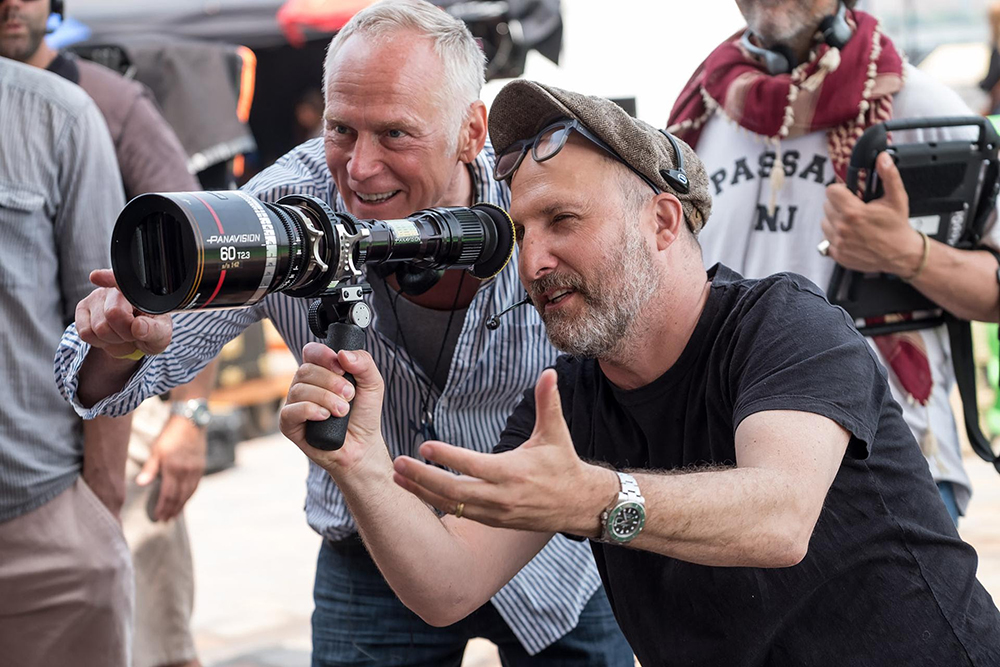
Taylor is also an alumnus of The Sopranos, where he worked with series creator and showrunner David Chase, who penned the screenplay for The Many Saints of Newark. “A lot of the cinematic language that Alan uses was formed over the years he was working on The Sopranos,” Morgenthau says. “It’s a language that originates from classical Hollywood cinema — filmmakers like John Ford and films like The Godfather — where you let a single shot play out, you don’t move the camera unless the characters are moving, and you frame close to subjects so you feel like you’re in the room with them.”
The feature was shot on location in Newark and Brooklyn in spring 2019. “We wanted to honor the TV series,” the cinematographer reflects, “and at the same time open the story out for widescreen cinema by shooting anamorphic and large format.” Working through Panavision New York, Morgenthau opted to pair T Series lenses with a Panavised Arri Alexa LF camera.
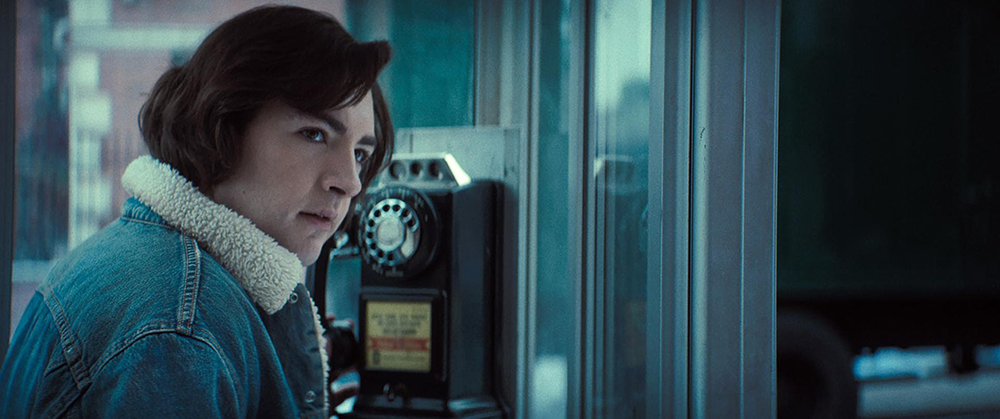
Having previously worked extensively with C Series anamorphics, The Many Saints of Newark marked the cinematographer’s first full feature with T Series glass. “On the technical side, I like the reliability and controllability of the Ts,” he shares. “Optically, we used the natural falloff on the edges, the vignetting, and the bokeh of the T Series to capture the texture of the period setting.”
Morgenthau also asked Dan Sasaki, Panavision’s senior vice president of optical engineering, to dial-in the lenses’ look. “I wanted silky blacks versus hard blacks, and I didn’t want anything to be too hard or sharp,” the cinematographer explains. “I wanted lenses that were ‘distressed’ and would help to break the image down.”
The first part of the movie takes place in 1967 before the story then jumps to 1971. In those four years, the world around the teenage Tony Soprano changes radically. “In the ’60s, our characters are more rooted in the old-school wise-guy gangsters of the 1940s and ’50s,” says Morgenthau, who researched historical photography of the 1967 Newark riots and of Newark’s North Ward, then home to the local Italian American community.
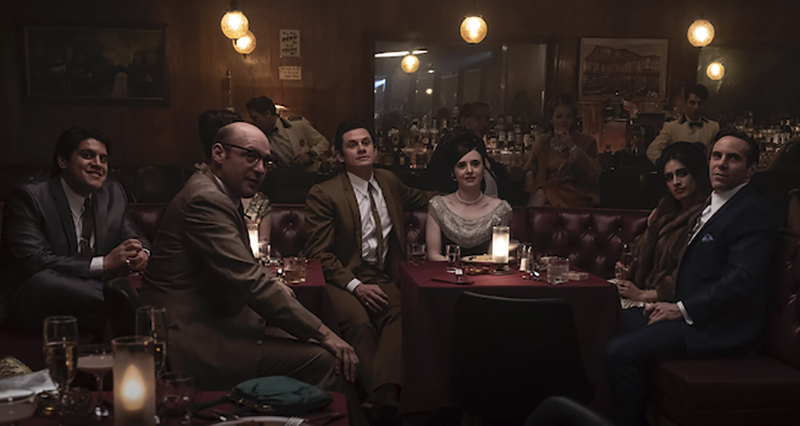
“Alan tends to keep within a very tight optical range,” Morgenthau notes. “We leaned toward the 40mm, 50mm, 75mm range for a lot of the movie, and we loved the 28mm for vistas. We shot wides across the film on crane and dolly to be composed and considered, but all the coverage was done handheld to give a little more intimacy. It’s very controlled handheld, though, operated by Mike Heathcote — sometimes you can barely even tell — and then the camera gets a little looser toward the ’70s.”
Morgenthau went straight from principal photography on The Many Saints of Newark into production on Respect with director Liesl Tommy. “So much of Respect is about the musical performance,” the cinematographer says. “I wanted the camera to be lyrical and fly like a bird.”
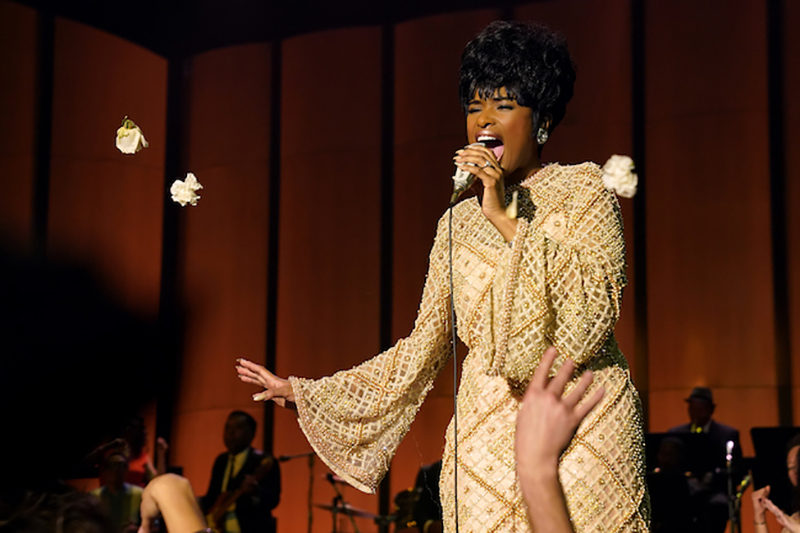
Principal photography on Respect commenced in September 2019. For the production, Morgenthau sourced his camera and lens package through Panavision Atlanta, keeping with T Series lenses, which he this time paired with Panavised Alexa Mini LF cameras. “I chose to use the LF and the T Series again partly out of minimalism,” he says. “Since the T Series lenses are so malleable to different looks, they were the perfect choice. I love seeing how I can push a great lens in different directions by changing other factors.”
Compared to The Many Saints of Newark, Morgenthau says, “We had an entirely different approach to the colour science and the way the optics were tuned. We added film grain to enhance the cinematic feeling by taking off the hardness of the clean digital [format], and we tuned the lenses so they weren’t as distressed and to withstand direct light. Much of the film involves reconstructed concert footage, where we were looking right into stage lighting. While we let the flares ‘fail’ in Saints, on Respect we wanted to hold the highlights so they wouldn’t just milk-out the entire lens when we would look at a light.”
Franklin’s story is told over three time periods. For her childhood in the 1950s (when the young Franklin is portrayed by Skye Dakota Turner), Morgenthau chose a desaturated look — “almost like hand tinted photographs,” says — with a highly controlled camera to mirror the domineering personality of her father (Forest Whitaker). In the 1960s, as Franklin (now played by Jennifer Hudson) reaches stardom, the images are much more colorful, with showstopping concert sequences. The ’70s then find the singer in a downward spiral; for certain key sequences in this portion of the film, Morgenthau employed a speciality 100mm Panavision anamorphic portrait lens to illustrate “an alcoholic’s myopic vision, where the edges are falling out of focus.”
By the end of the film, which culminates in the recording of her live album Amazing Grace, Franklin has stopped drinking, found her faith, and returned to her gospel roots with a concert in a Baptist church in Los Angeles. For these sequences, Morgenthau leaned heavily on actual concert footage filmed in 1972 and released in 2018 as the documentary feature Amazing Grace.
“To emulate the final concert, we shot on 16mm color [with Kodak Vision3 500T 7219] and intercut it with the Alexa LF, using LiveGrain to make a much smoother transition between the ‘archival’ and ‘movie’ looks,” he explains. Elsewhere in the movie, for a few different sequences, Morgenthau shot with 16mm Double-X Kodak stock to replicate the look of black-and-white documentary footage. The 16mm camera and lens package was also provided by Panavision. “We shot with an Arriflex SR3, in regular 16mm, with a Canon 11-138mm zoom,” the cinematographer notes.
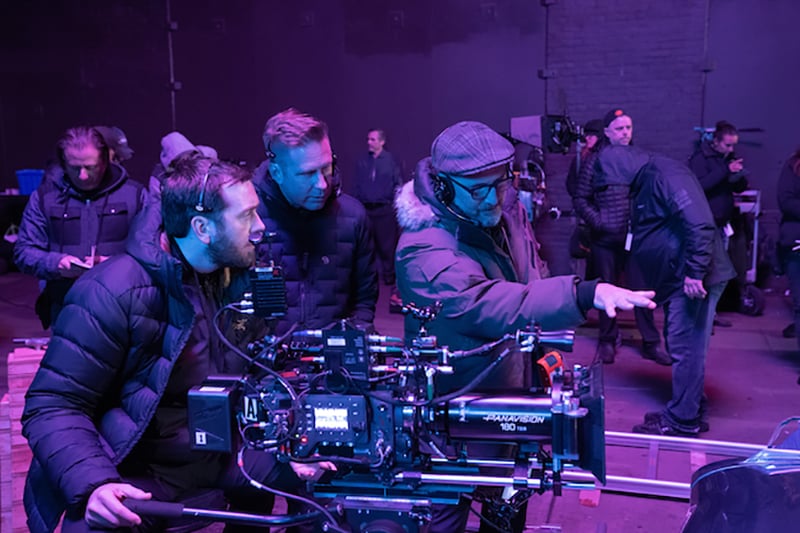
Throughout Respect, Morgenthau employed a lighting scheme that would enable Heathcote’s Steadicam to move fluidly through space in 360-degrees. “In the last decade, I’ve been leaning my lighting away from using keys toward using a lot of light from above,” the cinematographer shares, adding that he’s particularly drawn to the naturalistic styles of cinematographers like Harris Savides, ASC and Gordon Willis, ASC. The approach, Morgenthau continues, “lends the lighting a poetic quality, a naturalism, that sculpts a human face differently.”
As he had with The Many Saints of Newark, Morgenthau aimed to create a cinematic widescreen experience for Respect. “The T Series anamorphics played beautifully for ensemble moments when we would frame the cast across a horizontal landscape, and in concerts where we had Aretha in the foreground alongside her sisters, who were her backing singers.”
“I’m so thankful for all the tremendous support Panavision gave me every step of the way,” Morgenthau adds, reflecting on his journey with both of these productions. “I feel blessed to have done the most exciting work of my career on these two movies back-to-back.”
###
Enjoying the news? Sign up now for the Creative COW Newsletter!

Sign up for the Creative COW newsletter and get weekly updates on industry news, forum highlights, inspirational tutorials, tips, burning questions, and more! Receive bulletins from the largest, longest-running community dedicated to supporting professionals working in film, video, and audio.
Enter your email address, a first and last name, and let us know what you’d like to see more of in the message!
[contact-form-block name_label=”Name” email_label=”E-mail” message_label=”Message” header=”false” header_image_id=”null” header_image_size=”50″ header_image_align=”left” header_title=”Get in Touch” header_text=”Leave your message and we’ll get back to you shortly.” button_text=”Send” button_color=”#3d84f6″ button_text_color=”white” align=”undefined” theme=”default” message_rows=”5″][/contact-form-block]
Responses