-
Seemingly a simple task that I can’t figure out – moving in opposite directions
So here is the setup… A circle that needs to have four controllers (shape layers) that if moved, will distort the circle evenly… meaning if I pull one controller the opposite one will move in the opposite direction an equal amount…
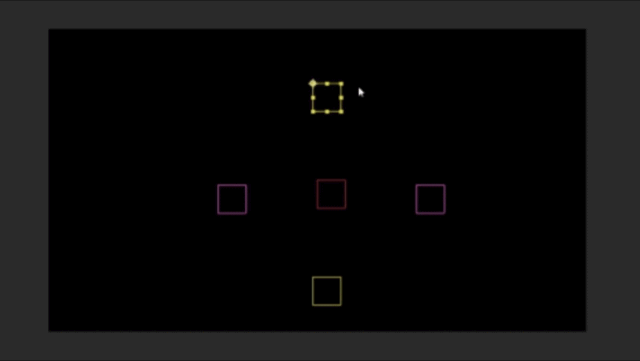
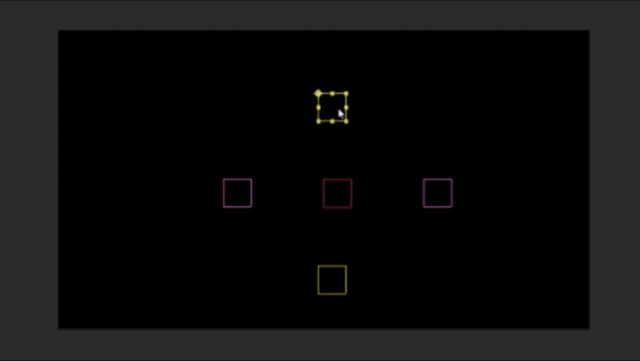
The setup I am trying to use is this:
I have created a shape layer circle, converted the path to bezier path and then i used the built in script to have points follow nulls. Now I want to be able to set it up that if I move one null the opposite one moves an equal amount in the opposite direction. And it seems that no matter what I try (and admittedly I am trying pretty simple solutions that I could come up with since I am not a wiz with expressions)
so what I have tried so far is to have a center null, and then I calculate the distance between the center null and each of the four circle nulls and out put it as a value to a slider… I limit the top and bottom null only to Y axis travel and left and right null to X axis travel. Knowing the radius of the circle (250px) I can figure out the distance each null is moved.
250-length(thisComp.layer("Top").transform.yPosition,transform.yPosition)and so on for each of the four nulls.
Then I try to add an expression to the each of the nulls that has this:
var topToCenter=thisComp.layer("Center").effect("Top To Center")("Slider")
var bottomToCenter= thisComp.layer("Center").effect("Bottom To Center")("Slider")
var distanceTraveled = topToCenter+bottomToCenter;
value = value-distanceTraveled
and then depending whether I need to add or subtract its value-distanceTraveled or value+distanceTraveled
The problem is that doesn’t work… seems like a circular reference that I can’t figure out how to get around…. any suggestions will be hugely welcomed!
Thanks in advance…