

-
Same material looks different on two objects
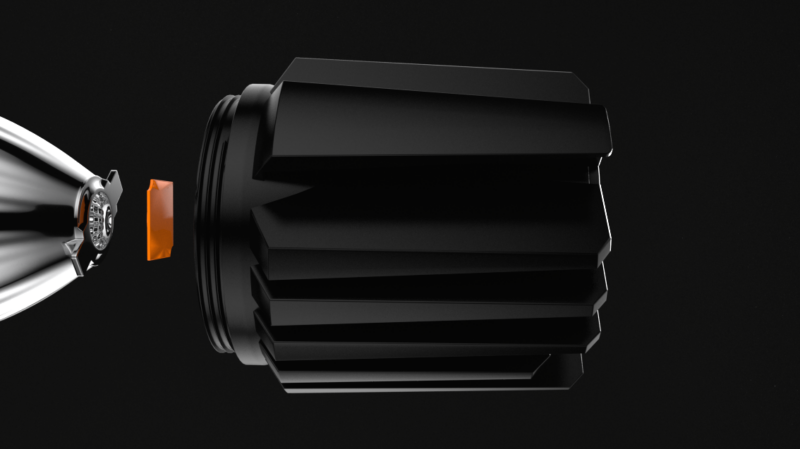
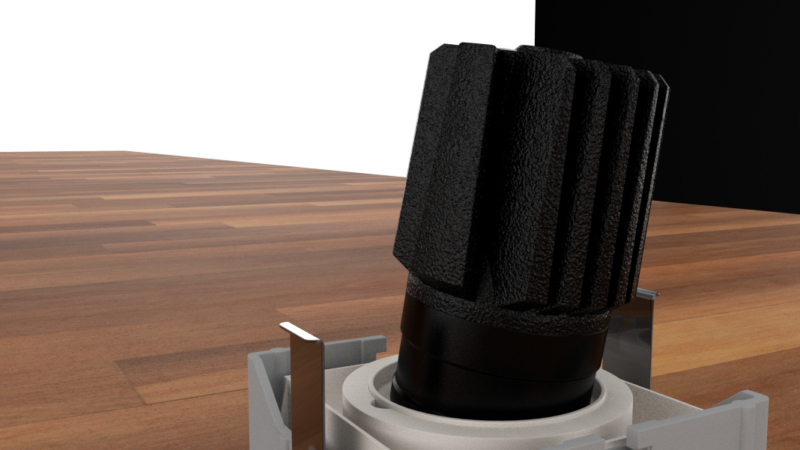
I’m working with the same asset in two separate files. Same material on both. The first image is how it looks in the first file. The material is looking good here; that’s how I want it. The second pic is of the same object and same material, but in my other scene file. The bump is larger, more displacement, etc. But the object and material are exactly the same in both, literally copied and pasted form my first file.
This is only happening with this object. The same material is working fine on other objects across both files. Am I doing something wrong in copying objects and materials between projects? I’m stumped. Any help would be greatly appreciated. I’m using R23 with Redshift. The material is a redshift material, and displacement is disabled in the redshift tag on both copies.
Harry

Sorry, there were no replies found.