-
Rubik’s Cube – 3D is rendering by layer order instead of Z space HELP
Hello friends. I have an issue that I have seen discussed before, but none of the solutions proposed have worked for me. I’m up on a client deadline and have put in a shameful amount of hours trying and failing to resolve this. SOS.
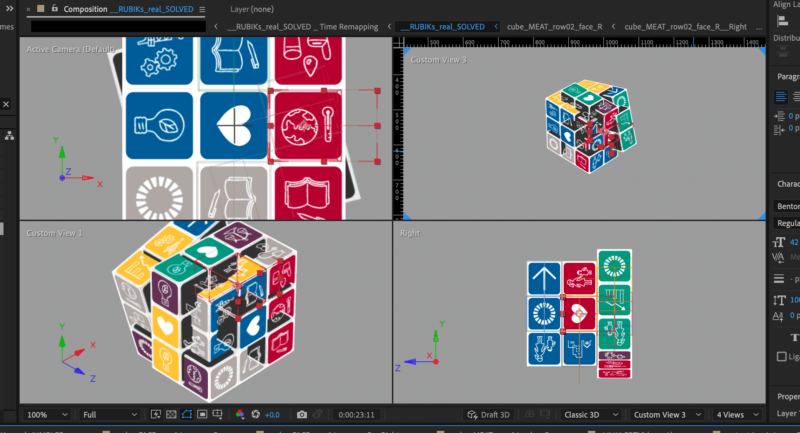
I am animating a functional Rubik’s cube rig in After Effects. It works perfectly, except that I am getting edges clipping because After Effects is rendering the “cubelets” that make up the rubik’s cube in layer order instead of Z-space. So, AE doesn’t treat the things in front as if they are actually in front.
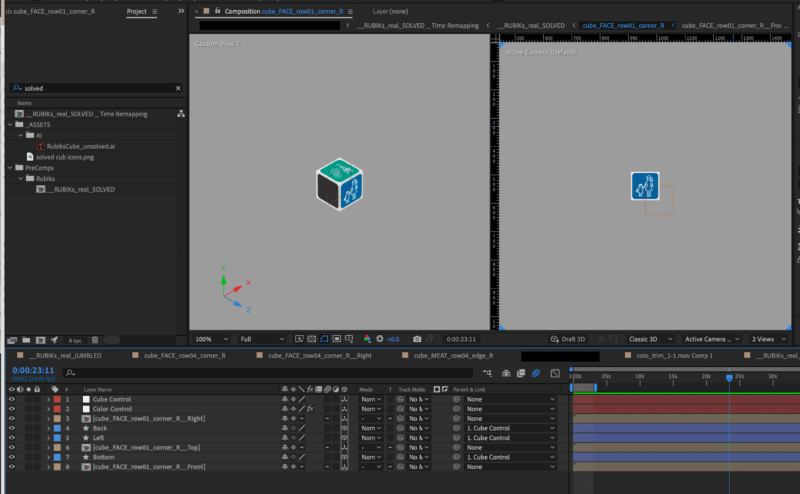
I tried to find an elegant solution – looked in every precomp for a single 2d layer that could be throwing it off, and found none. Looked for layer styles, found none. Couldn’t find anything that was known to cause this issue.
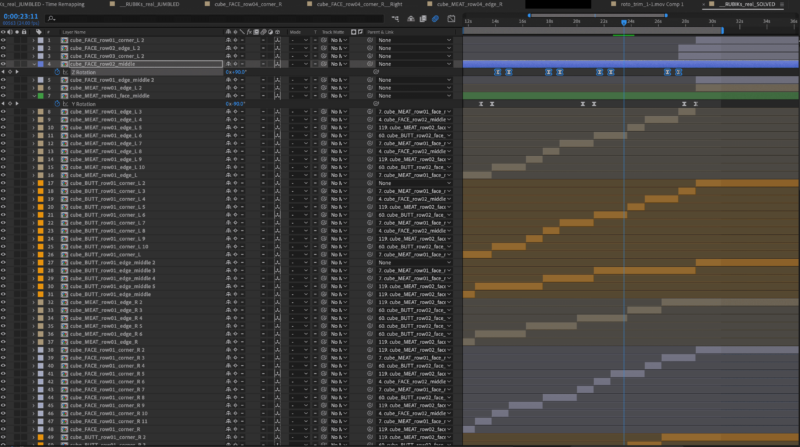
Tried to force an inelegant solution by simply chaining together a bunch of different composition duplicates which each have the layer order rearranged based on what causes the least clipping… but soon realized that since all of these sides are constantly turning, rotating, etc, there is no way for this solution to actually work unless the layer order was changed every 2-3 frames.
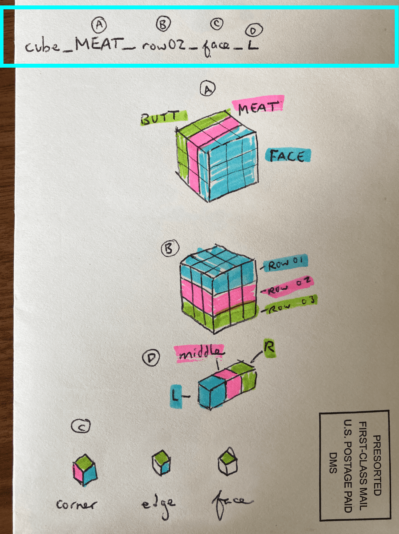
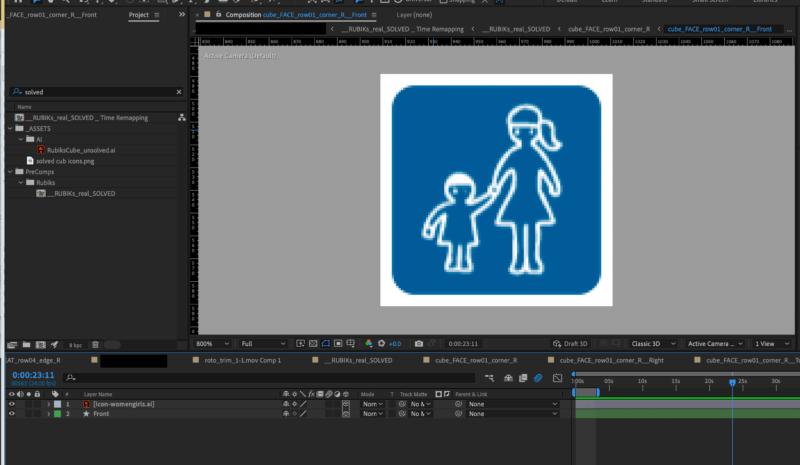
I have attached two screenshots that show how the issue manifests, four screenshots that should provide a general sense of how the Rubik’s cube / project is built, and one guide to the naming conventions I used to keep track of which cubelet was where (which is based on the final Solved position of the Rubik’s cube).
On a Macbook Pro, OS Ventura 13.2.1, After Effects Version 23.5.0
Thank you to anyone who puts any time into helping me resolve this 🙏