-
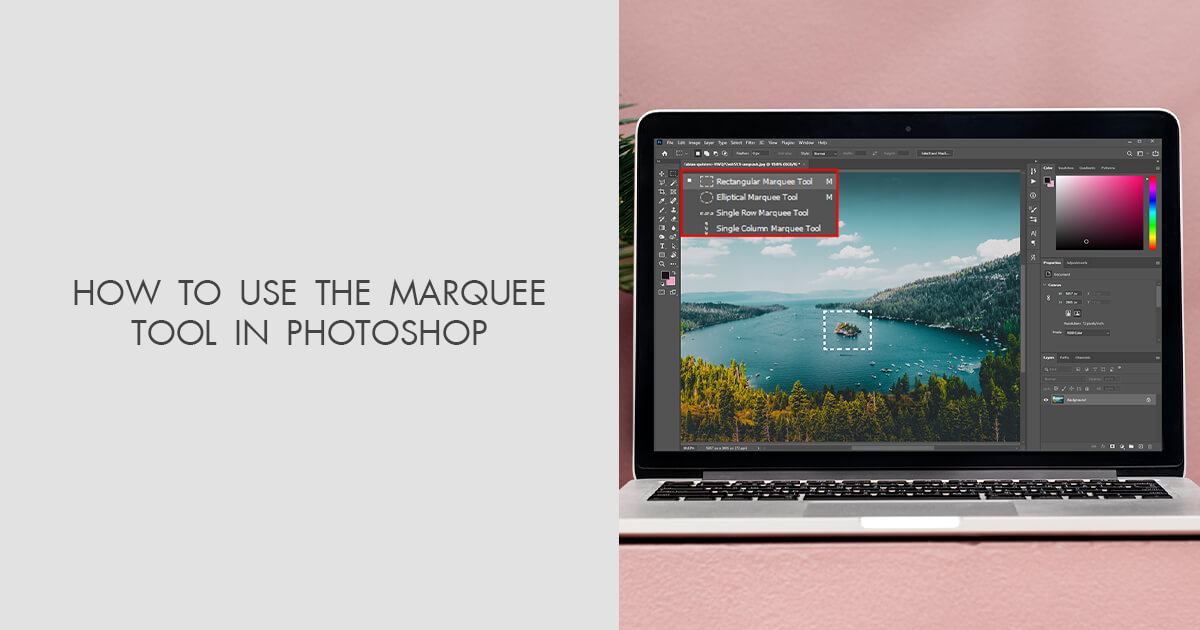
Rectangular Marquee Tool
Hello. I have two versions of Photoshop. In the older one when I select areas with Rectangular Marquee Tool, after selecting it, I can move this area to the proper space I want without moving elements if i don’t switch to tool Move. However, in the newer version, once I make a selection with the Rectangular Marquee Tool, it automatically switches to a subtraction mode, indicated by the X icon in the bottom right corner. This means I can only subtract from the initial selection, which is really frustrating. I prefer the behavior of the older version. Is there a way to revert to that setting? Thanks for all