Helly Cindy!
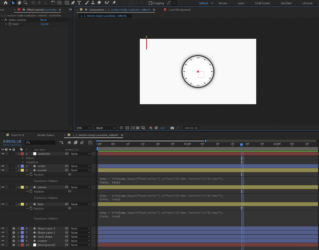
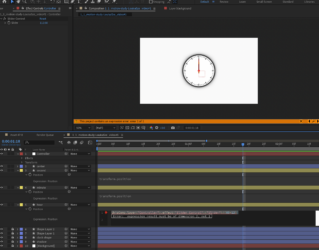
From what I can see on the included screen captures you posted, you’re trying to animate clock hands using slider controls. If that’s the case, adding code to the “position” property won’t help you achieve the desired result. For animating clock hands, you need to focus on the “rotation” property, not the position.
Here’s what you should do:
– Create separate rectangle objects for each hand (hours, minutes, and seconds).
– Set the anchor point of each hand to be at its base, and center the anchor point on the clock face.
– Add your expressions to the rotation property of each hand, not the position.
Here’s a generic code you can use for rotation:
sliderValue = thisComp.layer(“Controller”).effect(“Slider Control”)(“Slider”);
sliderValue
Then, you can multiply the sliderValue by 30 for the hour hand or 6 for the minute and second hands:
Hour hand: sliderValue * 30
Minute hand: sliderValue * 6
Second hand: sliderValue * 6
This will rotate each hand based on the corresponding slider values.
Hope this helped.
Best regards,
Ivan Eldredge G.