Creative Communities of the World Forums

The peer to peer support community for media production professionals.

Activity Forums Maxon Cinema 4D Projection in Material Tag interfering with Cel Shading

  • Projection in Material Tag interfering with Cel Shading

    Posted by Daniel Conrado on August 13, 2020 at 6:40 pm

    Hello everyone, this is my first post here.

    I know this is the place to get some help. I’ve been a frequent visitor of this page since ever. But now, I have a problem that I’ve never seen before in the forums.

    See, I am more like an Adobe AE user, so my knoledge in C4D is limited. I’m trying to make a Cel shading effect in some objects, but for some reason the light I set is not affecting the shade.

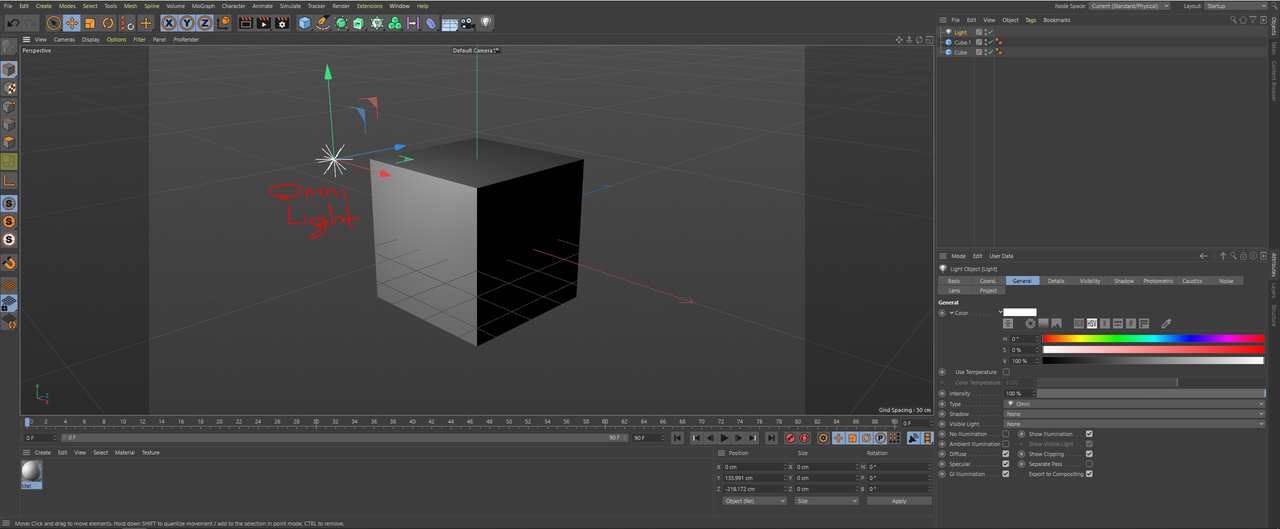
    Here the light is afecting the object as always.
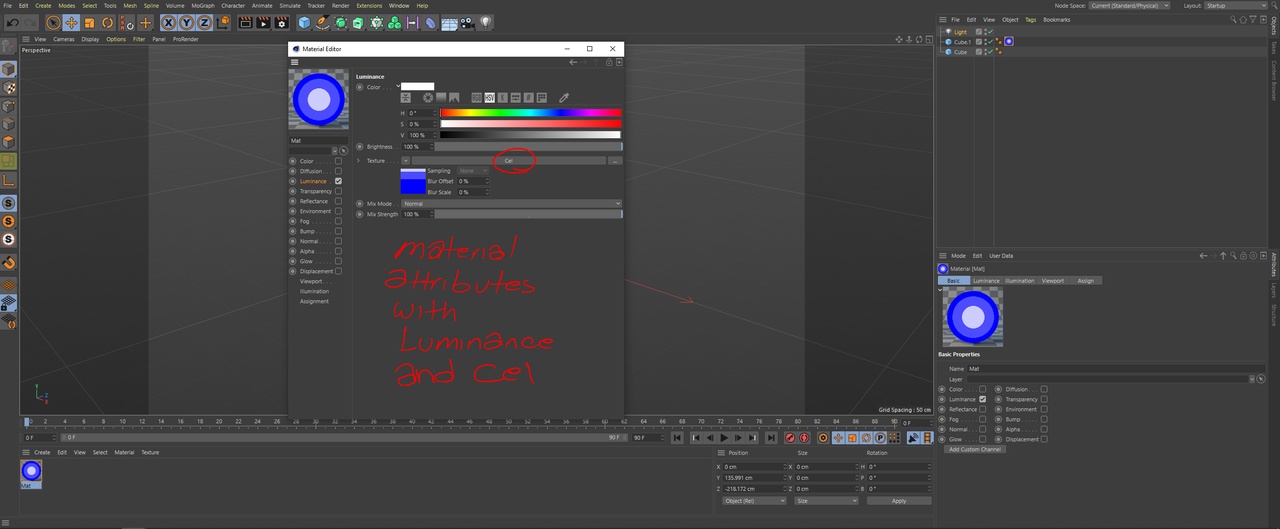
    Then I add a material and set the Luminance and the Cel texture.
    But this is the result.
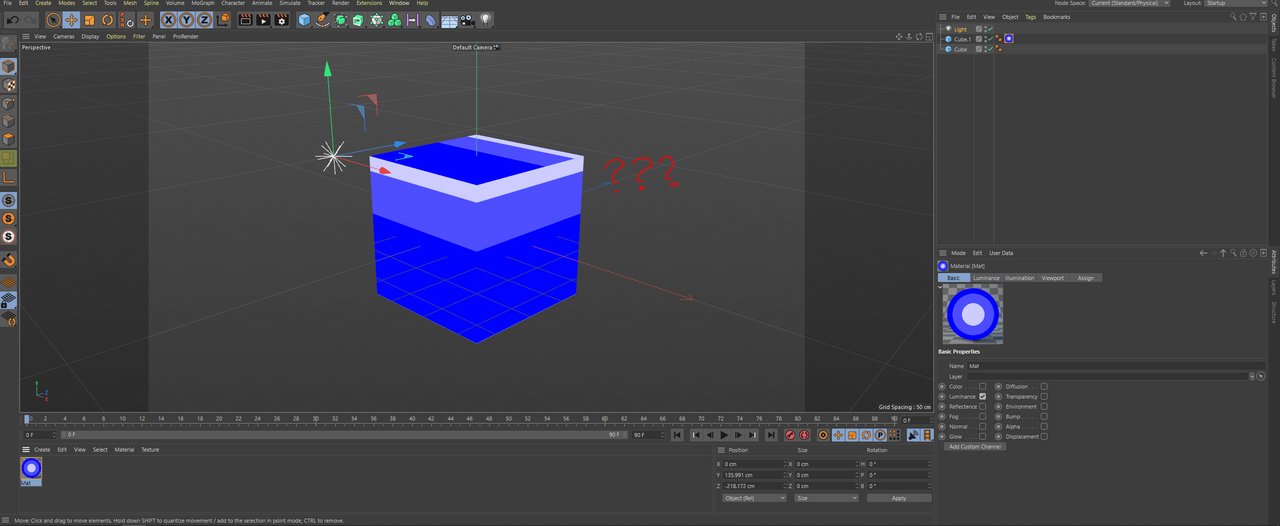
    After a couple of hours running a search in Google I found out that part of the problem is here, in the Projection attribute in the Material Tag. If I change this option the shade will change, but still no reacting to the light in the scene.
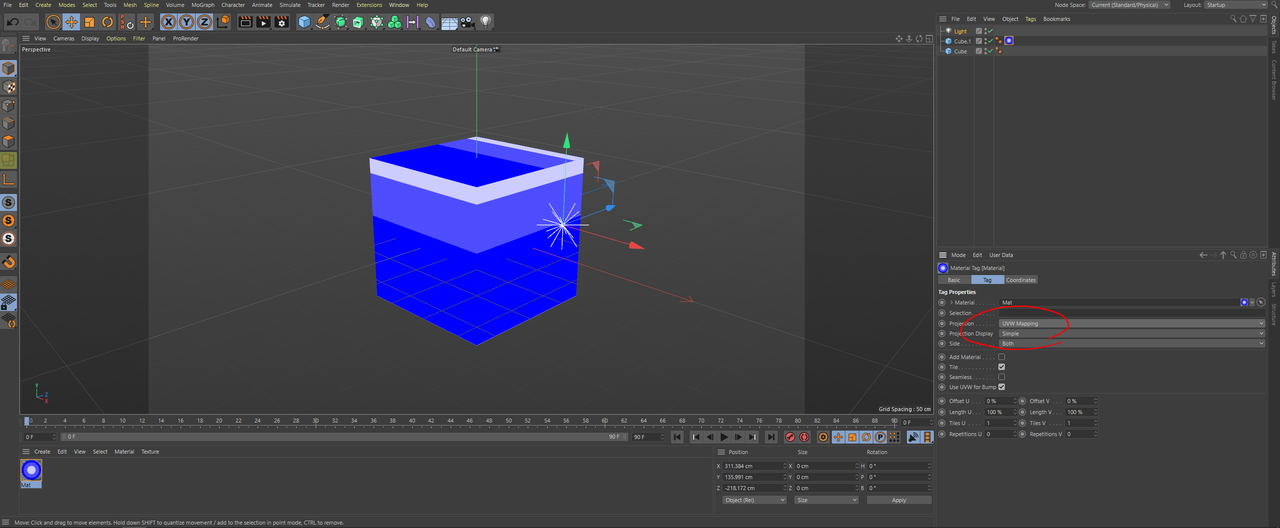
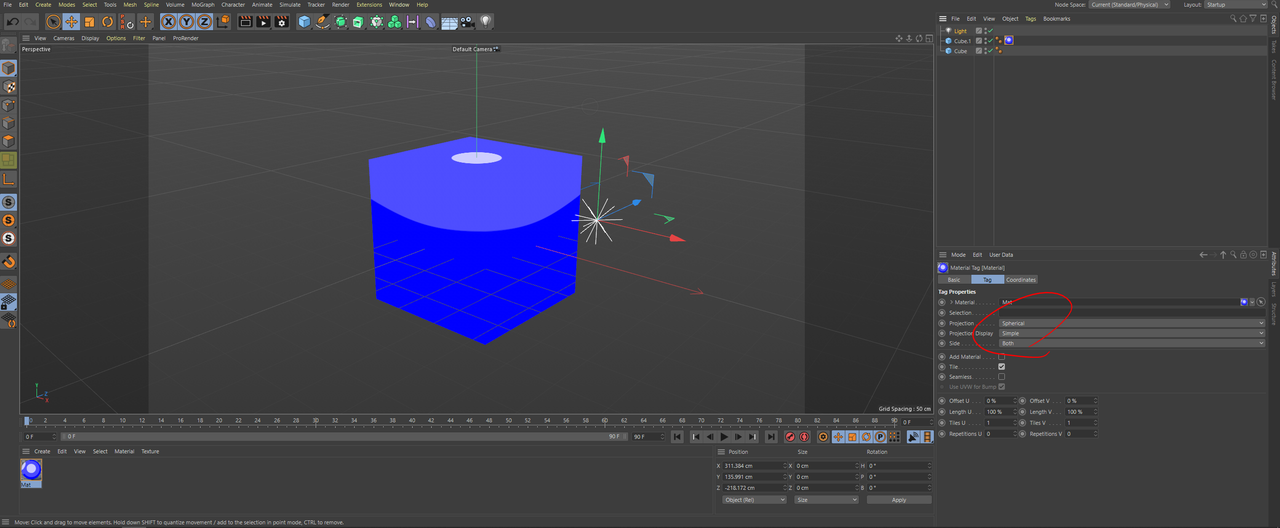
    Can anyone help me? Is there a step that I miss.

    Also, don’t seems that the problem is in the render settings nor the light itself.

    Thanks for your help.

    Daniel Conrado replied 5 years, 9 months ago 2 Members · 4 Replies
  • 4 Replies
  • Brian Jones

    August 14, 2020 at 5:39 pm

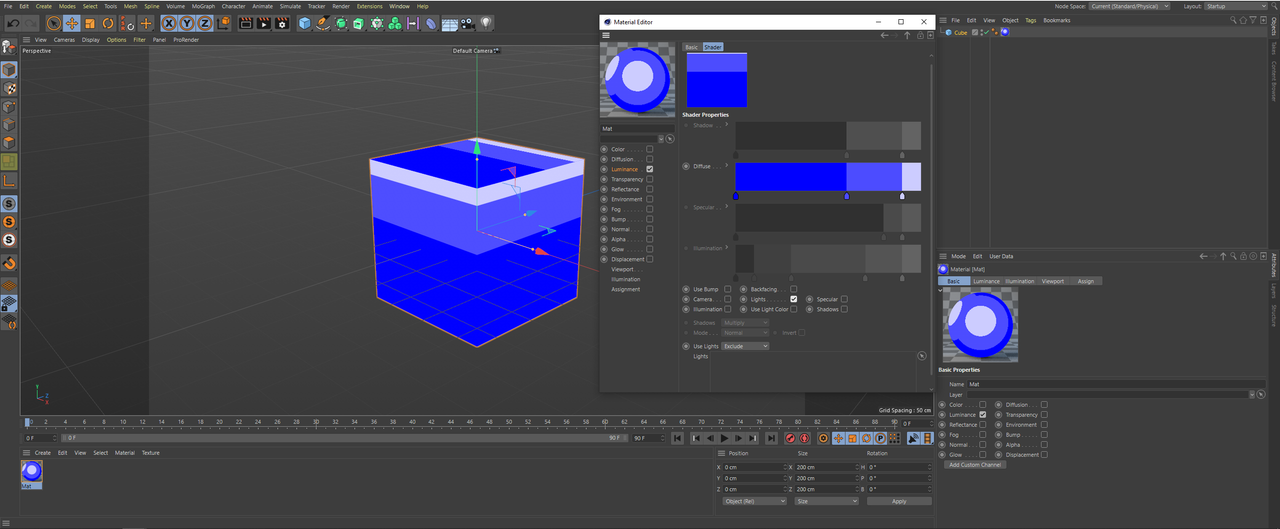
    Inside the Cel Shader’s settings Uncheck – Camera and Check – Lights

  • Daniel Conrado

    August 14, 2020 at 5:52 pm

    Hello Brian,

    Thanks for responding. Unfortunately, still not working…

    Seems that the UVW mapping have something to do with this.

  • Brian Jones

    August 14, 2020 at 7:03 pm

    try rendering, the Interactive Render Region is good for this, what shows in the preview is not always what renders (it’s for great preview speed but a few compromises are made to do that)

  • Daniel Conrado

    August 14, 2020 at 8:26 pm

    Well, it does. It works with the Interactive Render Region. Thanks a lot Brian!

We use anonymous cookies to give you the best experience we can.
Our Privacy policy | GDPR Policy