-
Prep AI layers for AE (complex artwork, but only certain layers need animating)
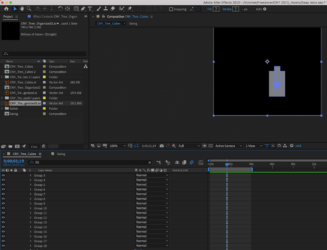
Hi guys! I need some help prepping an complex AI file with many layers, compound shapes and paths for AE. But only certain parts of the original artwork need to be animatable. Right now, a “create shapes from vector layers” creates 1) too many groups in “Contents” to manage, 2) creates these weird grey fills.
I’ve attached some the artwork file, as well as some screenshots
For context: I need to animate all the hanging lanterns in the artwork to make them sway and glow—For this purpose, I can treat/prep the each lanterns as one “shape”. But 3 of the lanterns I need to be able to animate some lantern details (ex: puppet tool the bull or making some shapes move mp4). So these lanterns I need to be able to have their components as individual layers.
Can anyone make a suggestion anything? Right now, I’m going through individual anonymous layers in AE and deleting the grey fills and renaming layers.